I was wrong, Bun is FASTER than node (but filled with bugs)
TL;DR
In-depth load testing analysis comparing Bun and Node.js performance.
Transcript
all right so i have been spending more time trying to also do some more load testing on bun just because the last video i made uh some people have comments saying that you know like no should be able to handle more requests and what i was seeing on my local box wasn't really that performant i wanted to kind of redo that test redo some different sce... Read More
Key Insights
- 🏆 Conducting load tests requires careful setup to avoid local machine limitations affecting performance evaluations.
- 🛟 Using remote servers in the same data center can enhance the reliability of load testing results by minimizing network variability.
- 🏆 Bun demonstrated superior performance data in specific load tests compared to Node.js, suggesting it is competitive for certain tasks.
- 🆘 Identifying and troubleshooting response header discrepancies between frameworks could help refine testing accuracy.
- 🦮 Presenting feedback on beta software like Bun is crucial to guide its development and stability improvements.
- 🕸️ Understanding the limitations and potential of emerging frameworks like Bun is essential for developers exploring modern web technologies.
- ❓ Effective load testing also involves considering the implications of concurrent connections and how they might affect overall performance.
Install to Summarize YouTube Videos and Get Transcripts
Explore YouTube Video Summarizer or Get YouTube Transcript Extractor
Questions & Answers
Q: Why should one avoid load testing on a local laptop?
Load testing from a local laptop can introduce several confounding variables, such as limited bandwidth, latency issues, and CPU or memory constraints of the local machine. These factors might skew the test results, making it difficult to determine the actual performance of the framework or library being tested. Using servers in a controlled environment, like Digital Ocean droplets, helps isolate the performance metrics.
Q: What tools were used for load testing in the video?
The primary tools mentioned for load testing include Autocannon, which can simulate multiple concurrent requests to an API, and Apache Benchmark, which is another command-line tool for testing the performance of a web server. These tools help extract performance data by measuring requests per second, latency, and response times under different loads applied to the algorithms in use.
Q: What were the results of the load tests comparing Bun and Node.js?
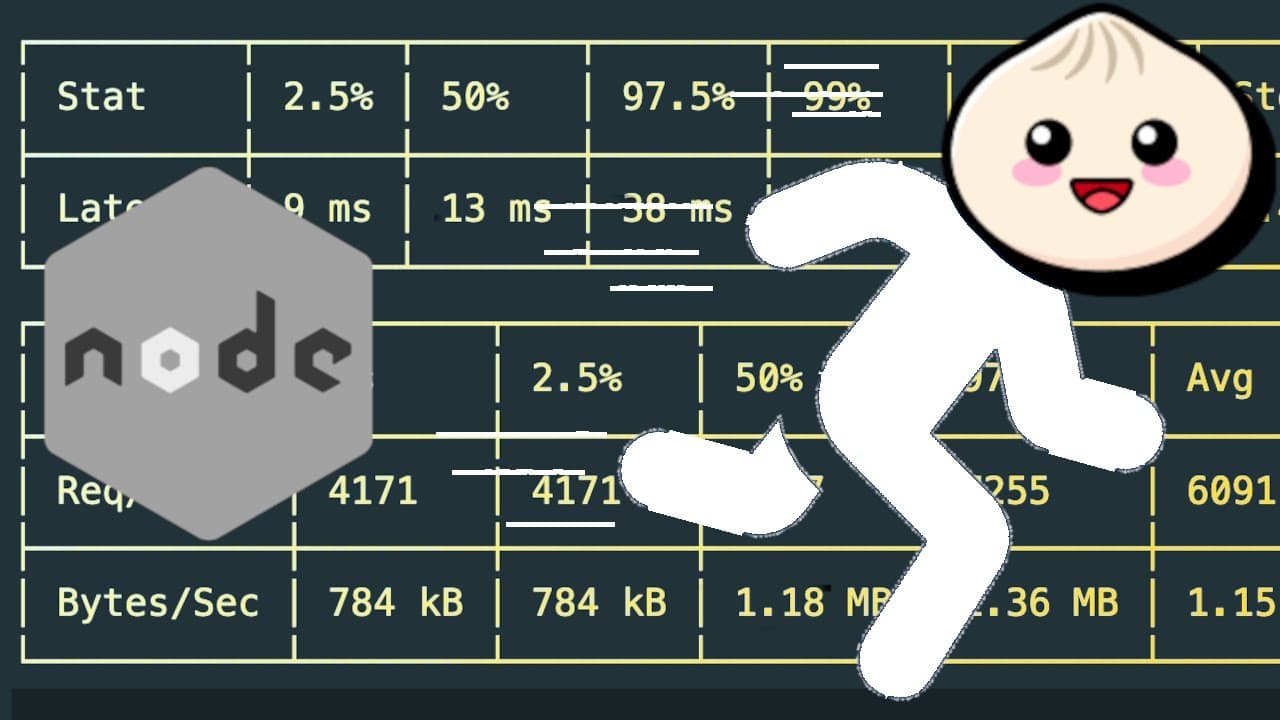
The load testing results indicated that Bun performed approximately 11,000 requests per second, whereas Node.js managed around 6,000 requests per second. Additionally, Bun had lower latency, taking half the time to respond to requests compared to Node.js, showcasing Bun’s efficiency in this specific scenario.
Q: What issues did the presenter encounter while using Bun for the tests?
The presenter faced various issues with Bun, including a crashing bug when trying to use certain Bun commands on Ubuntu, specifically when executing file write operations. There were also challenges with response headers differing significantly from Node.js, which could potentially affect performance metrics adversely during testing.
Q: How did the different headers impact the performance between Bun and Node.js?
The response size for Bun was smaller than that of Node.js due to fewer headers being sent, which may positively impact response time. However, Node.js had additional overhead due to more response headers, resulting in larger payloads that could lead to longer processing times and slower performance under load.
Q: What could be potential improvements for load testing accuracy?
To enhance load testing accuracy, one could consider scaling the testing environment by using more robust machines to eliminate limitations caused by CPU or bandwidth. Additionally, ensuring both frameworks have comparable response headers and payload sizes could provide a more equitable basis for performance comparison.
Q: Why is Bun regarded as a beta software, and what implication does that have?
Bun is labeled as beta because it is still in its early stages of development, meaning it may contain bugs or incomplete features. This state of software can lead to operational inconsistencies, such as unexpected crashes or limited functionality, which could affect real-world application development and reliability.
Q: What are the next steps for Bun based on the video discussion?
The presenter suggests ongoing observation and experimentation with Bun, as it shows promise in specific scenarios. However, addressing the existing issues, like the inability to handle simple file operations, is essential for Bun’s future usability and development, indicating further updates and fixes are necessary.
Summary & Key Takeaways
-
The video explores load testing methodologies for evaluating the performance of frameworks, focusing on Bun and Node.js under similar conditions.
-
The testing setup involves two Digital Ocean droplets simulating API requests to mitigate local system limitations, aiming to accurately assess performance metrics.
-
Load tests reveal Bun's potential advantage over Node.js in specific scenarios, though issues with Bun's response headers and crash occurrences highlight the framework’s current beta status.
Read in Other Languages (beta)
Share This Summary 📚
Summarize YouTube Videos and Get Video Transcripts with 1-Click
Try YouTube Summary with ChatGPT & Claude or YouTube Transcript Generator
Explore More Summaries from Web Dev Cody 📚





Summarize YouTube Videos and Get Video Transcripts with 1-Click
Try YouTube Summary with ChatGPT & Claude or YouTube Transcript Generator