Hello World App in Flutter
TL;DR
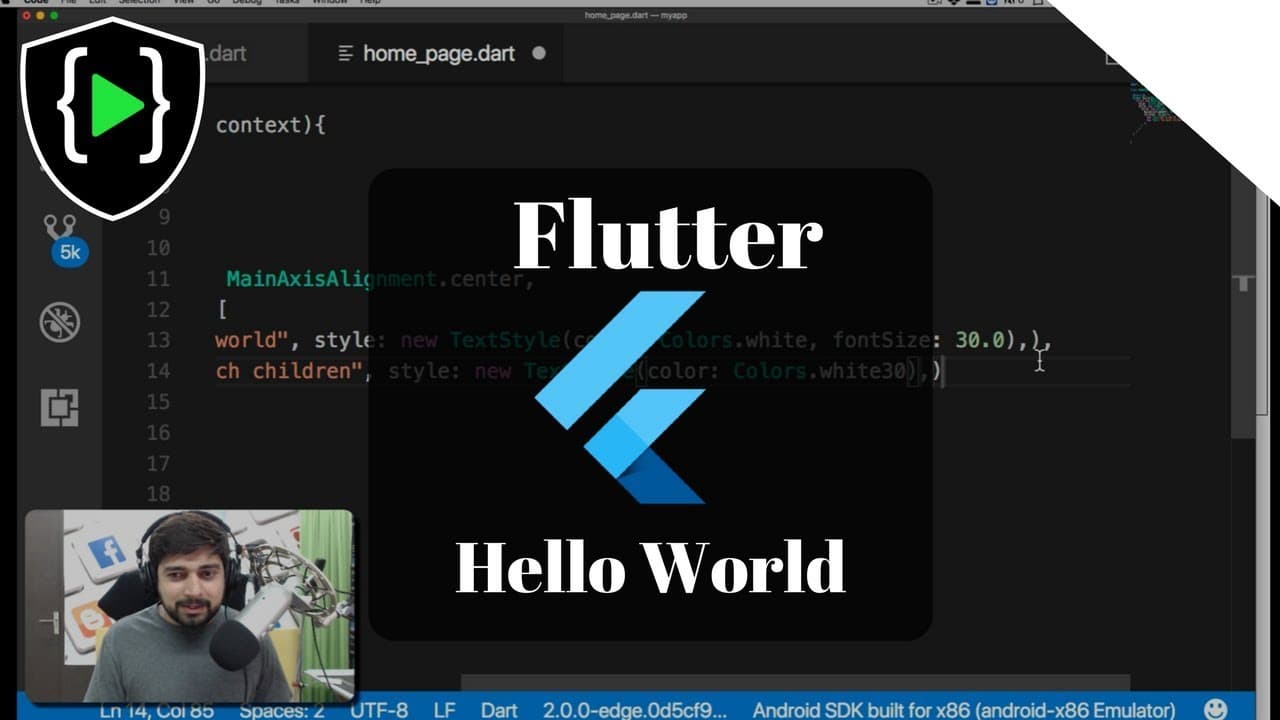
Learn how to create a stylish hello world app using Flutter, focusing on Flutter widgets for material design, layout, and text.
Transcript
this video is brought to you by learn code online dot in visit our website or download our apps hey you did everyone with a sheer back again with another video and in this video we are talking about flutter so let's talk about flutter again in case you haven't watched the previous videos go ahead was that I discussed a little bit detail about insta... Read More
Key Insights
- 😀 Flutter is a popular framework for developing cross-platform apps.
- 😀 The material component in Flutter enables the integration of material design principles into app development.
- 😀 The column layout in Flutter simplifies the process of positioning elements vertically within an app.
- 😀 Customizing the appearance of text widgets in Flutter can enhance the overall design and user experience of an app.
- 🍃 Flutter provides a streamlined development process and eliminates the need for separate codebases for iOS and Android.
- 😀 Using widgets in Flutter allows for a modular and reusable approach to app development.
- 😀 Flutter offers a wide range of properties and options for customizing the visual elements of an app.
Install to Summarize YouTube Videos and Get Transcripts
Explore YouTube Video Summarizer or Get YouTube Transcript Extractor
Questions & Answers
Q: What is Flutter and why is it popular?
Flutter is a framework for building cross-platform apps using a single codebase. It is gaining popularity because it simplifies the development process and provides easier styling and layout options compared to native app development.
Q: What is the purpose of the material component in Flutter?
The material component in Flutter allows developers to incorporate material design principles, such as consistent color schemes and basic UI elements, into their apps.
Q: How does the column layout in Flutter work?
The column layout in Flutter allows for vertical stacking of widgets, making it easier to position elements in a flexible and responsive manner. It is particularly useful when designing apps for different device sizes.
Q: How can I customize the appearance of text widgets in Flutter?
Text widgets in Flutter can be customized using the TextStyle class, which allows you to change properties such as color, font size, and font weight. This allows for more visually appealing and personalized text within your app.
Summary & Key Takeaways
-
This video tutorial teaches viewers how to create a stylish hello world app using Flutter.
-
The tutorial covers the use of Flutter widgets for material design, layout, and text.
-
Important concepts discussed include using the material component, working with column layout, and customizing text widgets.
Read in Other Languages (beta)
Share This Summary 📚
Summarize YouTube Videos and Get Video Transcripts with 1-Click
Try YouTube Summary with ChatGPT & Claude or YouTube Transcript Generator
Explore More Summaries from Hitesh Choudhary 📚






Summarize YouTube Videos and Get Video Transcripts with 1-Click
Try YouTube Summary with ChatGPT & Claude or YouTube Transcript Generator