Discord Bots 5: Posting GIFs
TL;DR
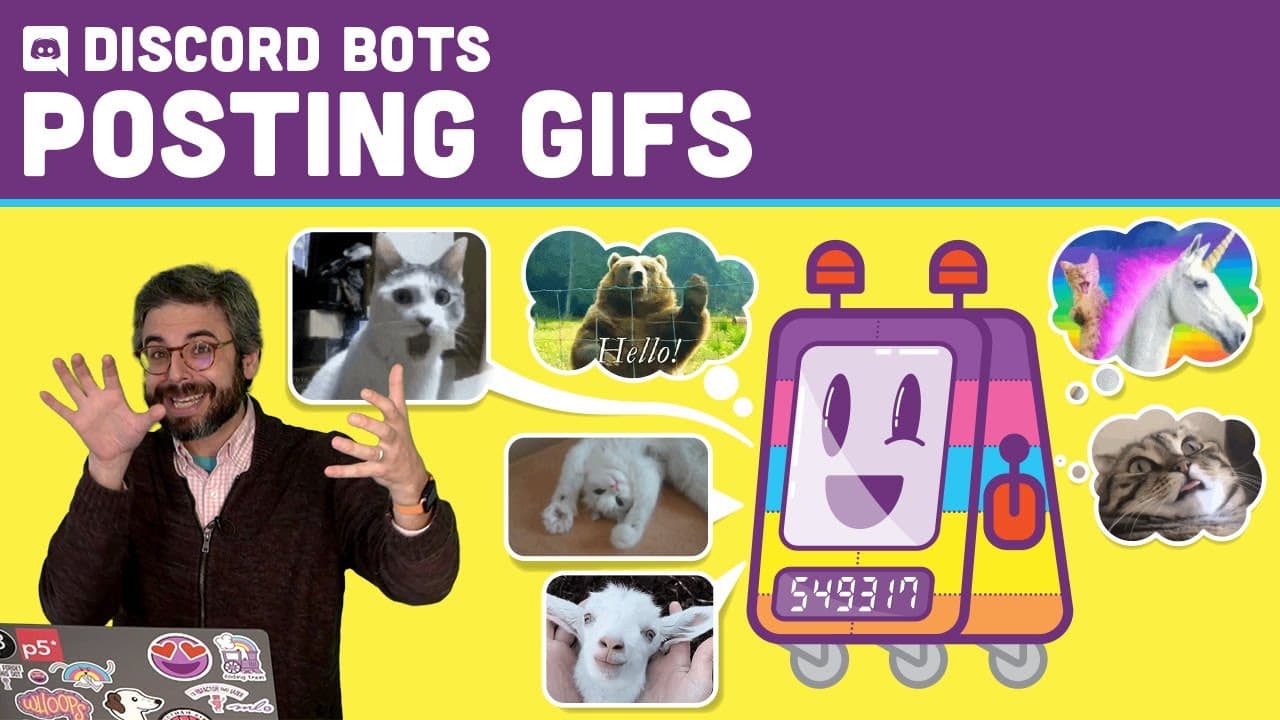
Learn how to create a Discord bot that can retrieve GIFs from Tenor.com and post them in Discord using commands.
Transcript
welcome back here is another discord bot tutorial in this tutorial i'm going to attempt to retrieve a gif from tenor.com and post that gif to uh discord itself so i'll use a command like exclamation point gif a search term and then i'll get a gif back from tender.com so there's lots of different gif apis you could you could have your own library of... Read More
Key Insights
- 🤖 The tutorial demonstrates how to create a Discord bot that can retrieve GIFs from Tenor.com and post them in Discord using commands.
- 🤩 The process involves obtaining a Tenor API key, saving it in a .env file, and using the key to make requests to the Tenor API for GIFs based on user commands.
- 🤖 The tutorial covers how to handle multiple commands, modify the code to get a random GIF, and add search functionality to the bot.
- 🤖 Customizing the GIFs used by the bot and adding additional functionality are possible by utilizing the search functionality and implementing a command handler respectively.
- 💝 The tutorial also introduces the concept of a content filter to ensure that only family-friendly GIFs are retrieved.
- 😒 The use of the fetch function and async/await syntax is recommended for making API requests in a modern and efficient way.
- 😒 The tutorial highlights the importance of code organization and scalability, suggesting the use of a command handler to handle multiple commands seamlessly.
Install to Summarize YouTube Videos and Get Transcripts
Explore YouTube Video Summarizer or Get YouTube Transcript Extractor
Questions & Answers
Q: How do I obtain a Tenor API key?
To obtain a Tenor API key, you need to log in, create an application, and follow the simple process outlined in the tutorial. Links to the necessary resources are provided in the video description.
Q: Can I customize the GIFs used by the bot?
Yes, you can customize the GIFs used by the bot. The tutorial demonstrates how to use the Tenor API to search for specific GIFs based on user input.
Q: Can I add additional functionality to the bot?
Yes, you can add additional functionality to the bot. The tutorial introduces the concept of a command handler, which allows you to break out different commands into separate JavaScript files and build a larger, more robust bot.
Q: Is it possible to filter the GIFs returned by the bot?
Yes, it is possible to filter the GIFs returned by the bot. The tutorial shows how to use the "content filter" feature of the Tenor API to ensure that only family-friendly GIFs are retrieved.
Summary & Key Takeaways
-
This tutorial focuses on creating a Discord bot that can retrieve GIFs from Tenor.com and post them in Discord using commands.
-
The process involves obtaining a Tenor API key, saving it in a .env file, and using the key to make requests to the Tenor API for GIFs based on user commands.
-
The tutorial covers how to handle multiple commands, modify the code to get a random GIF, and add search functionality to the bot.
Read in Other Languages (beta)
Share This Summary 📚
Summarize YouTube Videos and Get Video Transcripts with 1-Click
Try YouTube Summary with ChatGPT & Claude or YouTube Transcript Generator
Explore More Summaries from The Coding Train 📚






Summarize YouTube Videos and Get Video Transcripts with 1-Click
Try YouTube Summary with ChatGPT & Claude or YouTube Transcript Generator