What Are the Best Tools for Creating YouTube Thumbnails?
TL;DR
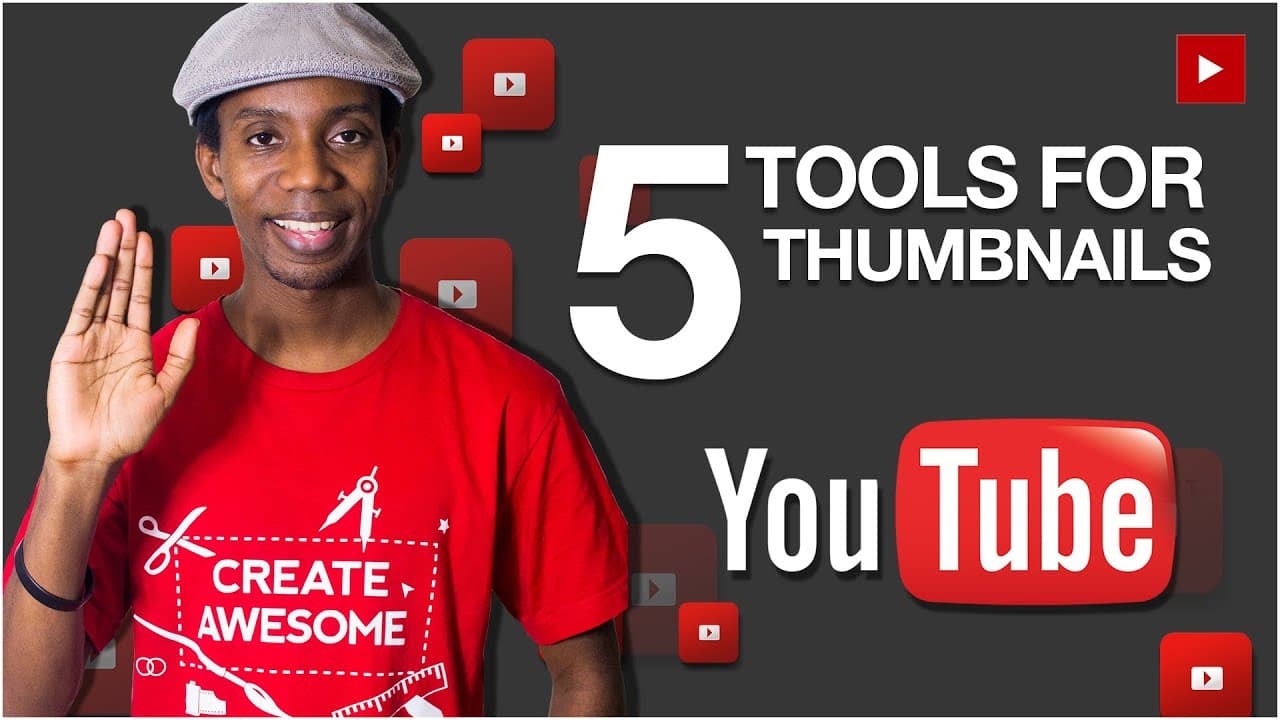
The best tools for creating YouTube thumbnails include Adobe Photoshop for flexibility, Canva for simplicity, and PicMonkey for unique features. For budget options, consider GIMP, which is free but complex, or Photoshop Elements for a one-time purchase. Utilizing stock photo sites like GraphicStock or free resources such as DeviantArt can enhance thumbnail quality.
Transcript
- Hey, everybody. This is Roberto Blake of robertoblake.com, helping you create something awesome today. So today, we're gonna talk about five tools, probably five of the best tools for making YouTube thumbnails. So, the tool I use, of course, is Adobe Photoshop. That's pro software and that may not be for everybody, but that is tool number one and... Read More
Key Insights
- 🔨 Adobe Photoshop is the recommended tool for creating YouTube thumbnails, but it may not be affordable or suitable for everyone.
- 🥶 Stock photo sites like GraphicStock, as well as free resources like DeviantArt and Creative Commons in Flickr, can provide high-quality images for thumbnails.
- 🎚️ Alternatives to Adobe Photoshop include Photoshop Elements, GIMP, Canva, and PicMonkey, each with varying levels of complexity and affordability.
- 🔨 Canva is considered the more intuitive tool, while PicMonkey offers unique features and can also be useful.
- ❓ Budget-friendly options for creating thumbnails include GIMP, PicMonkey, and Canva, with canva.com being the preferred choice.
- 💌 Subscribing to Roberto Blake's channel and email course can provide more tips and step-by-step processes for growing a small YouTube channel.
Install to Summarize YouTube Videos and Get Transcripts
Explore YouTube Video Summarizer or Get YouTube Transcript Extractor
Questions & Answers
Q: What is the best tool for creating YouTube thumbnails?
According to Roberto Blake, Adobe Photoshop is the best overall tool due to its flexibility and range of features.
Q: Are there any free options for creating YouTube thumbnails?
Yes, Roberto suggests using free resources like DeviantArt and Creative Commons in Flickr, as well as web-based tools like Canva and PicMonkey.
Q: How much does Adobe Photoshop cost?
Adobe Photoshop is available through a subscription model, with the photography bundle which includes Photoshop costing $10 per month. Photoshop Elements can also be purchased outright for around $70.
Q: What is the easiest tool to use for creating YouTube thumbnails?
Roberto recommends Canva as the more intuitive and user-friendly tool, particularly for those with limited technical skills.
Summary & Key Takeaways
-
Roberto Blake recommends using Adobe Photoshop as the best overall tool for creating YouTube thumbnails due to its flexibility.
-
He suggests using stock photo sites like GraphicStock or free resources like DeviantArt and Creative Commons in Flickr for finding images to use in thumbnails.
-
For those on a budget, Roberto suggests alternatives like Photoshop Elements, GIMP, Canva, and PicMonkey as simpler and more affordable options.
Read in Other Languages (beta)
Share This Summary 📚
Summarize YouTube Videos and Get Video Transcripts with 1-Click
Try YouTube Summary with ChatGPT & Claude or YouTube Transcript Generator
Explore More Summaries from Roberto Blake 📚






Summarize YouTube Videos and Get Video Transcripts with 1-Click
Try YouTube Summary with ChatGPT & Claude or YouTube Transcript Generator