How to Make a Custom YouTube Thumbnail (Photoshop Tutorial Step by Step)
TL;DR
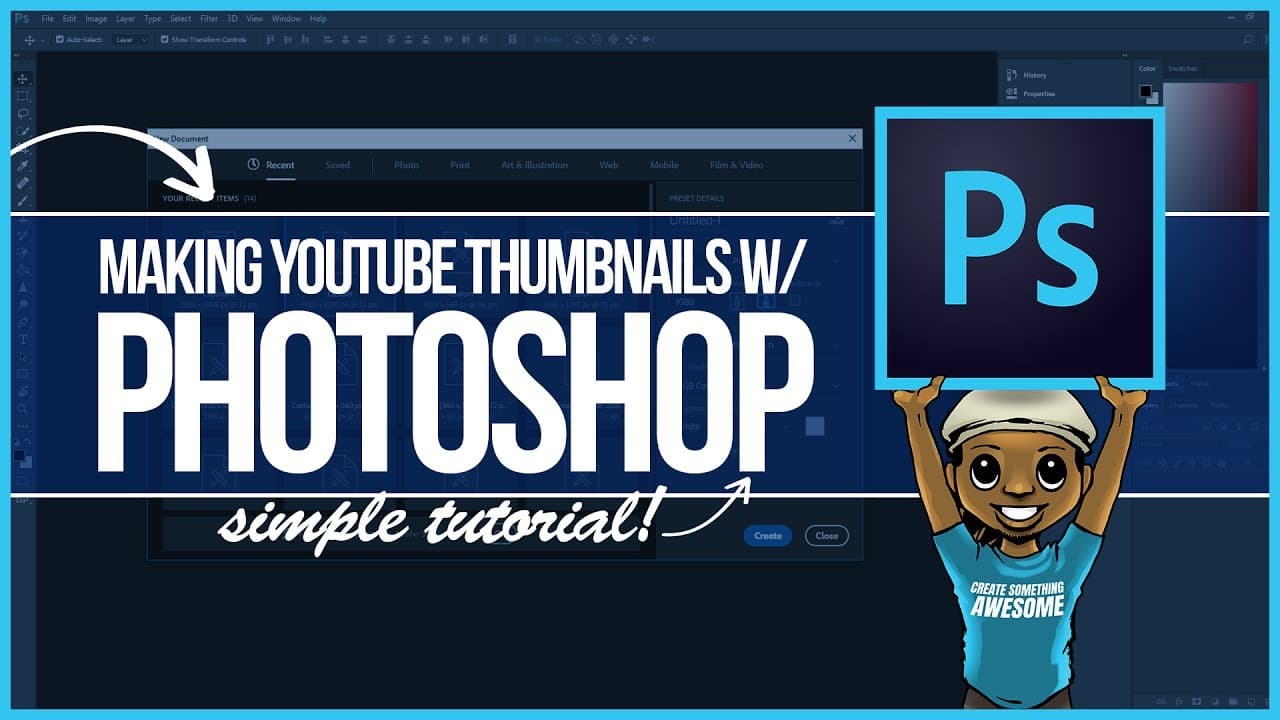
Learn how to make a YouTube thumbnail using Adobe Photoshop, including creating a border, adding a background, and positioning text and images.
Transcript
- [Instructor] Hey, everybody, this is Roberto Blake, of RobertoBlake.com, and, today, I'm going to show you how to create a YouTube thumbnail using Adobe Photoshop and the basic tools. And I'm gonna do it by creating the thumbnail for this particular video. So let's go ahead and open up a new file in Photoshop. For YouTube thumbnails, we're make t... Read More
Key Insights
- ❓ YouTube thumbnails created in Adobe Photoshop should have dimensions of 920 by 1080 pixels.
- 🧍 Creating a border for a YouTube thumbnail can help it stand out.
- 🪜 Background images can be added to provide context or visual interest.
- 👻 Smart Objects in Photoshop allow for resizing without loss of quality.
- 🫥 Typography and color choices are important for making thumbnail text visible.
- ❤️🩹 Placement of elements should consider YouTube's end card and timestamp positioning.
- 📼 Adobe Typekit and other online resources provide access to fonts and assets for thumbnail creation.
Install to Summarize YouTube Videos and Get Transcripts
Explore YouTube Video Summarizer or Get YouTube Transcript Extractor
Questions & Answers
Q: What are the dimensions recommended for YouTube thumbnails in Adobe Photoshop?
The recommended dimensions for YouTube thumbnails in Adobe Photoshop are 920 by 1080 pixels, which provides full HD resolution.
Q: How can I create a border for my YouTube thumbnail?
To create a border, you can create a new layer, fill it with a color of your choice, and use the Effects panel to add a stroke effect. Set the stroke width and position it to the inside to make it stand out.
Q: How can I add a background to my YouTube thumbnail?
You can use a pre-selected background image or create your own. To add a background, paste the image in a new layer and arrange it below the border layer to maintain the visual hierarchy.
Q: Can I resize images without losing quality in Adobe Photoshop?
Yes, by converting the image into a Smart Object, you can freely resize it without sacrificing resolution or image quality.
Q: How can I make the text in my thumbnail more visible?
You can experiment with different techniques such as adjusting opacity, changing blending modes, adding a stroke effect, or using contrasting colors to make the text stand out.
Summary & Key Takeaways
-
The video tutorial demonstrates how to create a YouTube thumbnail using Adobe Photoshop.
-
It covers topics such as setting up the canvas, creating a border, adding a background, positioning characters and text, and applying finishing touches.
-
The instructor provides recommendations for tools, fonts, and resources to use for creating thumbnails.
Read in Other Languages (beta)
Share This Summary 📚
Summarize YouTube Videos and Get Video Transcripts with 1-Click
Try YouTube Summary with ChatGPT & Claude or YouTube Transcript Generator
Explore More Summaries from Roberto Blake 📚






Summarize YouTube Videos and Get Video Transcripts with 1-Click
Try YouTube Summary with ChatGPT & Claude or YouTube Transcript Generator