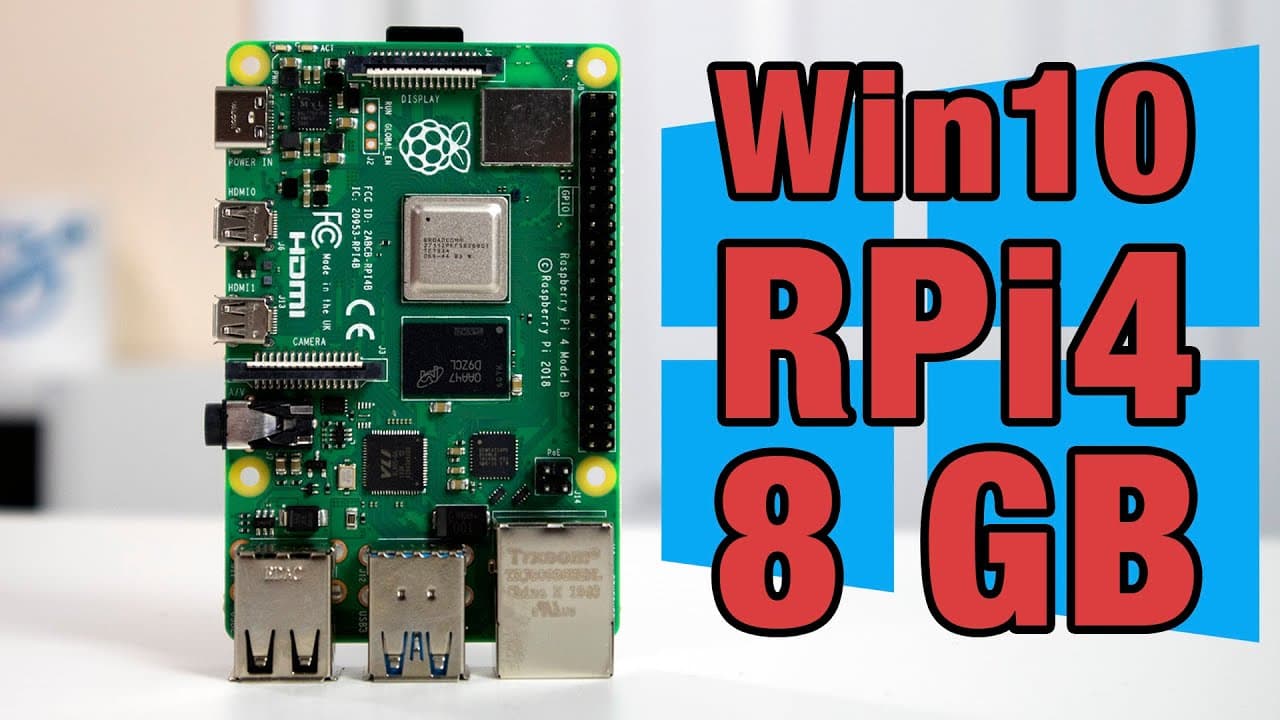
Windows 10 on Raspberry pi 4 with 8gb Ram and Ethernet support
TL;DR
Windows 10 now runs on Raspberry Pi 4 with 8GB RAM, supporting Ethernet and various applications.
Transcript
hey guys what's going on it's don here from nova spur tech and welcome back to the channel and today we got a really cool thing to show you which is windows 10 on raspberry pi with eight gigs of ram and ethernet support so let's get started now before we begin i do want to thank the guys over at windows for raspberry pi discord channel amir luke ma... Read More
Key Insights
- 👶 The new version of Windows 10 for Raspberry Pi 4 accommodates 8GB of RAM, improving multitasking capabilities and performance.
- ☠️ The build has been optimized to run on just 10GB of storage, making installations feasible on smaller SD cards.
- 😀 Despite functional improvements, the project still faces challenges such as audio output support, which remains in development.
- 🪡 Ethernet support is now fully functioning, providing stable network connections without the need for USB adapters.
- 💪 Users can easily install and run various applications, both x86 and ARM64, with many showing strong performance metrics.
- ☠️ Overclocking the CPU does not significantly improve performance due to the ongoing SD card bottleneck.
- 👤 Future updates are anticipated, aiming to resolve existing issues and enhance overall user experience.
Install to Summarize YouTube Videos and Get Transcripts
Explore YouTube Video Summarizer or Get YouTube Transcript Extractor
Questions & Answers
Q: What are the key features of Windows 10 running on Raspberry Pi 4?
The key features include support for 8GB RAM, Ethernet connection, and compatibility with various applications. Optimizations have reduced the installation size, allowing it to fit on a 16GB SD card. Users can run both x86 applications like LibreOffice and ARM64 applications such as Visual Studio Code without major issues, showcasing improved performance.
Q: What limitations are currently faced with this Windows 10 build?
Currently, one notable limitation is the lack of audio support via HDMI or 3.5mm jack, which can be frustrating for users wanting multimedia functionality. The SD card performance is also a bottleneck, limiting the overall speed despite other hardware components being capable of higher performance. Developers are continually working to resolve these issues in future updates.
Q: How does the performance of x86 applications compare to ARM applications on this setup?
The performance of x86 applications on Windows 10 running on Raspberry Pi is generally acceptable, although they tend to load slower due to emulation overhead. In contrast, ARM64 applications run natively and demonstrate better performance, as seen with programs like Chromium and Audacity, which perform smoothly without significant delays.
Q: What community contributions helped make this project possible?
Many contributors from the Windows for Raspberry Pi Discord community, including Amir, Luke, Mario, and Martin, played significant roles in optimizing the software, developing drivers, and providing instructions for installation. Their efforts have enabled the launch of this functional build and represented a collaborative push to enhance the capabilities of the Raspberry Pi 4.
Summary & Key Takeaways
-
This content showcases the recent development of running Windows 10 on the Raspberry Pi 4 with 8GB of RAM, demonstrating its functionality and performance.
-
The author discusses the efforts from the community and highlights improvements in storage optimization that allow Windows to fit on smaller SD cards.
-
Users can run both x86 and ARM applications well, although the audio feature is still being developed, with Ethernet support confirmed.
Read in Other Languages (beta)
Share This Summary 📚
Summarize YouTube Videos and Get Video Transcripts with 1-Click
Try YouTube Summary with ChatGPT & Claude or YouTube Transcript Generator
Explore More Summaries from Novaspirit Tech 📚






Summarize YouTube Videos and Get Video Transcripts with 1-Click
Try YouTube Summary with ChatGPT & Claude or YouTube Transcript Generator