How to change document fonts & formats in Quarto (Word/Docx)
TL;DR
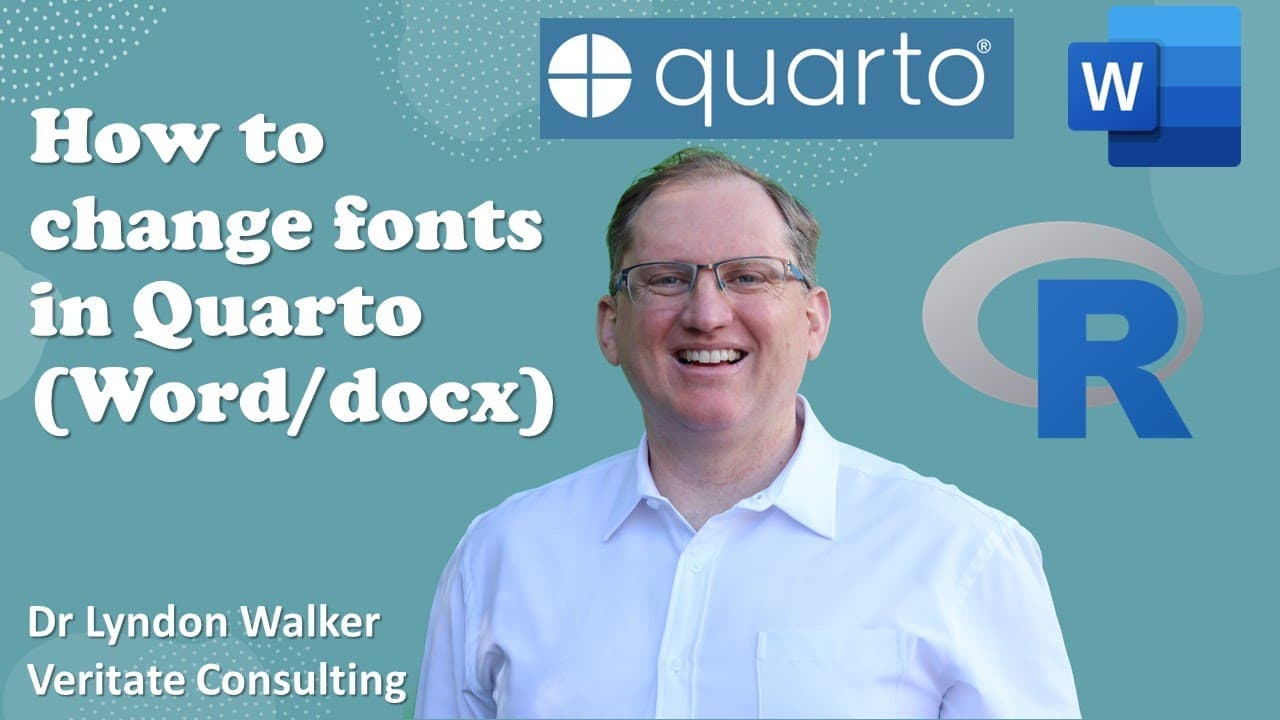
Learn how to customize fonts in Quarto-generated Word documents using a reference document.
Transcript
hi friends today we are going to look at how to change the font when we are producing a Word document in quarto so I've previously put up videos where I was working with either HTML or PDF unfortunately when we're working with Word documents it's a little bit more convoluted so there's three steps we need to go through the first is to create a refe... Read More
Key Insights
- 🏪 Customizing fonts in Quarto requires a reference document, which is a .docx file that stores your desired styles.
- 😫 Users can modify their reference document using Microsoft Word’s style editor to set specific font properties for different text types.
- 📜 Linking the reference document to a Quarto project is essential for implementing the newly defined styles in generated documents.
- 📜 Upon rendering, any changes made to the reference document styles automatically reflect in Quarto-generated Word documents.
- 👻 This method allows for detailed customization, ensuring that documents follow specific formatting guidelines or branding requirements.
- 📜 Understanding how to manipulate styles not only enhances document appearance but also aids in producing consistent outputs across various documents.
- 💁 The commands and steps shared are essential for users less familiar with technical document formatting processes, making it more accessible.
Install to Summarize YouTube Videos and Get Transcripts
Explore YouTube Video Summarizer or Get YouTube Transcript Extractor
Questions & Answers
Q: What is the first step to change fonts in a Quarto document?
The first step involves creating a reference document in .docx format. This can be achieved by running a specific command in the terminal. The reference document serves as a template that contains the basic structure and style settings needed for font customization in your Quarto project.
Q: How do you modify styles in the reference document?
To modify styles in the reference document, open the document in Microsoft Word and access the "Styles" section. Use the dropdown menus to select styles you want to alter, such as headings, and apply your changes. Save the document afterward so that these modifications are stored for future use in your Quarto projects.
Q: How do you link the reference document to a Quarto file?
To link the reference document to a Quarto file, you need to access the YAML header of your Quarto document. By specifying the "reference_doc" option with the filename of your modified reference document, Quarto will apply the styling settings from that document during the document rendering process.
Q: Can I change multiple styles in the reference document?
Yes, you can change multiple styles in the reference document. Each style can be modified individually, allowing for a customized look throughout your Word document. You can alter various elements such as headings, body text, bullet points, and more. Just ensure to save the document after making changes.
Summary & Key Takeaways
-
The process starts by creating a reference document in .docx format, which defines the desired font styles for use in Quarto.
-
Users need to modify this reference document by changing the font styles, such as headings, using Microsoft Word's built-in style editor.
-
Finally, the user must link the reference document to their Quarto project to apply the custom formatting when generating a Word document.
Read in Other Languages (beta)
Share This Summary 📚
Summarize YouTube Videos and Get Video Transcripts with 1-Click
Try YouTube Summary with ChatGPT & Claude or YouTube Transcript Generator
Explore More Summaries from Dr Lyndon Walker 📚





Summarize YouTube Videos and Get Video Transcripts with 1-Click
Try YouTube Summary with ChatGPT & Claude or YouTube Transcript Generator