Backdrops and Studio Lighting Setup For Youtube Videos
TL;DR
Learn how to achieve a polished and stylish look for your YouTube videos with the right backdrop system and lighting setup.
Transcript
hey everybody welcome to my youtube channel and another uh video tutorial on how to actually produce amazing youtube videos now if you've been watching my previous videos in this series then you already know that i actually have a more or less professional setup in terms of my home youtube studio i have lights i obviously have this backdrop behind ... Read More
Key Insights
- 🎮 Backdrop systems enhance the visual appeal of YouTube videos, particularly interview-style or talking head videos.
- 🏑 Using a camera with a lens capable of producing decent depth of field helps maintain focus on the subject while minimizing backdrop imperfections.
- 🙂 Lighting plays a vital role in creating a professional look, and a three or five light setup is recommended for optimal results.
- 🕴️ Fabric backdrops offer versatility and convenience, with a variety of colors and patterns available to suit different video styles.
- 🙂 Green screens can be challenging for beginners, and it is advisable to master lighting techniques on solid color or patterned backgrounds first.
- 🗞️ Affordable options for backdrop systems include paper rolls and sheets.
- 🗜️ Accessories such as clamps and steamers can enhance the setup and maintenance of the backdrop system.
Install to Summarize YouTube Videos and Get Transcripts
Explore YouTube Video Summarizer or Get YouTube Transcript Extractor
Questions & Answers
Q: What role does the backdrop system play in producing high-quality YouTube videos?
The backdrop system adds depth and style to videos, especially interview-style and talking head videos, giving them a polished and professional look. It helps create a minimalist and clean aesthetic similar to Apple's product videos.
Q: How important is lighting in a backdrop setup?
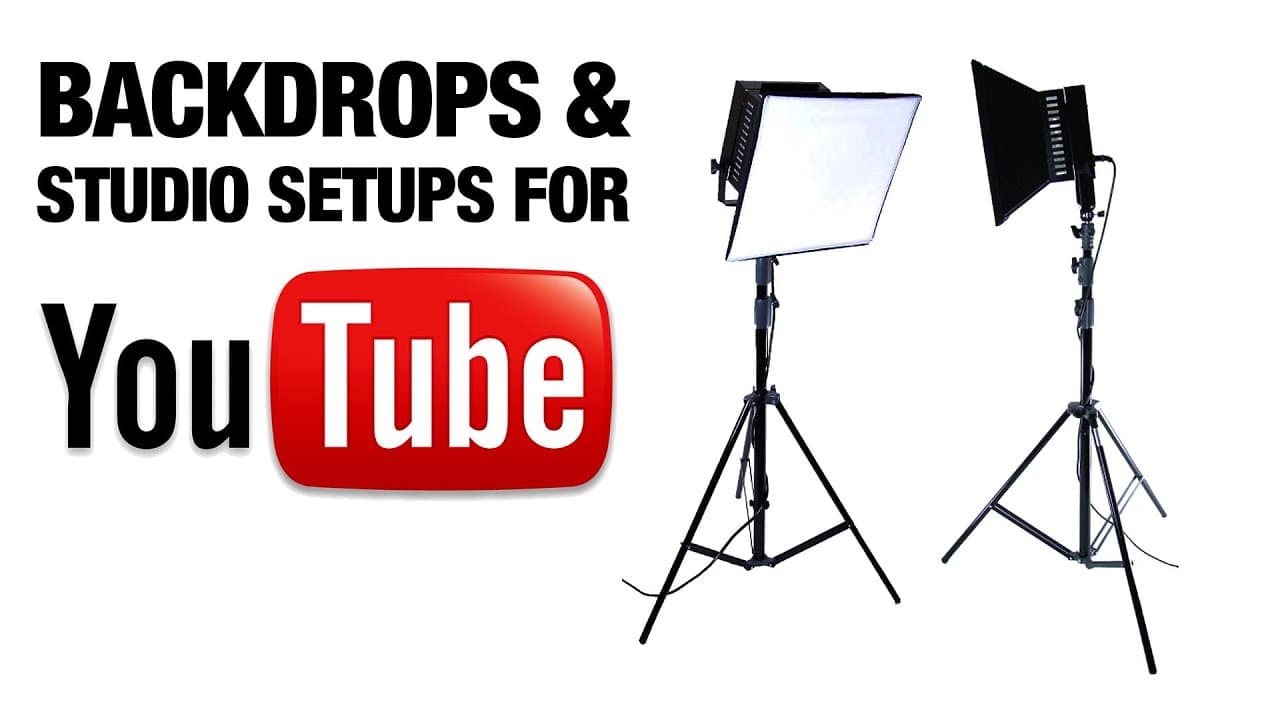
Lighting is crucial in creating a visually appealing video. Traditionally, a three or five light setup is recommended, including lighting the background, using an above headlight, fill light, and key light. However, the video creator has achieved satisfactory results with just two lights.
Q: What are the advantages of using fabric backdrops?
Fabric backdrops offer versatility and allow for easy adjustment and customization. They come in a variety of colors and patterns, providing options to suit different video styles. Additionally, they can be stored and transported conveniently in carrying cases.
Q: Is using a green screen recommended for beginners?
While green screens offer opportunities for adding special effects and moving backgrounds, they require precise lighting and can be challenging for beginners. It is advisable to start with solid color or patterned backgrounds and focus on mastering basic lighting techniques.
Summary & Key Takeaways
-
The video tutorial focuses on the importance of backdrop systems for interview-style and talking head videos, drawing inspiration from Apple's product videos.
-
The three key elements for a successful setup are a camera with a lens capable of creating depth of field, proper lighting using a three or five light setup, and a well-maintained backdrop.
-
The video suggests using fabric backdrops, but also mentions affordable alternatives like paper rolls and sheets.
Read in Other Languages (beta)
Share This Summary 📚
Summarize YouTube Videos and Get Video Transcripts with 1-Click
Try YouTube Summary with ChatGPT & Claude or YouTube Transcript Generator
Explore More Summaries from Roberto Blake 📚






Summarize YouTube Videos and Get Video Transcripts with 1-Click
Try YouTube Summary with ChatGPT & Claude or YouTube Transcript Generator