What Are the Top 10 YouTube Growth Hacks?
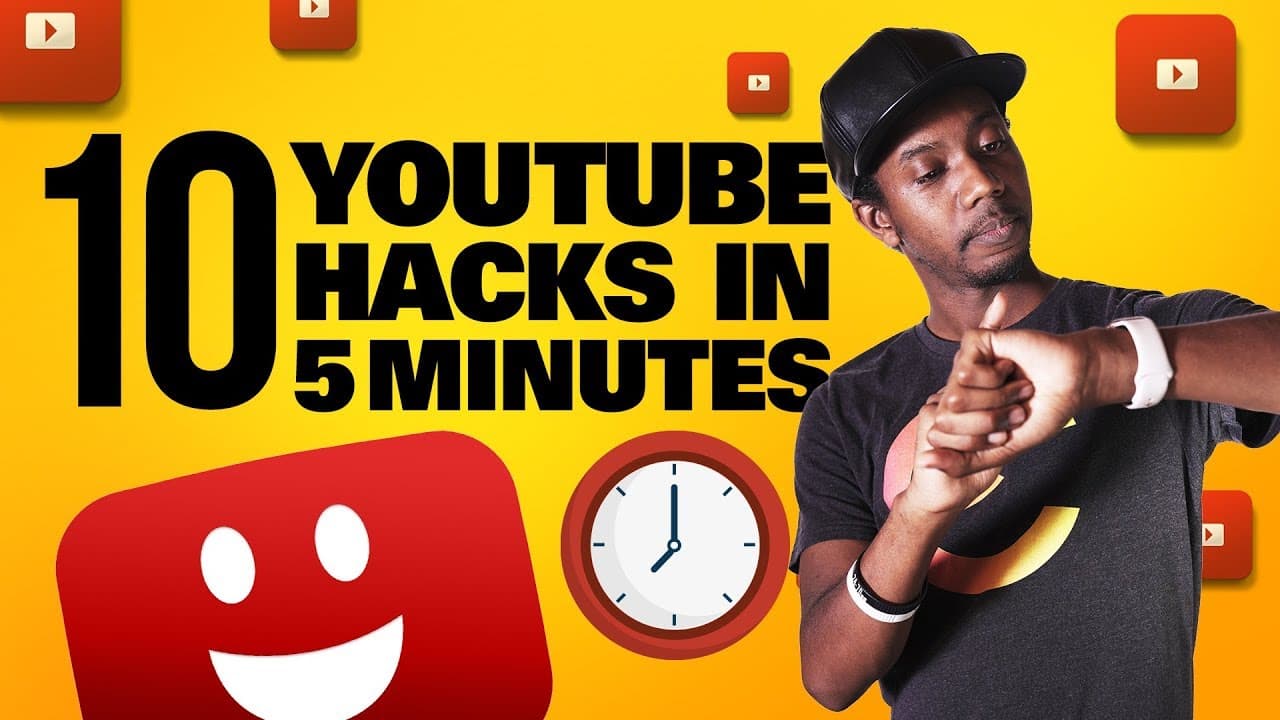
TL;DR
To effectively grow your YouTube channel, focus on using longer videos for additional ad breaks, unlocking custom thumbnails by verifying your phone, and optimizing thumbnails for mobile viewing. Utilize tools like TubeBuddy to find the best upload times, prioritize search-friendly content, and film B-roll to enhance video quality. Additionally, monitor initial performance in the first hour for better overall results.
Transcript
(upbeat music) - Oh don't mind me, I'm just trying to drag out this intro and keep you up on this video as long as possible. And no, that's not gonna count as one of the 10 tips in five minutes. Hey everybody, this is Roberto Blake helping you create something awesome today. Welcome back to the channel. To the new people here, first of all, welcome... Read More
Key Insights
- 🪜 Adding multiple ad breaks and mid-roll ads can boost AdSense earnings, but it's important to balance them with viewer experience.
- 👻 Verifying your phone number allows you to unlock custom thumbnails on YouTube, regardless of your subscriber count.
- 🚗 Prioritizing mobile optimization is crucial, as the majority of YouTube traffic comes from mobile devices.
- 👋 Utilizing tools like TubeBuddy and Morningfame can help you determine the best upload times for your YouTube videos.
- ⌚ Focusing on search-friendly content is essential for small YouTubers to build up watch time and attract new viewers.
- ⌛ Longer videos can contribute to meeting the 4,000-hour watch time requirement, especially if they provide valuable content or include live streams.
- 🚎 Filming B-roll footage in advance can enhance the editing process and make videos more engaging.
- 👻 Reviewing your subscribers' list on YouTube allows you to see who is subscribed to your channel and sort by popularity or recency.
- 😫 Setting defaults for your YouTube channel uploads can save time and effort, especially when including affiliate links or specific descriptions.
Install to Summarize YouTube Videos and Get Transcripts
Explore YouTube Video Summarizer or Get YouTube Transcript Extractor
Questions & Answers
Q: How can I make more money on YouTube AdSense?
To increase your earnings on AdSense, consider adding multiple ad breaks to longer videos, including mid-roll ads in specific sections. However, be cautious not to overwhelm viewers with too many ads, as it can negatively impact their experience and overall views on your channel.
Q: How can I unlock custom thumbnails for my YouTube videos?
You can unlock custom thumbnails on YouTube by verifying your phone number in the Advanced Settings of your channel. This feature is available to all creators, regardless of their subscriber count.
Q: What is the importance of optimizing thumbnails for mobile devices?
Since the majority of YouTube traffic comes from mobile devices, it is crucial to ensure that your thumbnails look appealing and clear on smaller screens. Make your text large enough to be easily readable and test your thumbnails at a smaller size resolution to understand what viewers will see on their smartphones.
Q: How can I determine the best time to upload my YouTube videos?
Tools like TubeBuddy and Morningfame can help you analyze your data and identify the optimal time and day for uploading your videos. Understanding these trends can increase your chances of receiving more views and better overall performance.
Summary & Key Takeaways
-
Increase your AdSense earnings by adding multiple ad breaks to longer videos, but be careful not to disrupt the viewer's experience too much.
-
To unlock custom thumbnails, verify your phone number in the Advanced Settings of your YouTube channel, regardless of your subscriber count.
-
Since 60% of YouTube traffic comes from mobile devices, ensure your thumbnails look good at a smaller size to maximize clicks and views.
-
Use tools like TubeBuddy and Morningfame to determine the best time to upload your YouTube videos for maximum views and performance.
Read in Other Languages (beta)
Share This Summary 📚
Summarize YouTube Videos and Get Video Transcripts with 1-Click
Try YouTube Summary with ChatGPT & Claude or YouTube Transcript Generator
Explore More Summaries from Roberto Blake 📚






Summarize YouTube Videos and Get Video Transcripts with 1-Click
Try YouTube Summary with ChatGPT & Claude or YouTube Transcript Generator