RODE VideoMic Go Quality Test
TL;DR
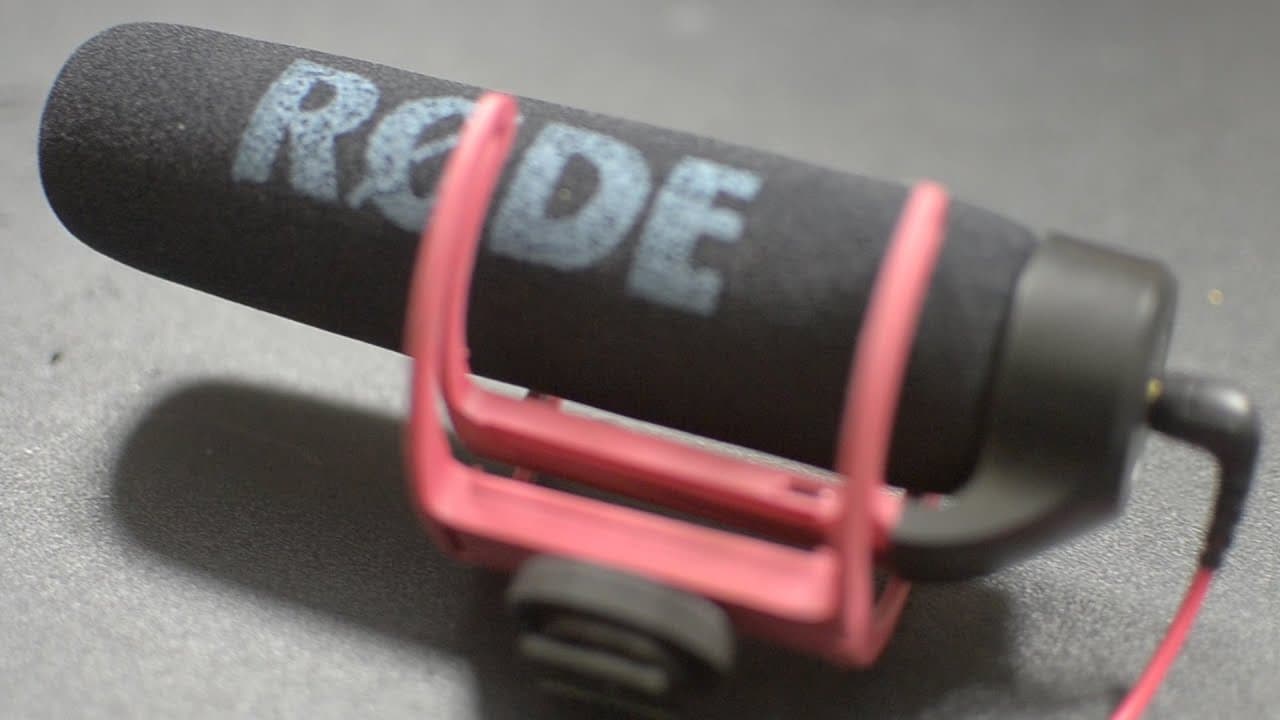
In this video, Roberto Blake tests the Road Video Mic Go and compares its audio quality to the Sony lapel mic, helping viewers decide which one is best for their needs.
Transcript
hey everybody this is Roberto Blake of robertoblake.com helping you create something awesome today so today I'm going to help you create Awesome by doing a test of the Road video mic go as some of you know I bought this not that long ago from Road microphone uh bought this through Amazon and it's been great for what I need it to do but I haven't go... Read More
Key Insights
- 🇫🇲 The Road Video Mic Go and Sony lapel mic are both good options, but choosing between them depends on the shooting conditions and personal preferences.
- 💨 For indoor situations, where the subject is around 3 to 4 feet away, the Road Video Mic Go performs well.
- 🧑🦽 Adjusting the audio levels in the camera's manual settings can compensate for varying distances between the subject and microphone.
- 💨 Testing the microphone outdoors without a wind muff will provide insights into its performance in different environments.
- 🎮 Personal comfort and preferences play a significant role in deciding whether to hide the microphone or clip it visibly in a YouTube video.
Install to Summarize YouTube Videos and Get Transcripts
Explore YouTube Video Summarizer or Get YouTube Transcript Extractor
Questions & Answers
Q: How does the Road Video Mic Go compare to the Sony lapel mic in terms of audio quality?
Roberto Blake tests both microphones and provides a comparison for viewers to judge the difference in audio quality for themselves.
Q: What is the recommended distance from the microphone for optimal audio quality?
Roberto explains that sitting approximately 3 to 4 feet away from the microphone provides a comfortable distance, similar to a conversation at a dinner table.
Q: Can the Road Video Mic Go be used outdoors without a wind muff?
Roberto mentions that he will test the microphone outdoors in another video to see its performance without a wind muff.
Q: How should I adjust audio levels on my camera when using the Road Video Mic Go?
Roberto advises viewers to adjust the audio levels in the manual settings of their camera, typically setting them between 7 and 14 based on the subject's distance from the microphone.
Summary & Key Takeaways
-
Roberto Blake tests the Road Video Mic Go and compares it to the Sony lapel mic for audio quality, providing a budget solution under $100.
-
He demonstrates the approximate distance from the microphone for optimal audio quality, usually around 3 to 4 feet away.
-
Roberto advises viewers to adjust audio levels on their camera settings based on the subject's distance from the microphone.
Read in Other Languages (beta)
Share This Summary 📚
Summarize YouTube Videos and Get Video Transcripts with 1-Click
Try YouTube Summary with ChatGPT & Claude or YouTube Transcript Generator
Explore More Summaries from Roberto Blake 📚






Summarize YouTube Videos and Get Video Transcripts with 1-Click
Try YouTube Summary with ChatGPT & Claude or YouTube Transcript Generator