Products
Features
YouTube Video Summarizer
Summarize YouTube videos
Web & PDF Highlighter
Highlight web pages & PDFs
Chat with PDF
Ask any PDF questions with AI
Ask AI Clone
Chat with your highlights & memories
Audio Transcriber
Transcribe audio files to text
Glasp Reader
Read and highlight articles
Kindle Highlight Export
Export your Kindle highlights
Idea Hatch
Hatch ideas from your highlights
Integrations
Obsidian Plugin
Notion Integration
Pocket Integration
Instapaper Integration
Medium Integration
Readwise Integration
Snipd Integration
Hypothesis Integration
Apps & Extensions
Chrome Extension
Safari Extension
Edge Add-ons
Firefox Add-ons
iOS App
Android App
Discover
Discover
Ideas
Discover new ideas and insights
Articles
Curated articles and insights
Books
Book recommendations by great minds
Posts
Essays and notes from readers
Quotes
Inspiring quotes collection
Videos
Curated videos and summaries
Explore Glasp
Glasp Story
How we grew from 0 to 3 million users
Glasp Newsletter
Weekly insights and updates
Glasp Talk
Interview series with great minds
Glasp Blog
Latest news and articles
Glasp Use Cases
Learn how others use Glasp
Build & Support
Glasp API
Access Glasp's API for developers
MCP Connector
Connect Glasp to Claude & ChatGPT
Community
Glasp Reddit Community
Students
Student discount and benefits
FAQs
Frequently Asked Questions
AboutPricing
DashboardLog inSign up

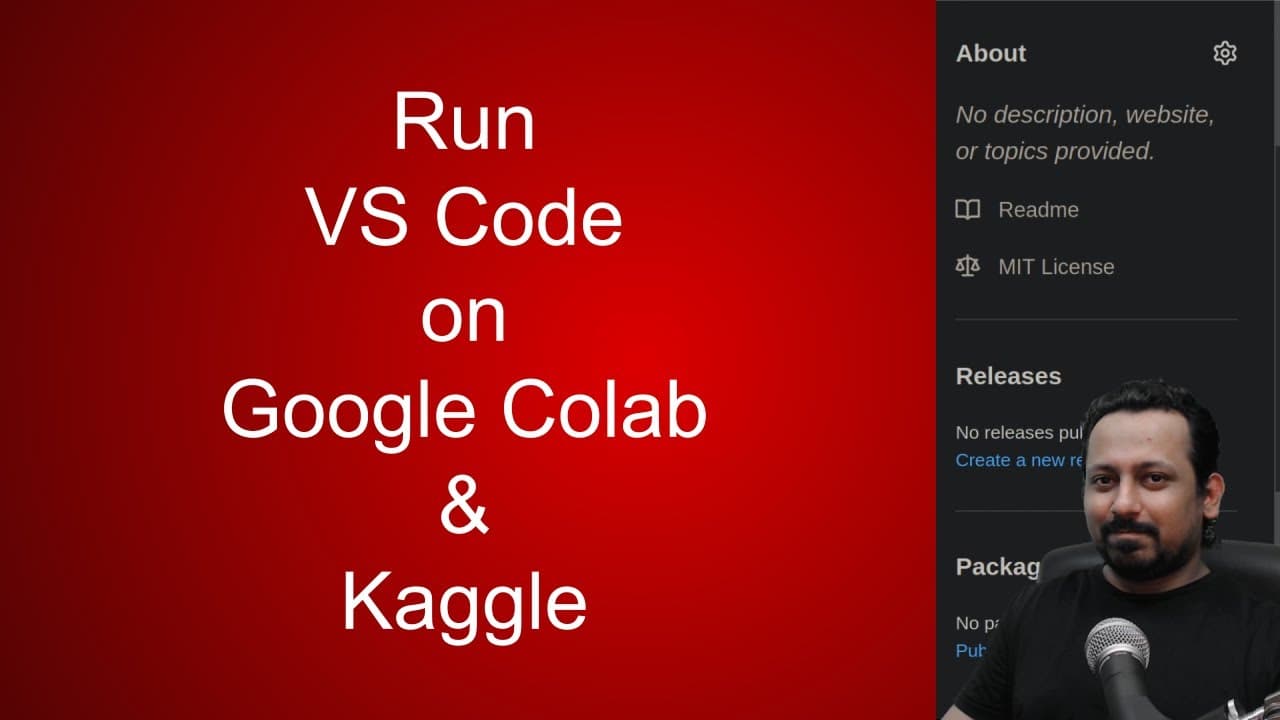
VS Code (codeserver) on Google Colab / Kaggle / Anywhere
September 9, 2020
by
Abhishek Thakur
YouTube video player
VS Code (codeserver) on Google Colab / Kaggle / Anywhere

TL;DR

Learn how to run Visual Studio Code on Google Colab using the Collab Code Python package.

Transcript

hello everyone and welcome to my channel in this short video today i'm going to show you something really cool i'm going to show you how you can run visual studio code in the form of code server on google colab or gaggle notebook or anywhere you want so uh today i was scrolling through twitter the usual day and some someone uh wrote so tanmay wrote... Read More

Key Insights

  • 🏃 Visual Studio Code can be run on Google Colab or Kaggle notebooks using the Collab Code Python package.
  • 👨‍💻 Collab Code simplifies the process of installing and running code server.
  • 🛟 Ngrok is used to start a server for code server, enabling access to the server from external sources via a URL.
  • 🔒 Collab Code also supports password authentication for added security.
  • 🤗 The video and Collab Code are open source, allowing users to contribute and make changes.
  • 👨‍💻 Running Visual Studio Code on code server provides a familiar coding environment with additional features.
  • 📔 Collab Code can be particularly useful for working with competition data in Kaggle notebooks without the notebook closing automatically.

Install to Summarize YouTube Videos and Get Transcripts

Explore YouTube Video Summarizer or Get YouTube Transcript Extractor

Questions & Answers

Q: What is the purpose of the Collab Code Python package?

The Collab Code Python package allows users to install and run code server on their Google Colab or Kaggle notebook, providing access to Visual Studio Code capabilities.

Q: How does ngrok help in this process?

Ngrok is a cross-platform application that enables developers to expose a local development server to the internet with minimal effort. In this case, ngrok is used to start a server for code server, creating a URL that can be accessed externally.

Q: Can Collab Code be used with Kaggle competition data?

Yes, Collab Code can be used with Kaggle notebooks, including accessing competition data. By running code server through Collab Code with the appropriate port and internet connection, users can work with their competition data effectively.

Q: Is it possible to set a password for accessing the code server?

Yes, Collab Code allows users to set a password for the code server. When accessing the provided URL, users will be prompted to enter the specified password for authentication.

Summary & Key Takeaways

  • The video shows how to run Visual Studio Code in the form of code server on Google Colab or Kaggle notebooks.

  • The Python package called Collab Code is introduced, which allows users to specify the port and password for the code server.

  • The video demonstrates the process of installing Collab Code, starting the server, and accessing the code server through the provided URL.


Read in Other Languages (beta)

English

Share This Summary 📚

Summarize YouTube Videos and Get Video Transcripts with 1-Click

Download browser extensions on:

Try YouTube Summary with ChatGPT & Claude or YouTube Transcript Generator

Explore More Summaries from Abhishek Thakur 📚
What Are Public and Private Leaderboards in Kaggle? thumbnail
What Are Public and Private Leaderboards in Kaggle?
Abhishek Thakur
Best computer vision competitions on Kaggle (for beginners) thumbnail
Best computer vision competitions on Kaggle (for beginners)
Abhishek Thakur
I just got access to GitHub's Codespaces and it's amazing! thumbnail
I just got access to GitHub's Codespaces and it's amazing!
Abhishek Thakur
What Is Target Encoding and How to Use It Effectively? thumbnail
What Is Target Encoding and How to Use It Effectively?
Abhishek Thakur
Docker For Data Scientists thumbnail
Docker For Data Scientists
Abhishek Thakur
Song Popularity Prediction: EDA with Martin Henze (Part-2) thumbnail
Song Popularity Prediction: EDA with Martin Henze (Part-2)
Abhishek Thakur

Summarize YouTube Videos and Get Video Transcripts with 1-Click

Download browser extensions on:

Try YouTube Summary with ChatGPT & Claude or YouTube Transcript Generator

Apps & Extensions

  • Chrome Extension
  • Safari Extension
  • Edge Add-ons
  • Firefox Add-ons
  • iOS App
  • Android App

Key Features

  • YouTube Video Summarizer
  • Web & PDF Summarizer
  • Web & PDF Highlighter
  • Chat with PDF
  • Ask AI Clone
  • Audio Transcriber
  • Glasp Reader
  • Kindle Highlight Export
  • Idea Hatch

Integrations

  • Obsidian Plugin
  • Notion Integration
  • Pocket Integration
  • Instapaper Integration
  • Medium Integration
  • Readwise Integration
  • Snipd Integration
  • Hypothesis Integration

More Features

  • APIs
  • MCP Connector
  • Blog & Post
  • Embed Links
  • Image Highlight
  • Personality Test
  • Quote Shots
  • Open Graph Checker

Company

  • About us
  • Our Story
  • Blog
  • Community
  • FAQs
  • Job Board
  • Newsletter
  • Pricing
Terms

•

Privacy

•

Guidelines

© 2026 Glasp Inc. All rights reserved.