Mastering Intents And Filters On Android: The Ultimate Guide!
TL;DR
This content explains what intents are, how to use them to communicate between different application components, and the different types of intents available in Android.
Transcript
hello viewers welcome back in this session we are going to discuss about intent and intent filters what is an intent how to communicate between the application components using the intents what is the primary info of an intent object and what are they how does it works and what are the different types of intents are available in the android now let... Read More
Key Insights
- 🎭 Intents in Android are messaging objects that describe an action to be performed by application components.
- 🐕🦺 They are used to start activities, send messages to services, and deliver broadcasts to other applications.
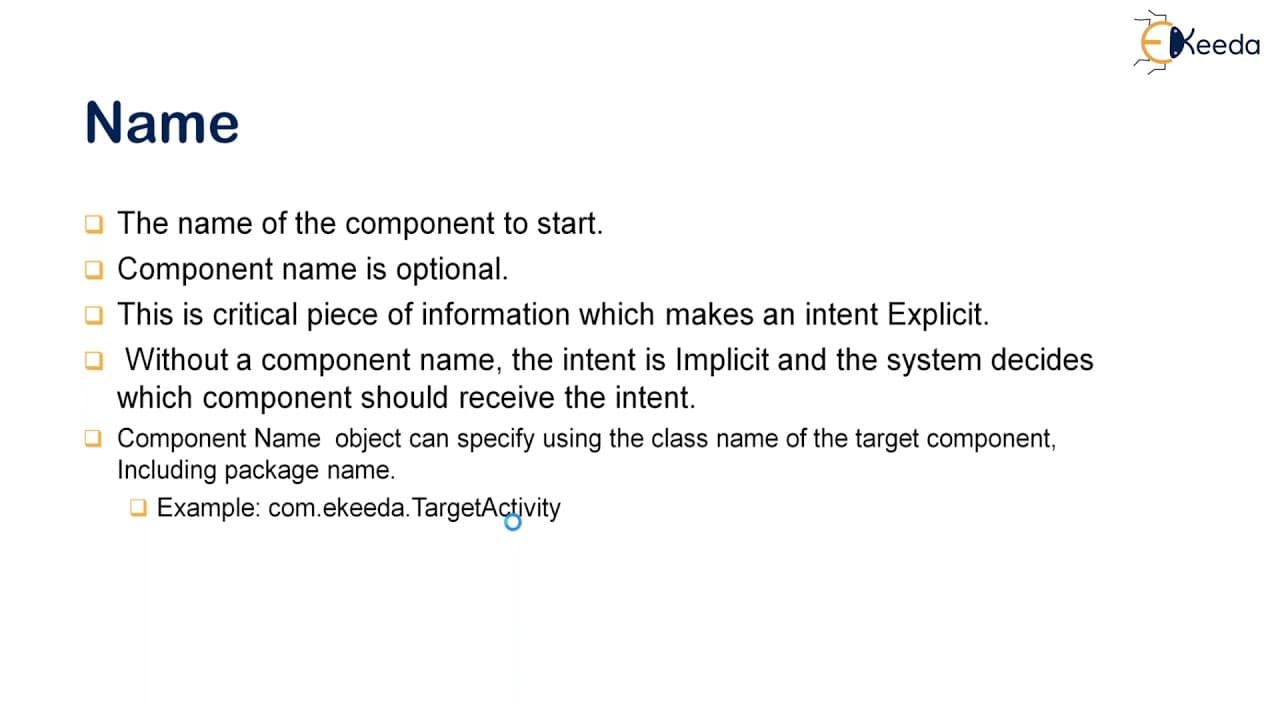
- 👻 Explicit intents are used when you know the name of the target component, while implicit intents allow the system to determine the best component to handle the intent.
- 💁 Intents contain information such as the action to be performed, data to act on, categories for the component, extras for additional data, and flags to control how the intent is treated.
- 🍵 Intent filters in Android are used to specify which components can handle certain types of intents.
- 🈸 Intents are a powerful and flexible mechanism for communication between different components of an Android application or between different applications.
- ❓ Understanding intents and intent filters is crucial for effective Android development.
Install to Summarize YouTube Videos and Get Transcripts
Explore YouTube Video Summarizer or Get YouTube Transcript Extractor
Questions & Answers
Q: What is an intent in Android?
An intent is a messaging object that describes an action to be performed and can be handled by application components in Android.
Q: How do you communicate between different application components using intents?
You can use intents to start activities, send messages to services, and deliver broadcasts to other applications.
Q: What is the primary information contained in an intent object?
The primary information in an intent object includes the name, action, data, category, extras, and flags. These provide details about the intent's purpose and how it should be handled.
Q: What are the different types of intents available in Android?
There are two types of intents: explicit intents, which specify the target component by name, and implicit intents, which allow the system to find the best component to handle the intent.
Summary & Key Takeaways
-
Intents are messaging objects in Android that describe an action to be performed and can be handled by application components.
-
Intents are used to start activities, send messages to services, and deliver broadcasts to other applications.
-
There are two main types of intents: explicit intents, which specify the target component by name, and implicit intents, which allow the system to find the best component to handle the intent.
Read in Other Languages (beta)
Share This Summary 📚
Summarize YouTube Videos and Get Video Transcripts with 1-Click
Try YouTube Summary with ChatGPT & Claude or YouTube Transcript Generator
Explore More Summaries from Ekeeda 📚






Summarize YouTube Videos and Get Video Transcripts with 1-Click
Try YouTube Summary with ChatGPT & Claude or YouTube Transcript Generator