1 App That Will Take Your Instagram To The Next Level 🔥
TL;DR
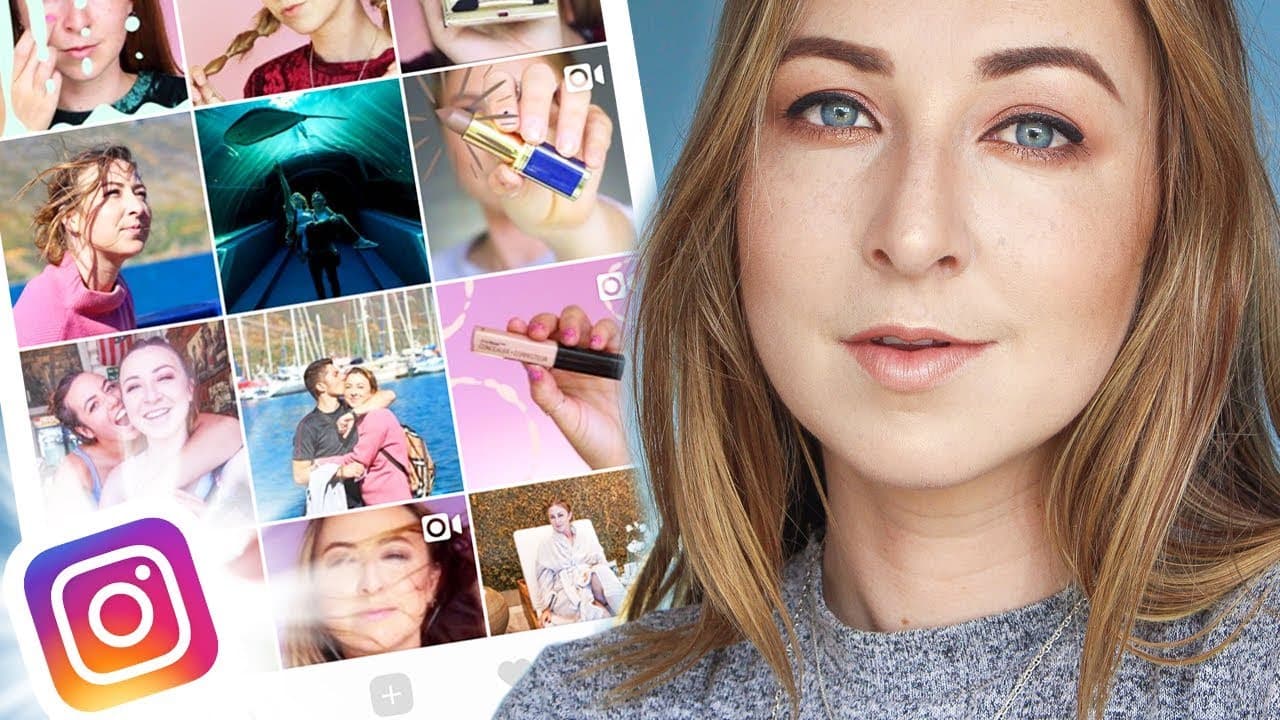
The video discusses the benefits of using the Preview app to plan, edit, and schedule posts on Instagram.
Transcript
hey guys welcome back to my channel I'm sorry I have been gone ah I haven't uploaded a video in ages I know but it's okay I'm back here on YouTube and everything is commencing as per usual in today's video I am going to chat you guys about an Instagram related app that really helps push my insta game just to the next level I came across this app ag... Read More
Key Insights
- 😀 The Preview app provides comprehensive tools for planning, editing, and scheduling Instagram posts.
- 🏣 Its analytics feature allows users to track the performance of their posts and find the best times to post.
- ❓ The spy feature, while invasive, can provide valuable insights into the success of influencers and brands.
Install to Summarize YouTube Videos and Get Transcripts
Explore YouTube Video Summarizer or Get YouTube Transcript Extractor
Questions & Answers
Q: What is the Preview app and how does it help with Instagram planning?
The Preview app is a tool that allows users to plan, edit, and schedule their Instagram posts in advance. It offers features like organizing images, applying filters, adding captions and hashtags, and scheduling posts for optimal timing.
Q: Can the Preview app track analytics for Instagram profiles?
Yes, the app provides analytics for users to analyze their best performing posts, engagement rates, and top hashtags. The Pro version offers more in-depth analytics, including the best times to post and top hashtag groups.
Q: Is it possible to spy on other Instagram profiles using the Preview app?
Yes, the app has a spy feature that allows users to view the analytics of other Instagram profiles. This feature is useful for finding out which posts and hashtags are performing well for influencers or brands in a similar niche.
Q: Does the Preview app support multiple Instagram accounts?
Yes, with the Preview Pro version, social media managers can pre-plan and schedule posts for multiple Instagram accounts by toggling between them in the app.
Summary & Key Takeaways
-
The video introduces the Preview app, an Instagram planning app that goes beyond just scheduling posts.
-
It explains how to add and organize images, switch pictures, edit and apply filters, add captions and hashtags, and schedule posts.
-
The video also highlights the app's analytics feature and the ability to spy on other Instagram profiles for insights into their most successful posts.
Read in Other Languages (beta)
Share This Summary 📚
Summarize YouTube Videos and Get Video Transcripts with 1-Click
Try YouTube Summary with ChatGPT & Claude or YouTube Transcript Generator
Explore More Summaries from Hayls World 📚





Summarize YouTube Videos and Get Video Transcripts with 1-Click
Try YouTube Summary with ChatGPT & Claude or YouTube Transcript Generator