2.1: Variables in p5.js (mouseX, mouseY) - p5.js Tutorial
TL;DR
Learn about the flow of an animation program in p5.js, how to use variables to create dynamic elements, and explore event functions like mousePressed.
Transcript
Welcome to another p5.js video. This one, this is a really exciting, big moment. I don't know if you're aware of this. First of all, you might be wondering, I aged about 2 and 1/2 years since the last video in this series, not to mention the fact that one of those years was 2020. Maybe you're watching this in the future where I've redone the previo... Read More
Key Insights
- 🏃 The flow of a p5.js program consists of a setup function that runs once, followed by a draw function that loops continuously.
- 👻 By using variables, dynamic elements can be introduced into a p5.js sketch, allowing for interactive and animated visuals.
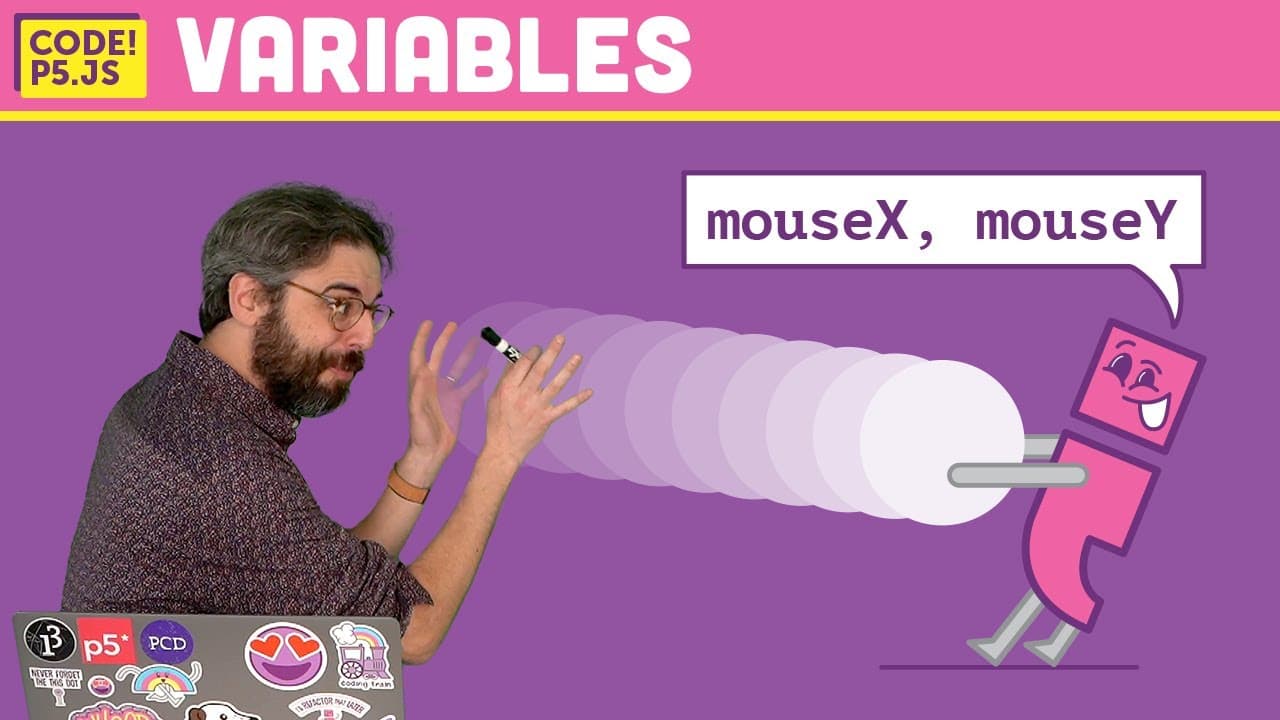
- 🧘 System variables like mouseX and mouseY provide access to the current position of the mouse, enabling the creation of interactive elements that respond to user input.
- 👻 Event functions in p5.js, such as mousePressed, allow for the definition of specific behaviors and actions triggered by user actions.
- 👨💻 The order of code execution in p5.js can be controlled to create various effects and animations.
- 😒 The use of background() function can create the illusion of animation by repeatedly drawing over previous frames.
- 🫥 The end result of a p5.js sketch is only visible to the viewer when the draw function is completed, regardless of any internal changes made within the loop.
Install to Summarize YouTube Videos and Get Transcripts
Explore YouTube Video Summarizer or Get YouTube Transcript Extractor
Questions & Answers
Q: What is the difference between the setup and draw functions in p5.js?
The setup function is executed once at the beginning of the sketch, while the draw function is continuously looped afterwards. Setup is used for initialization, while draw contains the main code that runs repeatedly.
Q: How can variables be used in p5.js sketches?
Variables in p5.js store values and can be used to create dynamic elements. They can be used to control position, size, color, and other characteristics of objects in a sketch.
Q: What are system variables in p5.js?
System variables, such as mouseX and mouseY, are predefined variables in p5.js that store the current horizontal and vertical positions of the mouse on the canvas. They can be used to create interactive elements, like moving objects with the mouse.
Q: What are event functions in p5.js?
Event functions in p5.js are predefined functions that are triggered by specific user actions, such as mouse clicks or key presses. They can be used to create specific behaviors and interactions in a p5.js sketch.
Summary & Key Takeaways
-
The flow of a p5.js program consists of a setup function that executes once, and a draw function that loops continuously.
-
Variables are named entities that store values, and can be used to create dynamic elements in a p5.js sketch.
-
System variables like mouseX and mouseY can be used to create interactive elements in a sketch.
-
Mouse events, such as mousePressed, can be defined to create specific behaviors in a p5.js program.
Read in Other Languages (beta)
Share This Summary 📚
Summarize YouTube Videos and Get Video Transcripts with 1-Click
Try YouTube Summary with ChatGPT & Claude or YouTube Transcript Generator
Explore More Summaries from The Coding Train 📚






Summarize YouTube Videos and Get Video Transcripts with 1-Click
Try YouTube Summary with ChatGPT & Claude or YouTube Transcript Generator