9.22: Custom Shapes - p5.js Tutorial
TL;DR
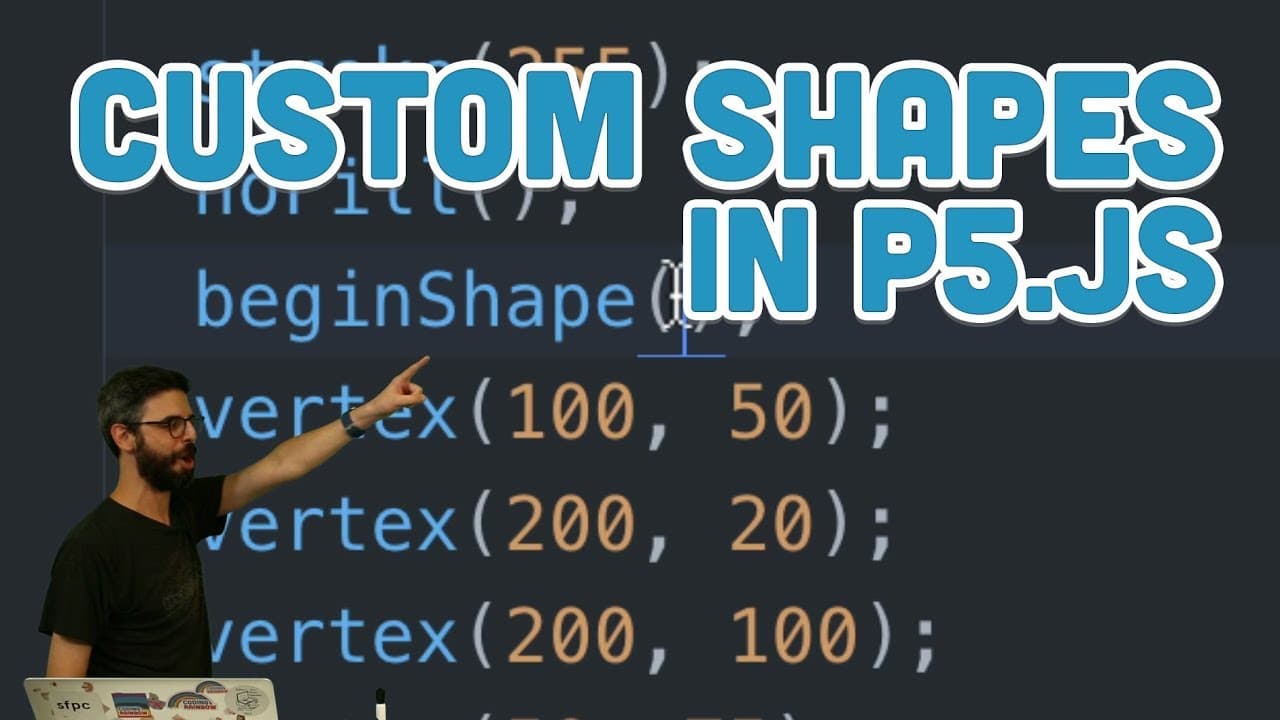
This video tutorial explains how to create custom shapes using vertices and curves in p5.js.
Transcript
hello this is a video tutorial about custom shapes and I am showing you on this webpage a much better explanation of how custom shapes that I will give you this is actually rune Matson's online book called programming design systems I think I might have referenced this before it's got an excellent chapter on color at rune mats and on twitter rune i... Read More
Key Insights
- 💠 Custom shapes in p5.js offer a way to create more unique and complex shapes beyond the standard primitive shapes.
- 🛃 Custom shapes can be defined by a collection of vertices using the beginShape() and endShape() functions.
- 😥 Curves in custom shapes require additional control points to define their entry and exit points.
- 😥 By experimenting with different vertices and control points, a wide range of custom shapes can be created.
- 🛃 Custom shapes can be used to create interactive animations and dynamic patterns.
- 🛃 The Catmull-Rom spline algorithm is used in p5.js to calculate curves between vertices in a custom shape.
- 🛃 Custom shapes can be filled, stroked, or used as paths in p5.js.
Install to Summarize YouTube Videos and Get Transcripts
Explore YouTube Video Summarizer or Get YouTube Transcript Extractor
Questions & Answers
Q: What are custom shapes in p5.js?
Custom shapes in p5.js refer to shapes that are defined by a collection of vertices, allowing for more flexibility in creating unique shapes beyond the standard primitive shapes.
Q: How can custom shapes be created in p5.js?
Custom shapes can be created in p5.js by using the beginShape() function to start defining a shape and the endShape() function to close the shape. The vertices of the shape are specified using the vertex() function.
Q: What is the difference between polygons and curves in custom shapes?
Polygons are shapes with straight sides and can be created using the quad() or triangle() functions in p5.js. Curves, on the other hand, can be created using the curveVertex() function and allow for more smooth and rounded shapes.
Q: Why is it important to control the entry and exit points of curves in custom shapes?
Controlling the entry and exit points of curves is important in order to define how the curve flows between vertices. Without proper control points, the curve may appear distorted or unpredictable.
Summary & Key Takeaways
-
The video introduces the concept of custom shapes and explains how they can be defined by their vertices.
-
Custom shapes can be created using the beginShape() and endShape() functions in p5.js.
-
The video demonstrates how to create polygons and curves using custom shapes, and explains the importance of controlling the entry and exit points of curves.
Read in Other Languages (beta)
Share This Summary 📚
Summarize YouTube Videos and Get Video Transcripts with 1-Click
Try YouTube Summary with ChatGPT & Claude or YouTube Transcript Generator
Explore More Summaries from The Coding Train 📚






Summarize YouTube Videos and Get Video Transcripts with 1-Click
Try YouTube Summary with ChatGPT & Claude or YouTube Transcript Generator