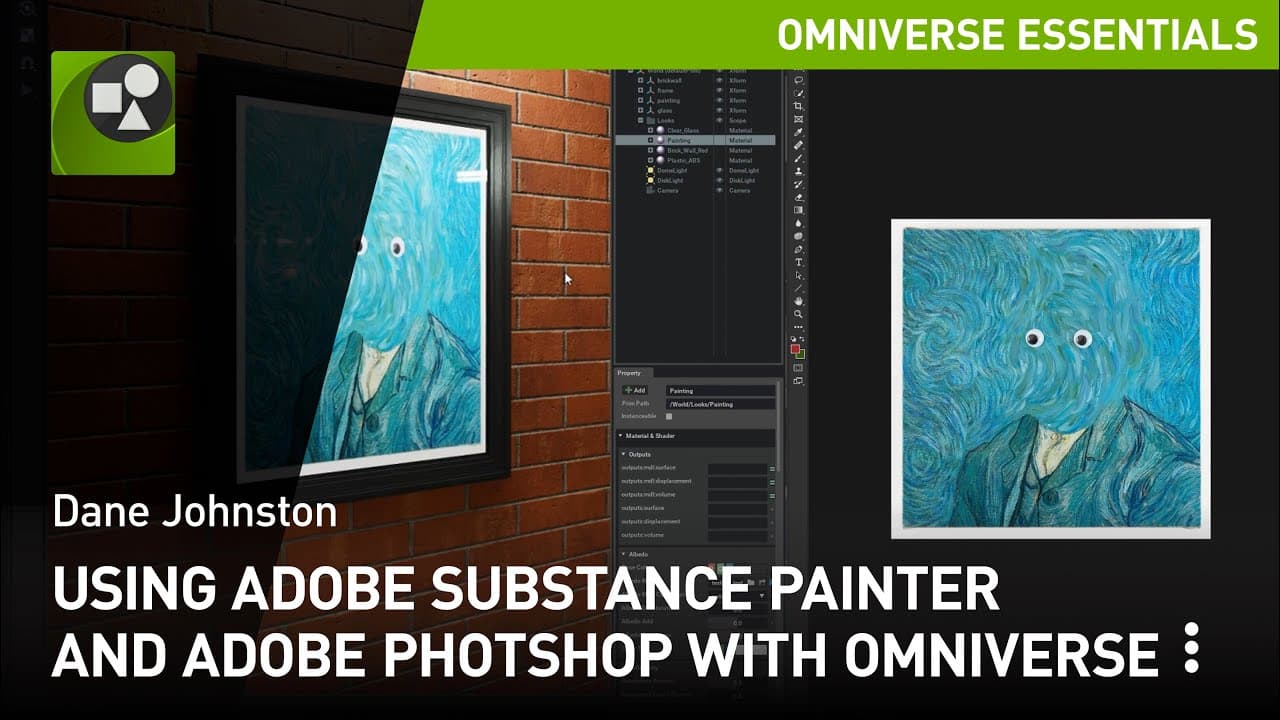
Using Substance Painter by Adobe and Adobe Photoshop with Omniverse
TL;DR
Omniverse Drive allows for direct texture updates from Substance Painter and Adobe Photoshop, simplifying the update process.
Transcript
through omniverse drive you can update textures directly from tools such as substance painter and adobe photoshop in this quick tutorial we'll show you examples of these setups and a brief run through on the parameters needed first get omniverse drive from the launcher and install it then establish your connection to the omniverse server of choice ... Read More
Key Insights
- 👻 Omniverse Drive allows for easy texture updates in Omniverse Create and other connectors, making the update process more efficient.
- 💩 It enables real-time updates, allowing users to see new results immediately after hitting save.
- 💁 Users can choose between compressed and uncompressed texture formats based on their needs.
- 😅 The ability to hot reload textures eliminates the need for lengthy import or export processes.
- 💦 Omniverse Drive works seamlessly with tools like Substance Painter and Adobe Photoshop, simplifying the workflow for creators.
- 😫 The output trajectory can be set to the Omniverse, providing a direct interaction with the platform.
- 💾 The process of browsing and saving textures in Adobe Photoshop is similar to other tools when using Omniverse Drive.
Install to Summarize YouTube Videos and Get Transcripts
Explore YouTube Video Summarizer or Get YouTube Transcript Extractor
Questions & Answers
Q: What is Omniverse Drive and how does it simplify texture updates?
Omniverse Drive is a tool that allows for direct texture updates from tools like Substance Painter and Adobe Photoshop in Omniverse Create or other connectors. It simplifies the update process by eliminating the need for lengthy import or export processes.
Q: Can texture updates be done in real-time with Omniverse Drive?
Yes, texture updates can be done in real-time with Omniverse Drive. Users can continually export and see new results every time they hit save, making quick look development easier.
Q: What are the recommended settings for faster updates from the tools?
For faster updates from the tools, users can choose uncompressed texture format. However, for remote applications, a compressed texture format is suggested for faster upload speeds.
Q: Do you need a specific collaboration service for hot reloading textures with Omniverse Drive?
No, the ability to hot reload textures with Omniverse Drive does not require a nucleus collaboration service. Omniverse Create and other connectors will load textures directly from disk.
Summary & Key Takeaways
-
Omniverse Drive allows for easy texture updates from Substance Painter and Adobe Photoshop in Omniverse Create or other connectors like Unreal Engine 4.
-
Users can set the output trajectory to the Omniverse, establish a template for export, and choose compressed or uncompressed texture formats.
-
The ability to hot reload textures does not require livesync or a nucleus collaboration service.
Read in Other Languages (beta)
Share This Summary 📚
Summarize YouTube Videos and Get Video Transcripts with 1-Click
Try YouTube Summary with ChatGPT & Claude or YouTube Transcript Generator
Explore More Summaries from NVIDIA 📚




Summarize YouTube Videos and Get Video Transcripts with 1-Click
Try YouTube Summary with ChatGPT & Claude or YouTube Transcript Generator