Live Stream #15: Using the Kinect and Processing
TL;DR
This video explores how to use the Microsoft Connect in Processing to work with depth images and raw depth data.
Transcript
I think I'm streaming he everybody welcome good morning I've been having technical difficulties for like the last 20 minutes and I think this is actually working oh my God it's working they YouTube changed the way things work good morning welcome this thing is called the coding rainbow uh and I had a whole thing prepared to say that I don't have pr... Read More
Key Insights
- 💻 The Microsoft Connect is a depth-sensing camera used for computer vision projects.
- 👻 The Open Connect for Processing library allows for easy integration of the Connect with the Processing programming environment.
- 🍓 Depth images provide a visual representation of the distance from the camera to each pixel, while raw depth data gives actual distance measurements.
- 😶🌫️ The raw depth data can be used for various applications, such as gesture recognition, 3D point cloud generation, and object detection.
- 🧡 The Connect version one and version two have different depth ranges and hardware requirements.
Install to Summarize YouTube Videos and Get Transcripts
Explore YouTube Video Summarizer or Get YouTube Transcript Extractor
Questions & Answers
Q: What is the purpose of the Microsoft Connect?
The Microsoft Connect is a depth-sensing camera that allows for interactive and 3D motion tracking. It is commonly used in projects involving computer vision and gesture recognition.
Q: What is the difference between depth images and raw depth data?
Depth images are a visual representation of the distance from the camera to each pixel in the image. Raw depth data, on the other hand, provides the actual distance measurements in millimeters for each pixel.
Q: How do you install the necessary libraries for working with the Microsoft Connect in Processing?
You can install the Open Connect for Processing library directly from the Processing IDE by going to Sketch > Import Library > Add Library and searching for "Connect." Follow the instructions to install the library.
Q: What can you do with the raw depth data from the Microsoft Connect?
The raw depth data allows for more precise measurements and calculations, such as finding the closest objects, creating 3D point clouds, or detecting specific depth thresholds. It provides more flexibility for custom applications and manipulations of the depth information.
Summary & Key Takeaways
-
The video begins with technical difficulties, but eventually gets started with an overview of the Microsoft Connect and how it works.
-
The speaker discusses the different versions of the Connect and how to install the necessary libraries for working with it in Processing.
-
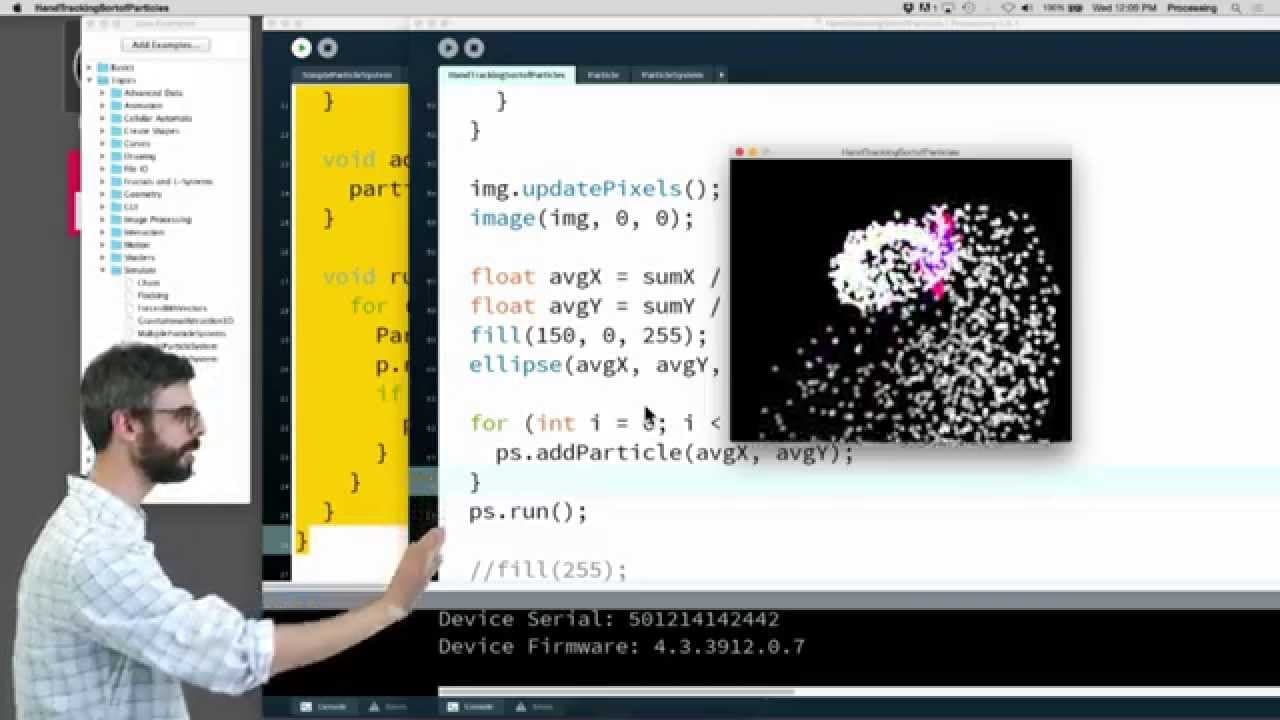
The speaker demonstrates how to use the Connect to obtain depth images and raw depth data, and shows examples of visualizations using that data.
Read in Other Languages (beta)
Share This Summary 📚
Summarize YouTube Videos and Get Video Transcripts with 1-Click
Try YouTube Summary with ChatGPT & Claude or YouTube Transcript Generator
Explore More Summaries from The Coding Train 📚






Summarize YouTube Videos and Get Video Transcripts with 1-Click
Try YouTube Summary with ChatGPT & Claude or YouTube Transcript Generator