How can I tell if my site is affected by a particular algorithm?
TL;DR
Distinguishing between algorithmic penalties and better competition is complex but possible.
Transcript
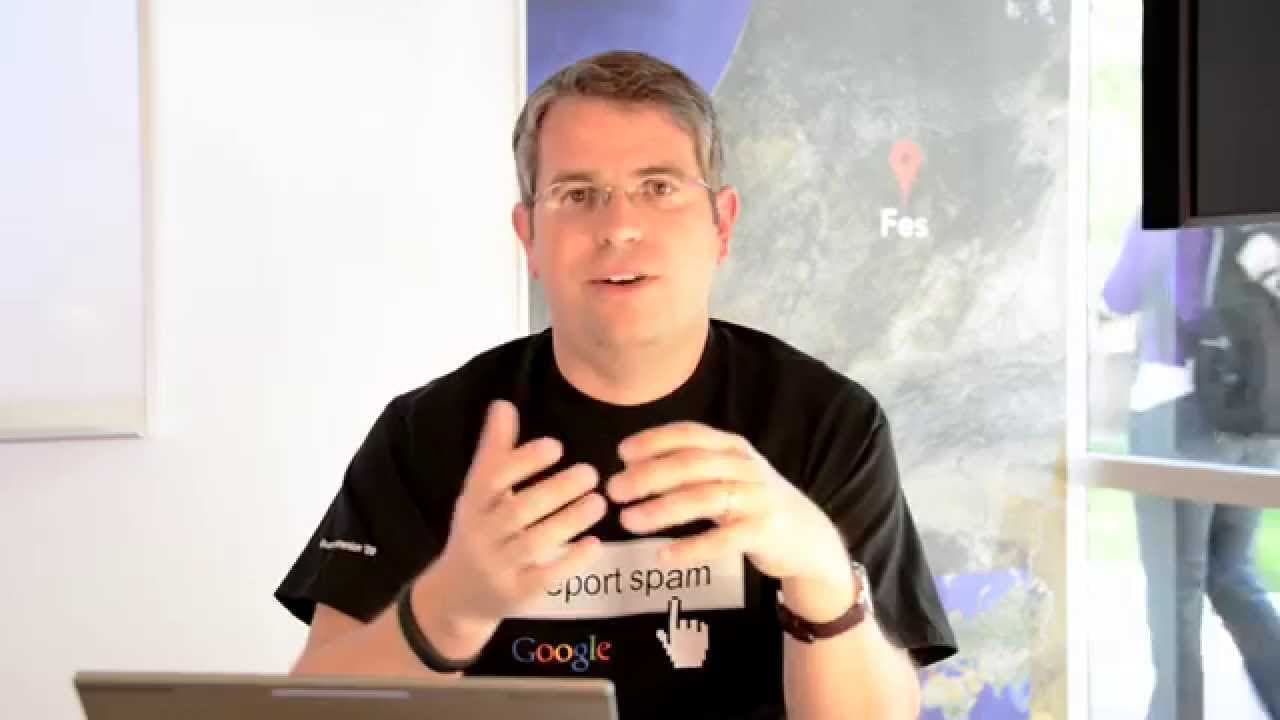
MATT CUTTS: Hey, everybody. We have an interesting question today from Ed in London. Ed asks, "How can you tell if your site is suffering from an algorithmic penalty, or if you are simply being outgunned by better content?" This is a really intriguing question. So let's walk through some of the different things. You didn't ask about manual, but let... Read More
Key Insights
- Manual penalties can be identified through notifications in Webmaster Tools, often due to issues like keyword stuffing or cloaking.
- Crawl errors, such as no index tags or 404 errors, can also impact site ranking and should be checked in Webmaster Tools.
- Algorithmic penalties are not explicitly labeled as such; they are part of the overall ranking system.
- Google frequently updates its algorithms, with around 665 changes in 2012 alone, affecting search result rankings.
- Major algorithm updates like Penguin and Panda are announced, providing insight into potential ranking impacts.
- Panda has become more integrated into regular indexing, reducing its jolting effect on rankings.
- Penguin updates are more discrete and are still announced, helping webmasters identify potential impacts.
- Improving site content and structure can lead to positive algorithmic rescoring and improved rankings.
Install to Summarize YouTube Videos and Get Transcripts
Explore YouTube Video Summarizer or Get YouTube Transcript Extractor
Questions & Answers
Q: How can you identify a manual penalty on your site?
Manual penalties are identified through notifications in Webmaster Tools. These penalties are often due to issues like keyword stuffing or cloaking. By checking the Manual Actions Viewer, webmasters can see if their site has been directly impacted by a manual action from the web spam team.
Q: What role do crawl errors play in site ranking?
Crawl errors, such as no index tags, 404 errors, or unreachable sites, can significantly impact site rankings. These errors prevent search engines from properly indexing the site, leading to lower visibility in search results. Webmasters should regularly check Webmaster Tools for any crawl errors and address them promptly.
Q: Are algorithmic penalties explicitly labeled as penalties?
Algorithmic penalties are not explicitly labeled as penalties. They are part of the overall ranking system, influenced by numerous algorithms working together. While some algorithms may negatively impact a site's ranking, they are not individually identified as penalties, making it challenging to pinpoint the exact cause of ranking drops.
Q: How often does Google update its algorithms?
Google updates its algorithms frequently, with approximately 665 changes made in 2012 alone. These updates affect how search results are ranked and can lead to fluctuations in site rankings. Major updates, like Penguin and Panda, are announced, but many smaller changes occur regularly without public announcements.
Q: What is the difference between Penguin and Panda updates?
Penguin and Panda are two major Google algorithm updates. Penguin focuses on web spam and is still announced as a discrete update. Panda targets quality content and has become more integrated into regular indexing, reducing its jolting effect on rankings. Both aim to improve search result quality but differ in focus and implementation.
Q: How can webmasters improve their site rankings after an algorithmic change?
Webmasters can improve site rankings by enhancing content quality and structure. By analyzing competitor sites and identifying areas for improvement, webmasters can make changes that align with search engine algorithms. These improvements can lead to positive rescoring and better rankings as algorithms re-evaluate the site's relevance and quality.
Q: Why is it challenging to distinguish between algorithmic penalties and better competition?
Distinguishing between algorithmic penalties and better competition is challenging because both can affect site rankings. Algorithmic penalties are not explicitly labeled, and numerous algorithms interact to determine rankings. Additionally, competitors may improve their content, making it difficult to identify whether a ranking drop is due to penalties or competition.
Q: What should webmasters do if their site is not ranking as desired?
If a site is not ranking as desired, webmasters should analyze their site for potential issues, such as manual penalties or crawl errors. They should also evaluate competitor sites to identify content or structural improvements. By making necessary changes, webmasters can potentially improve their site's algorithmic scoring and regain desired rankings.
Summary & Key Takeaways
-
Manual penalties are straightforward to identify via Webmaster Tools notifications, often due to keyword stuffing or cloaking. Crawl errors, such as no index tags or 404 errors, should also be checked as they can affect site rankings.
-
Algorithmic penalties are part of the overall ranking system and not explicitly labeled. Google frequently updates its algorithms, with major updates like Penguin and Panda announced to inform webmasters of potential impacts.
-
Improving site content and structure can lead to positive rescoring by algorithms, allowing sites to regain rankings. Penguin updates are more discrete and announced, while Panda is now integrated into regular indexing.
Read in Other Languages (beta)
Share This Summary 📚
Summarize YouTube Videos and Get Video Transcripts with 1-Click
Try YouTube Summary with ChatGPT & Claude or YouTube Transcript Generator
Explore More Summaries from Google Search Central 📚






Summarize YouTube Videos and Get Video Transcripts with 1-Click
Try YouTube Summary with ChatGPT & Claude or YouTube Transcript Generator