Create effective HOW TO Tutorials with Scribe
TL;DR
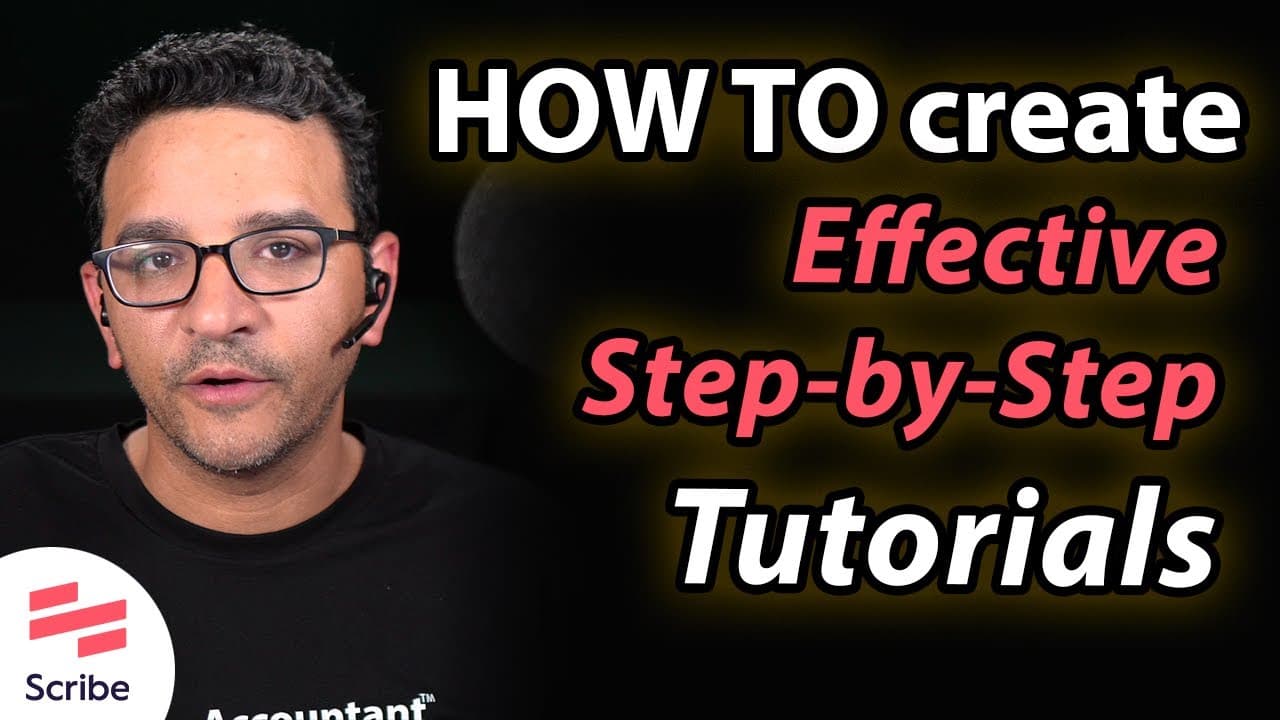
Learn how to create effective how-to tutorials using tools like Scribe and integrate them into your website for easy access.
Transcript
hi folks i'm hector garcia and i'm an accountant however if you followed any of my work in youtube you know that at this point i pretty much make how-to tutorials for a living so naturally i got a question in my comment section that says hey hector do you have any tips for someone that wants to create effective how-to tutorials like yours and i'm g... Read More
Key Insights
- 🎥 Prior to making videos, Hector used to do written tutorials with screenshots and posted them on his website and blog to start in the education world.
- 📝 Hector now uses a tool called Scribe to write step-by-step tutorials quickly and efficiently, which includes clear screenshots and instructions.
- 📚 Scribe allows users to organize their tutorials into logical groupings and create folders for different topics and tools.
- 📤 Scribe offers multiple sharing options, including email and smart embed features for website integration.
- 📄 Scribe also provides the option to export tutorials as professional-looking PDFs, which can be printed and followed as step-by-step instructions.
- 🔗 Scribe offers a browser extension, allowing users to record tutorials directly from websites they are already logged into.
- 📹 Users can choose to record their tutorials as videos or in step-by-step capture mode, creating written and visual instructions simultaneously.
- 💼 Scribe offers various pricing plans, including a free version for individuals, with additional features available in paid plans such as branded guides and engagement insights.
Install to Summarize YouTube Videos and Get Transcripts
Explore YouTube Video Summarizer or Get YouTube Transcript Extractor
Questions & Answers
Q: How does Hector Garcia recommend creating effective how-to tutorials?
Hector Garcia recommends using tools like Scribe to create step-by-step tutorials with screenshots and clear instructions. He also suggests organizing the tutorials into logical groupings and embedding them into websites.
Q: What are the features of Scribe that make it an effective tool for creating tutorials?
Scribe offers features such as grouping tutorials into folders, editing tutorials easily, sharing tutorials via email or link, embedding tutorials into websites, and exporting them as professional-looking PDFs.
Q: What are the benefits of creating both video and written tutorials?
Creating both video and written tutorials allows you to cater to different types of learners. While some prefer video guides, others prefer printed step-by-step instructions. By offering both options, you can reach a wider audience and better meet their learning preferences.
Q: How can Scribe help businesses and professionals in sharing information and reducing repetition?
Scribe allows businesses and professionals to create tutorials that can be shared with customers, team members, or clients. This helps in sharing information without the need to repeat instructions or create new videos for every instance. Written tutorials can be easily accessed, printed, and followed at the user's convenience.
Q: What are the pricing plans for Scribe?
Scribe offers a free version for individuals with unlimited guides, web app access, and basic customization options. The Pro plan, priced at $29, includes additional features such as branded guides, custom screenshots, and engagement insights.
Summary & Key Takeaways
-
The speaker, Hector Garcia, shares his experience transitioning from written tutorials to video tutorials using tools like Scribe.
-
Scribe is a tool that allows users to create step-by-step tutorials with screenshots and instructions quickly and efficiently.
-
The tutorial covers how to use Scribe, organize tutorials, edit and share them, embed them in websites, and export them as PDFs.
Read in Other Languages (beta)
Share This Summary 📚
Summarize YouTube Videos and Get Video Transcripts with 1-Click
Try YouTube Summary with ChatGPT & Claude or YouTube Transcript Generator
Explore More Summaries from Hector Garcia CPA 📚
Summarize YouTube Videos and Get Video Transcripts with 1-Click
Try YouTube Summary with ChatGPT & Claude or YouTube Transcript Generator