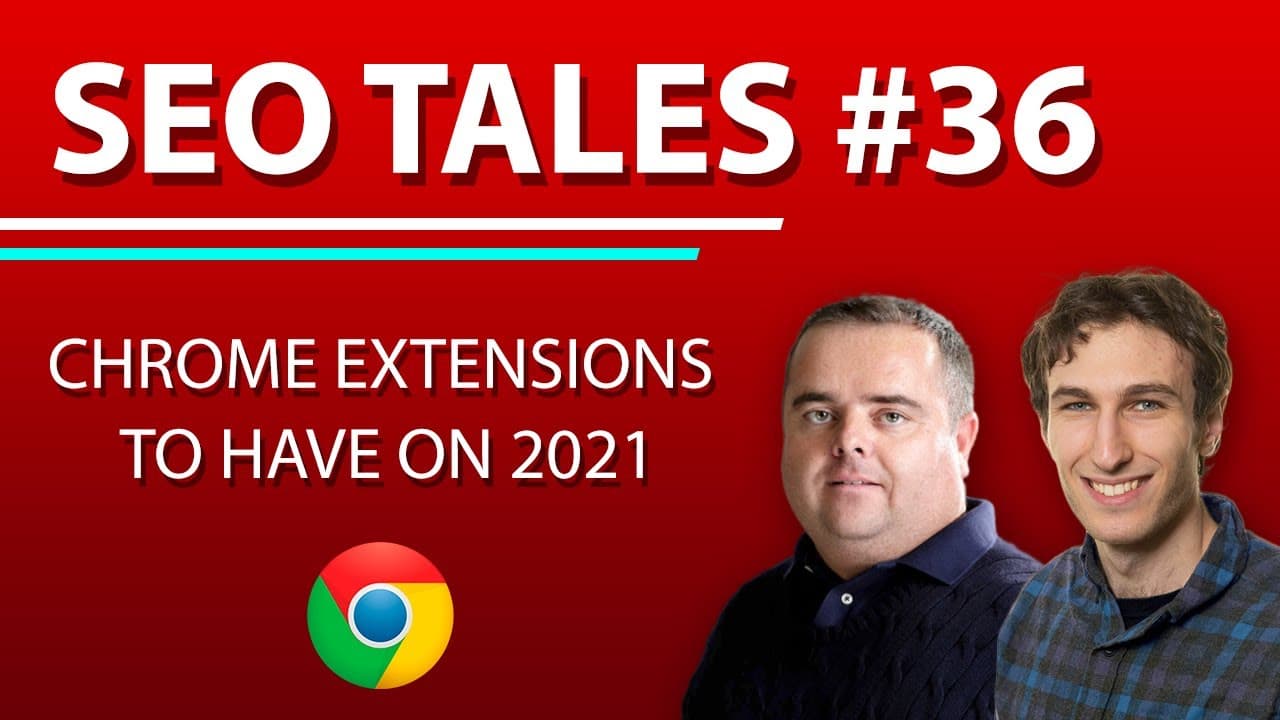
Must-Have Chrome Extensions for Productivity 2021
TL;DR
Contact Out is a free Chrome extension that reveals email addresses on LinkedIn profiles, enhancing networking opportunities. Other recommended extensions include Grammarly for spelling checks, Follow Up CC for email scheduling and tracking, and VidIQ for YouTube video optimization. These tools collectively boost productivity and efficiency in digital tasks.
Transcript
this show is sponsored by odys global make sure that you do sign up and get a free 100 bonus by checking out odys global's age domains or done for you affiliate websites hey everyone welcome back to episode 36 of seo tells and in this episode craig and i are going to be sharing some absolute must-have chrome extensions that you need if you just wan... Read More
Key Insights
- Contact Out is a free Chrome extension that reveals email addresses on LinkedIn profiles.
- Grammarly is essential for spelling and grammar checks, available with a paid package.
- Follow Up CC allows email scheduling and tracking, costing about $10 a month.
- Friend Filter helps manage Facebook friends by identifying non-engagers.
- VidIQ enhances YouTube video optimization by suggesting tags and analyzing competitor channels.
- Redirect Path identifies URL redirect chains, crucial for SEO optimization.
- Mangools offers on-page SEO insights, including meta tags and keyword density.
- LastPass, paired with a YubiKey, provides robust password management and security.
Install to Summarize YouTube Videos and Get Transcripts
Explore YouTube Video Summarizer or Get YouTube Transcript Extractor
Questions & Answers
Q: How to find email addresses on LinkedIn profiles?
Use the Contact Out Chrome extension to reveal email addresses on LinkedIn profiles. This tool is free and enhances networking by providing contact details directly from the profile page. It is crucial to use this information ethically and not for spamming purposes. Contact Out strategically positions you to reach out via email, potentially improving response rates.
Q: What is the purpose of Grammarly?
Grammarly is a Chrome extension that provides spelling and grammar checks, ensuring written communication is clear and error-free. It is particularly useful for professionals who need to maintain high standards in their writing. Grammarly is available as part of a paid package, offering comprehensive language support across various digital platforms, including emails and documents.
Q: How does Follow Up CC improve email management?
Follow Up CC is a Chrome extension that enhances email management by allowing users to schedule emails and track their delivery and response. It costs around $10 a month and integrates with Gmail. Users can draft emails in advance and set them to send at specific times, ensuring timely communication. It also automates follow-up sequences, canceling them if a reply is received.
Q: What is Friend Filter used for?
Friend Filter is a paid Chrome extension for Facebook that helps manage your friends list by identifying users who do not engage with your posts. It analyzes engagement over a set period and allows you to remove non-engagers, freeing up space for more interactive connections. This tool is beneficial for maintaining an active and engaged social media presence.
Q: How does VidIQ assist with YouTube optimization?
VidIQ is a Chrome extension that assists with YouTube optimization by providing insights into video tags and analyzing similar channels. It helps creators improve their video visibility and reach by suggesting relevant tags and keywords. VidIQ streamlines the research process, allowing content creators to focus on producing engaging content that attracts more viewers.
Q: What is the function of Redirect Path?
Redirect Path is a Chrome extension that identifies URL redirect chains, which are crucial for SEO optimization. It shows the status codes of URLs and the journey they take, helping users eliminate unnecessary redirects. This tool is essential for ensuring that links point directly to the intended destination, reducing load times and improving the user experience.
Q: How does Mangools enhance SEO analysis?
Mangools is a free Chrome extension that provides on-page SEO insights, including meta tags, structured data, and keyword density. It offers a snapshot of a webpage's SEO elements, aiding in competitor analysis and content optimization. Users can upgrade to a paid subscription for additional features like backlink analysis and rank tracking, making it a versatile tool for SEO professionals.
Q: Why is LastPass important for security?
LastPass is a password management tool that enhances security by storing and generating strong passwords for all accounts. Users only need to remember a master password. For added security, LastPass can be paired with a YubiKey, a physical security key that requires a fingerprint to access accounts. This combination ensures robust protection against unauthorized access, crucial for safeguarding sensitive information.
Summary & Key Takeaways
-
Contact Out is a Chrome extension that reveals email addresses on LinkedIn profiles, aiding in effective networking. It's free and helps in reaching out strategically without spamming.
-
Grammarly, Follow Up CC, and VidIQ are essential Chrome extensions for productivity. Grammarly checks grammar, Follow Up CC schedules emails, and VidIQ optimizes YouTube content.
-
Security and efficiency are enhanced with LastPass for password management and Redirect Path for identifying URL redirect chains, both crucial for SEO and data protection.
Read in Other Languages (beta)
Share This Summary 📚
Summarize YouTube Videos and Get Video Transcripts with 1-Click
Try YouTube Summary with ChatGPT & Claude or YouTube Transcript Generator
Explore More Summaries from Craig Campbell SEO 📚

Summarize YouTube Videos and Get Video Transcripts with 1-Click
Try YouTube Summary with ChatGPT & Claude or YouTube Transcript Generator