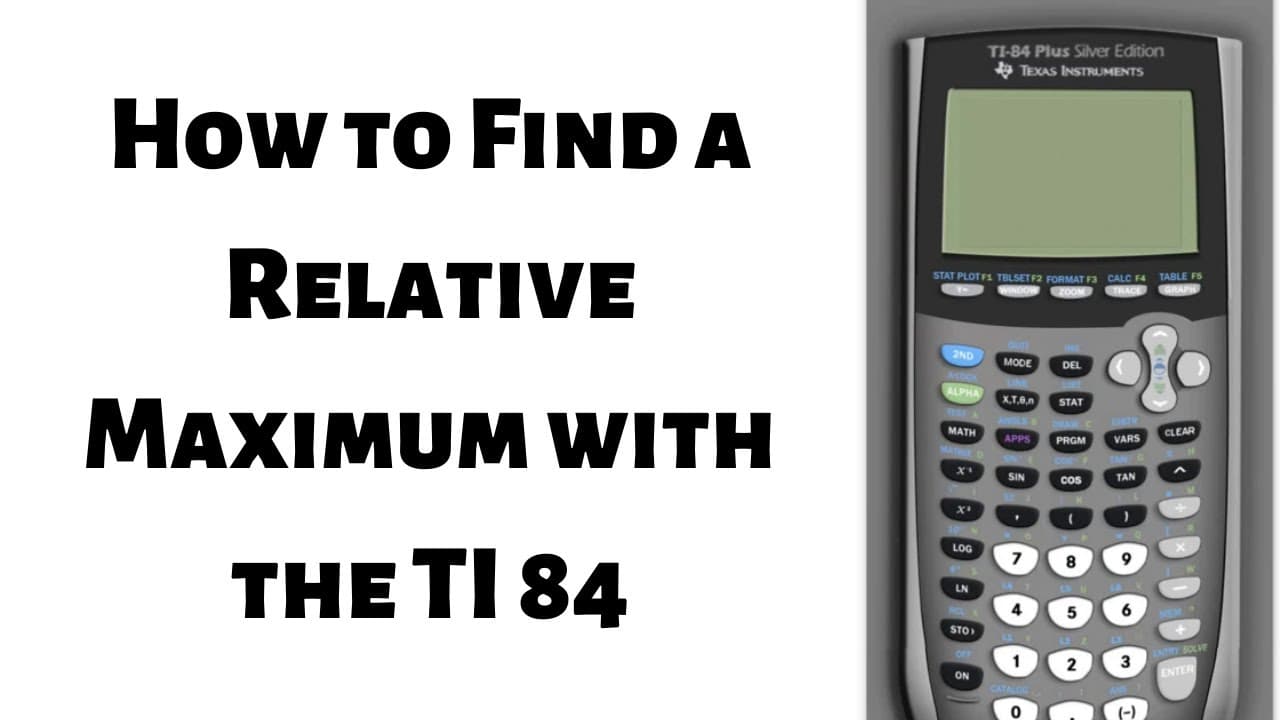
How to Find a Relative Maximum with the TI-84 Plus Silver Edition Calculator
TL;DR
Learn how to find the relative maximum of a function using the TI-84 calculator.
Transcript
hi everyone in this video we're going to find the relative maximum of this function using the ti-84 calculator so to do that we'll start by pressing this button here that says y equals that's where you enter the function into the calculator okay so now you type in the function so it's negative x squared plus X so it's really important that you clic... Read More
Key Insights
- ❓ The TI-84 calculator can be used to find the relative maximum of a function accurately.
- 🔣 The correct input of the function and understanding the calculator's symbol buttons are crucial for accurate results.
- 😥 The calc menu provides useful features for locating specific points on a graph, such as the relative maximum.
- 😀 The relative maximum refers to the highest point in a function compared to the surrounding y-values.
- 📈 Double-checking the entered function and visually inspecting the graph ensures accurate analysis.
- 🧘 The calc menu helps to refine the position of the cursor to determine the relative maximum precisely.
- ❣️ The relative maximum's coordinates denote its x and y values, typically written as (x, y).
Install to Summarize YouTube Videos and Get Transcripts
Explore YouTube Video Summarizer or Get YouTube Transcript Extractor
Questions & Answers
Q: What is the first step in finding the relative maximum using the TI-84 calculator?
The first step is to press the "y=" button to enter the function into the calculator and ensure the correct symbols are used for negatives and exponents.
Q: How can you graph the function on the TI-84 calculator?
After entering the function, you hit the "graph" button to plot the function on the calculator's screen, visualizing its shape and trend.
Q: What is the purpose of the calc menu on the TI-84 calculator?
The calc menu is a blue key on the calculator that allows you to perform various calculations and find specific points on the graph, such as the relative maximum.
Q: How do you identify the relative maximum using the calc menu?
Access the calc menu by pressing "second" and then "trace." Select "maximum" from the menu and follow the prompts to position the cursor on either side of the relative maximum and find its coordinates.
Summary & Key Takeaways
-
The video demonstrates how to find the relative maximum of a function using the TI-84 calculator.
-
It explains step-by-step instructions on entering the function and graphing it on the calculator.
-
The video also provides guidance on using the calculator's calc menu to locate and determine the relative maximum.
Read in Other Languages (beta)
Share This Summary 📚
Summarize YouTube Videos and Get Video Transcripts with 1-Click
Try YouTube Summary with ChatGPT & Claude or YouTube Transcript Generator
Explore More Summaries from The Math Sorcerer 📚



Summarize YouTube Videos and Get Video Transcripts with 1-Click
Try YouTube Summary with ChatGPT & Claude or YouTube Transcript Generator