The Ultimate Time Blocking App for Busy People!
TL;DR
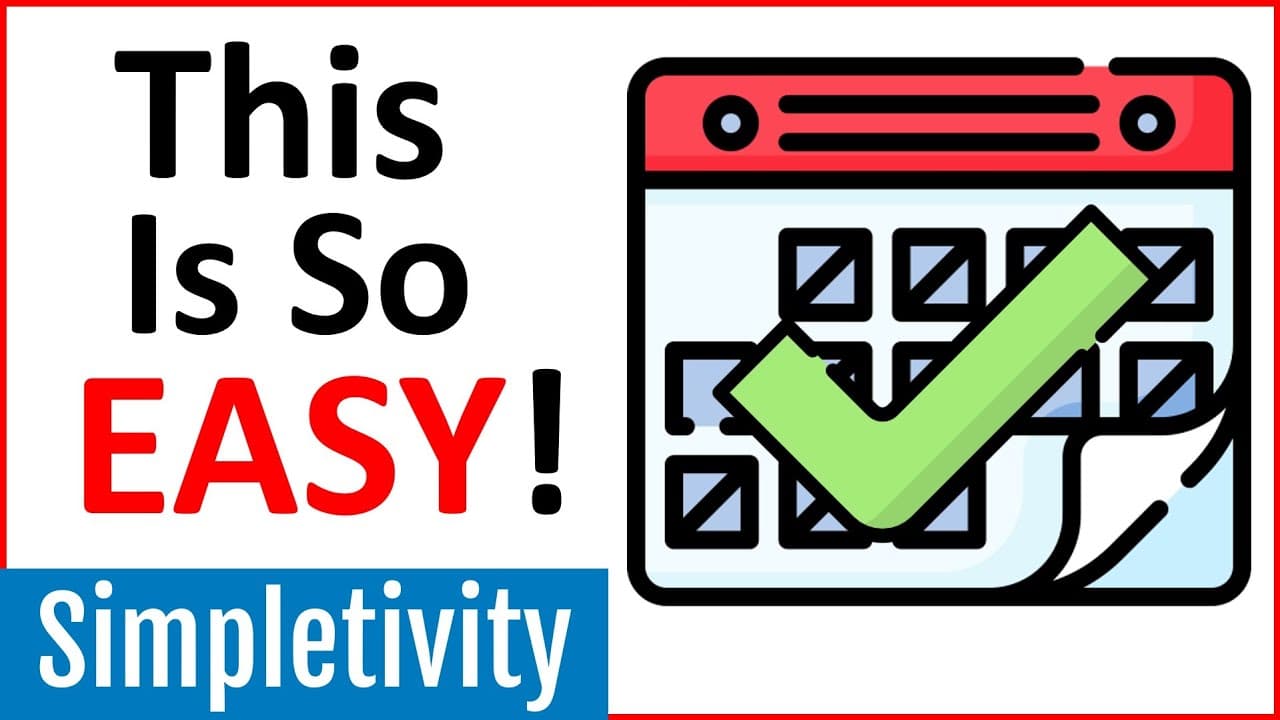
Akiflow is a tool that integrates your calendar, task management apps, and communication tools into one platform, allowing you to easily block out time and stay organized.
Transcript
- Time blocking is one of the most effective ways to ensure that you can get everything done. So for example, if I want to make sure that I'm prepared for this meeting, maybe I'm going to block out some time in advance to review the budget so I can assign a specific time and make sure I accomplish that task. But there's a problem, I don't work excl... Read More
Key Insights
- 💼 Time blocking is an effective way to manage tasks and ensure productivity. Akiflow is a tool that integrates various apps, allowing users to drag tasks from different apps onto their calendar.
- 💡 Akiflow keeps all synced apps updated, so changes made in one app reflect in others. For example, updating a task in Akiflow will update it in Todoist with the new due date.
- 🔒 Users can choose which apps and tasks to import into Akiflow, personalizing their experience. They can also customize import settings for each app.
- 📆 Akiflow enables users to easily block out time for tasks within their busy schedules by dragging and dropping tasks onto the calendar.
- 🔔 Akiflow provides gentle reminders for upcoming events and tasks, ensuring users stay notified regardless of their current screen or location.
- ️ Users can add tasks and events directly within Akiflow using natural language input, making it quick and easy to schedule tasks without relying on a mouse.
- 🌐 Akiflow is a desktop app, allowing users to access it from anywhere, not just within a browser.
- 🚀 Akiflow simplifies productivity by bringing together all apps and providing a seamless way to manage tasks and time.
Install to Summarize YouTube Videos and Get Transcripts
Explore YouTube Video Summarizer or Get YouTube Transcript Extractor
Questions & Answers
Q: How does Akiflow help you stay organized and manage your tasks more effectively?
Akiflow integrates your calendar with various task management apps, allowing you to drag tasks from different apps onto your calendar, ensuring you can easily block out time and stay organized. Any updates made in Akiflow or the connected apps are automatically synced, keeping all your tasks up to date.
Q: Can Akiflow sync with project management tools like Trello?
Yes, Akiflow can sync with project management tools like Trello. Users can choose which Trello boards and specific tasks they want to see in their Akiflow account, allowing for better organization and focus on assigned tasks.
Q: How does Akiflow handle email integration?
Akiflow offers Gmail integration, where users can choose to sync all starred emails or apply a specific label (Akiflow) to emails they want to import. This allows users to easily access and manage their emails within the Akiflow platform.
Q: How does Akiflow provide notifications for upcoming events and tasks?
Akiflow provides gentle notification reminders for all upcoming events and tasks. These notifications appear in the top right-hand corner of the Akiflow app, ensuring users stay informed and on track, even when they're not actively using their browser.
Q: Can tasks and events be added directly within Akiflow?
Yes, Akiflow allows users to add tasks and events directly within the platform. At the top of the screen, users can use the command bar or press alt+space on their keyboard to input tasks using natural language. This feature offers a quick and efficient way to block out time on the calendar without needing to use a mouse.
Summary & Key Takeaways
-
Akiflow is a productivity tool that syncs your calendar with various task management and communication apps.
-
Users can drag tasks from apps like Trello, Todoist, Notion, and emails onto their calendar.
-
Any changes made in Akiflow or the connected apps are automatically synced, ensuring everything stays up to date.
Read in Other Languages (beta)
Share This Summary 📚
Summarize YouTube Videos and Get Video Transcripts with 1-Click
Try YouTube Summary with ChatGPT & Claude or YouTube Transcript Generator
Explore More Summaries from Simpletivity 📚
Summarize YouTube Videos and Get Video Transcripts with 1-Click
Try YouTube Summary with ChatGPT & Claude or YouTube Transcript Generator