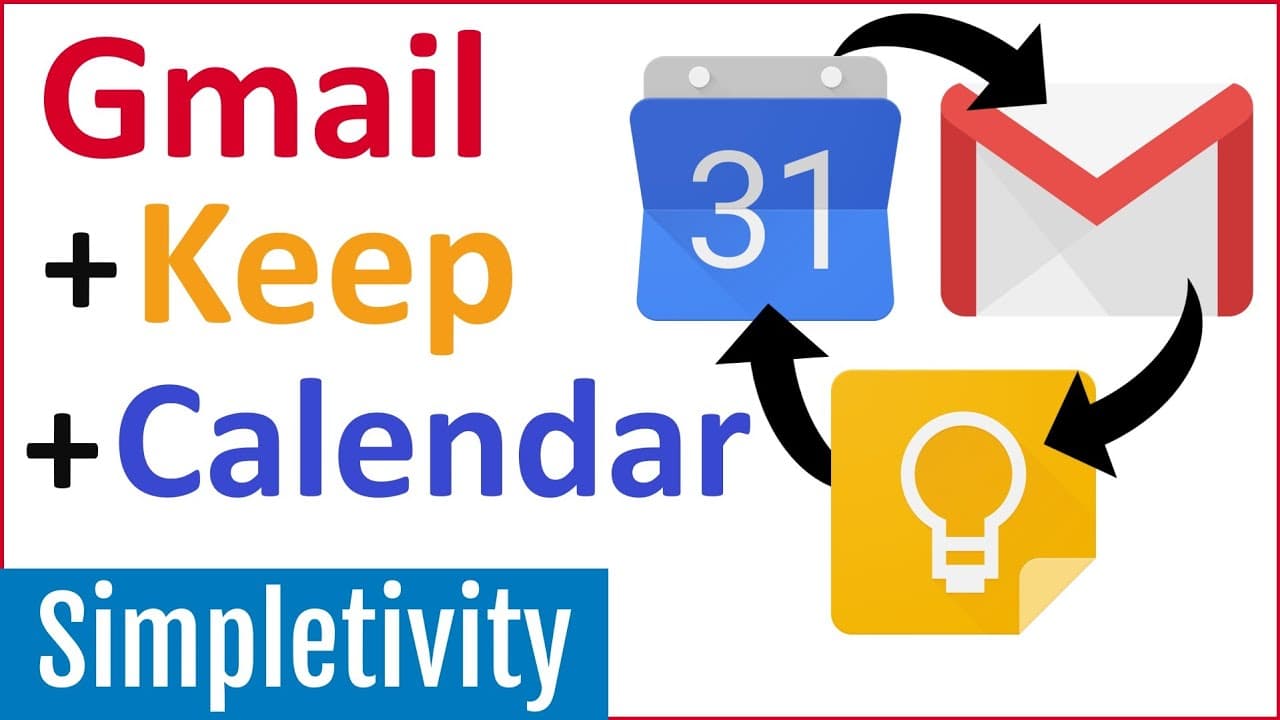
How to Use Gmail + Keep Notes + Google Calendar Together
TL;DR
Learn how to optimize your productivity by connecting and linking Google Calendar, Gmail, and Google Keep.
Transcript
- [Scott Friesen] Google Calendar, Gmail and Google Keep are three Google apps that are core to my personal productivity system. But you know, what helps out even more is the relationships between these three. So in today's video, I wanna show you how you can get so much more out of these three and by connecting and linking them together. Hello, ev... Read More
Key Insights
- 👻 The side panel in Gmail provides quick access to Google Calendar and Google Keep, allowing for seamless integration of tasks, notes, and events.
- 💌 Creating linked notes in Google Keep for specific emails in Gmail helps to consolidate information and make it easily retrievable.
- 💌 Google Calendar can be used to create events directly from emails, saving time and reducing the need for manual data entry.
- 🎗️ The integration of Google Keep reminders within Google Calendar ensures important notes and tasks are not forgotten.
- 💁 Linking Google Calendar events with Google Keep notes enables easy navigation and access to relevant information.
- 💁 Google Keep links can be added to various platforms and documents, making it a versatile tool for organizing and referencing information.
- 💨 Users can personalize their productivity workflow by finding new ways to connect and utilize Google Apps like Calendar, Gmail, and Keep.
Install to Summarize YouTube Videos and Get Transcripts
Explore YouTube Video Summarizer or Get YouTube Transcript Extractor
Questions & Answers
Q: How can I link a Google Keep note to a specific email in Gmail?
To link a Google Keep note to an email in Gmail, open the email and click on the Keep icon in the side panel. Then, create a new note, and the link between the note and the email will be automatically generated.
Q: Can I create events in Google Calendar directly from emails in Gmail?
Yes, you can create events from emails in Gmail by clicking on the three dots menu in the email and selecting "Create event." This will open a new tab in Google Calendar with the email's subject and content already filled in.
Q: How can I link Google Calendar events with Google Keep notes?
To link Google Calendar events with Google Keep notes, open the calendar event and click on the Keep icon in the side panel. From there, you can create or access relevant notes and easily switch between the event and the notes.
Q: Can I set reminders for Google Keep notes within Google Calendar?
Yes, you can set reminders for Google Keep notes within Google Calendar. Simply add a reminder in Google Keep with a specific time, and it will appear as a reminder within Google Calendar.
Key Insights:
- The side panel in Gmail provides quick access to Google Calendar and Google Keep, allowing for seamless integration of tasks, notes, and events.
- Creating linked notes in Google Keep for specific emails in Gmail helps to consolidate information and make it easily retrievable.
- Google Calendar can be used to create events directly from emails, saving time and reducing the need for manual data entry.
- The integration of Google Keep reminders within Google Calendar ensures important notes and tasks are not forgotten.
- Linking Google Calendar events with Google Keep notes enables easy navigation and access to relevant information.
- Google Keep links can be added to various platforms and documents, making it a versatile tool for organizing and referencing information.
- Users can personalize their productivity workflow by finding new ways to connect and utilize Google Apps like Calendar, Gmail, and Keep.
- Simplifying productivity is achievable by leveraging the features and functionalities of Google Calendar, Gmail, and Google Keep.
Summary & Key Takeaways
-
The video demonstrates how to utilize the side panel in Gmail to access Google Calendar and Google Keep for enhanced note-taking and organization.
-
It shows how to create a note in Google Keep that is linked to specific emails, allowing for easy access and reference.
-
Additionally, it explains how to create events in Google Calendar directly from emails and how to link calendar events with Google Keep notes.
Read in Other Languages (beta)
Share This Summary 📚
Summarize YouTube Videos and Get Video Transcripts with 1-Click
Try YouTube Summary with ChatGPT & Claude or YouTube Transcript Generator
Explore More Summaries from Simpletivity 📚
Summarize YouTube Videos and Get Video Transcripts with 1-Click
Try YouTube Summary with ChatGPT & Claude or YouTube Transcript Generator