How to Create a Successful YouTube Video
TL;DR
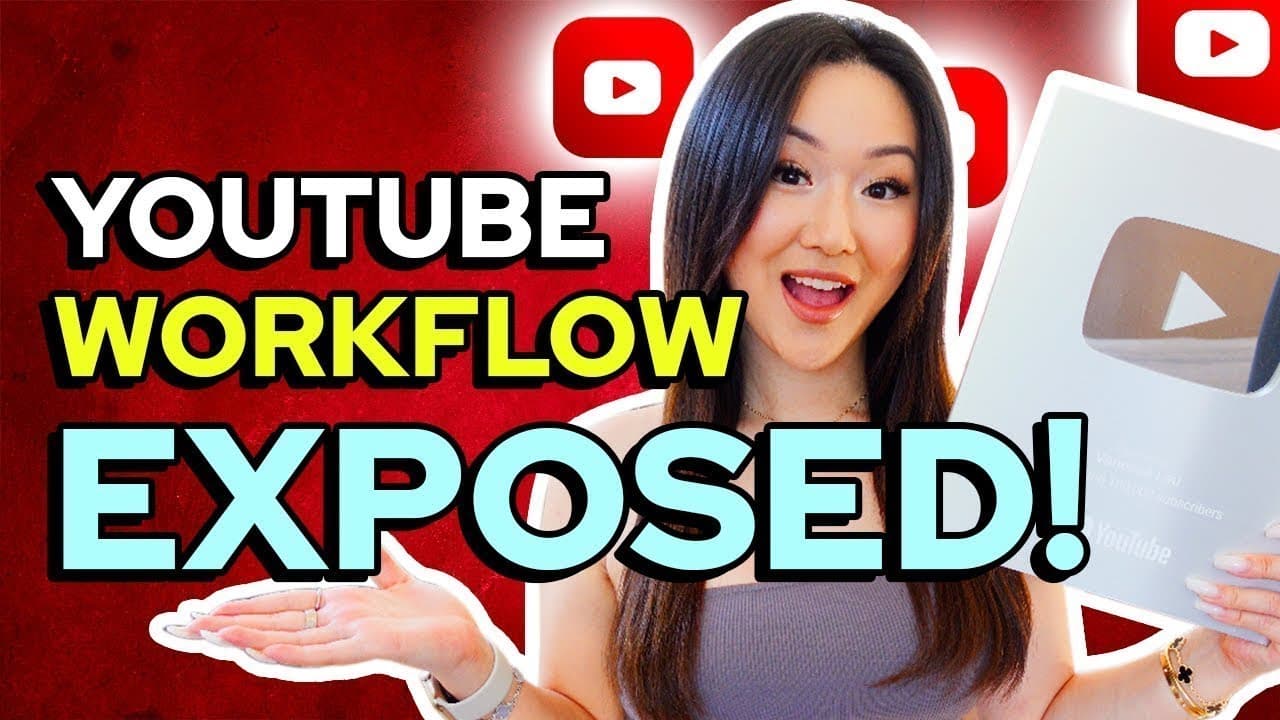
To create a successful YouTube video, begin by researching trending topics and planning content with tools like Notion. Organize filming schedules, prepare scripts, and ensure equipment readiness. Use a strategic filming method by recording in sections and editing efficiently. Optimize your video with descriptions, tags, and thumbnails before promoting it across social media platforms for maximum reach.
Transcript
so you want to know how someone with nearly 600 000 subscribers is able to create their YouTube videos from start to finish well you're in luck because I'm going to share my entire YouTube process that has helped me create over 200 videos on the platform that have generated over 30 million views let's dive into it all right let's talk about the fir... Read More
Key Insights
- Choosing video topics involves analyzing competitors and using data from Creator Studio to identify popular content.
- Planning is crucial; using tools like Notion helps in organizing video ideas, scripts, and filming schedules.
- Filming strategy includes recording in sections to manage script references and reduce errors.
- Prepping involves charging equipment, setting up filming spaces, and reviewing scripts before recording.
- Editing is streamlined by uploading clips to platforms like Frame.io for efficient feedback and revisions.
- Optimization includes crafting engaging titles, descriptions, and using tools like TubeBuddy for keyword selection.
- Promotion involves scheduling posts on platforms like Instagram and YouTube's community tab to drive traffic.
- Engagement can be increased by pinning comments and using tools like LinkTwin for seamless viewer interaction.
Install to Summarize YouTube Videos and Get Transcripts
Explore YouTube Video Summarizer or Get YouTube Transcript Extractor
Questions & Answers
Q: How to choose topics for YouTube videos?
Choosing topics for YouTube videos involves analyzing competitors' channels to see what content performs well. Use YouTube's Creator Studio to identify what your viewers are watching and gather inspiration from popular and trending videos. Additionally, engaging with your audience through polls and social media can provide direct feedback on what content they are interested in.
Q: What tools can help in planning YouTube content?
Tools like Notion are excellent for planning YouTube content. They allow creators to organize video ideas, scripts, and filming schedules efficiently. Notion's customizable dashboards help in visualizing content plans and ensuring a structured approach to content creation, making it easier to manage multiple projects and deadlines.
Q: What is an effective filming strategy for YouTube videos?
An effective filming strategy for YouTube videos involves recording in sections. This method allows creators to manage script references without memorizing everything, reducing stress and mistakes. Filming in smaller clips also simplifies the editing process, as it’s easier to organize and edit shorter segments rather than one long continuous take.
Q: How to optimize YouTube videos for better performance?
Optimizing YouTube videos involves crafting engaging titles, descriptions, and selecting relevant keywords. Tools like TubeBuddy can assist in keyword research and optimization. Additionally, creating eye-catching thumbnails and utilizing YouTube's features like cards and end screens can enhance viewer engagement and retention, leading to better video performance.
Q: What are the best practices for promoting YouTube videos?
Promote YouTube videos by scheduling posts on social media platforms like Instagram and using YouTube's community tab to engage with subscribers. Repurposing video content as Instagram reels or stories can attract a wider audience. Consistent promotion across multiple channels helps drive traffic and increases the chances of video success.
Q: How can I improve viewer engagement on my YouTube channel?
Improve viewer engagement by pinning comments that encourage interaction and using tools like LinkTwin for seamless linking in Instagram stories. Engaging directly with your audience, asking questions, and prompting discussions in the comment section can foster a community feel and encourage more interaction with your content.
Q: Why is using a tool like Frame.io beneficial for video editing?
Using a tool like Frame.io is beneficial for video editing as it streamlines the feedback process. It allows creators to upload clips, receive timestamped comments, and manage revisions efficiently. This centralized platform helps in reducing editing time and ensures that all feedback is organized and accessible for the video editor.
Q: How to ensure a smooth workflow with a video editor?
Ensure a smooth workflow with a video editor by using collaborative tools like Frame.io for feedback and revisions. Clear communication and detailed feedback help the editor understand your style and preferences. Over time, as the editor becomes familiar with your content, the process becomes more efficient, requiring less oversight and revision.
Summary & Key Takeaways
-
To create a successful YouTube video, start by researching trending topics and planning content using tools like Notion. Organize your filming schedule, prepare your scripts, and ensure all equipment is ready. During filming, use a strategic approach by recording in sections, which helps manage script references and reduce errors.
-
After filming, upload clips to a platform like Frame.io for efficient editing and feedback. Optimize your video with engaging titles, descriptions, and keywords using tools like TubeBuddy. Promote your video by scheduling posts on social media platforms, including Instagram and YouTube's community tab, to maximize reach and engagement.
-
Increase viewer interaction by pinning comments and using tools like LinkTwin for seamless engagement. By following these steps, you can create and promote a YouTube video effectively, ensuring it reaches a broad audience and drives growth for your channel.
Read in Other Languages (beta)
Share This Summary 📚
Summarize YouTube Videos and Get Video Transcripts with 1-Click
Try YouTube Summary with ChatGPT & Claude or YouTube Transcript Generator
Explore More Summaries from Vanessa Lau 📚
Summarize YouTube Videos and Get Video Transcripts with 1-Click
Try YouTube Summary with ChatGPT & Claude or YouTube Transcript Generator