18.2: 3D Geometries - WebGL and p5.js Tutorial
TL;DR
This video introduces the basic concepts of working with 3D geometry using p5.js, including creating shapes, rotating them, and positioning them in space.
Transcript
all right I'm back so this now in this video I'm gonna look at three-dimensional geometry no first of all actually let's not even look at three three-dimensional geometry just yet this is three dimensional geometry it's a rectangle let me do a couple things I'm gonna just get rid of the fill so it's fine that it's black right now we'll deal with so... Read More
Key Insights
- 🛩️ Shapes in 3D geometry are composed of small 2D polygons tiled together to create the illusion of a 3D object.
- 💠 p5.js provides functions to rotate shapes along different axes, such as rotateX, rotateY, and rotateZ.
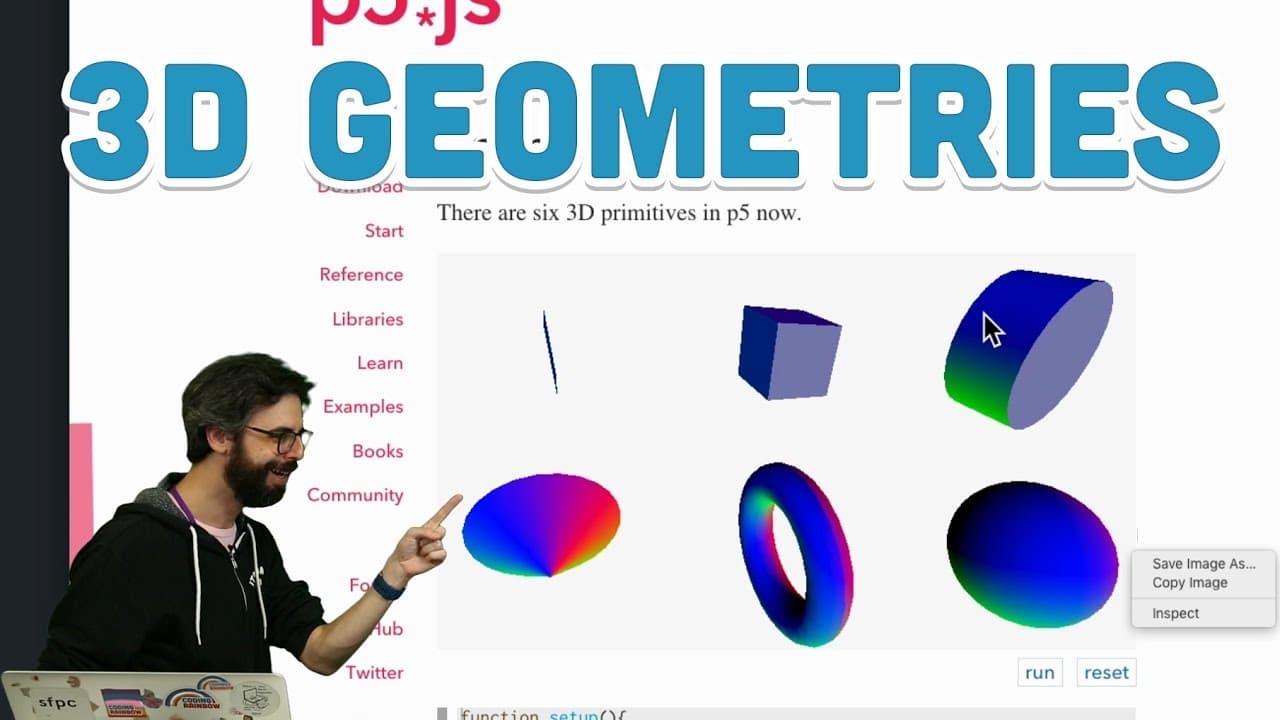
- 🍱 3D primitives like box, sphere, cone, and torus can be used to quickly create 3D shapes with customizable dimensions.
- 👾 The translate function is essential for positioning 3D shapes in the 3D space.
- 👻 p5.js allows interaction with 3D shapes using variables like mouseX and mouseY to control their movement.
- 🪜 Material and texture can be applied to 3D shapes to add color and shading effects.
- 🛃 Creating custom 3D shapes is possible by defining vertices and creating polygons in p5.js.
Install to Summarize YouTube Videos and Get Transcripts
Explore YouTube Video Summarizer or Get YouTube Transcript Extractor
Questions & Answers
Q: How are 3D shapes represented in p5.js?
3D shapes in p5.js are composed of small 2D polygons tiled next to each other, creating the illusion of a 3D object.
Q: Can we create custom 3D shapes in p5.js?
Yes, we can create custom 3D shapes by defining the vertices and using them to create polygons, which can then be rotated and positioned in space.
Q: How can we rotate shapes along different axes in p5.js?
In p5.js, we can use the rotateX, rotateY, and rotateZ functions to rotate shapes along the x, y, and z axes, respectively.
Q: How can we control the dimensions of 3D shapes in p5.js?
3D shapes in p5.js have different parameters to control their dimensions, such as width, height, depth, radius, and tube radius, depending on the shape.
Summary & Key Takeaways
-
The video begins with an introduction to 3D geometry by creating a rectangle and demonstrating how 3D shapes are composed of small 2D polygons.
-
The video explores the use of rotate functions to animate and rotate shapes along different axes in a 3D space.
-
The concept of primitives like box, sphere, cone, and torus is introduced, along with how to control their dimensions and create rotating animations.
Read in Other Languages (beta)
Share This Summary 📚
Summarize YouTube Videos and Get Video Transcripts with 1-Click
Try YouTube Summary with ChatGPT & Claude or YouTube Transcript Generator
Explore More Summaries from The Coding Train 📚






Summarize YouTube Videos and Get Video Transcripts with 1-Click
Try YouTube Summary with ChatGPT & Claude or YouTube Transcript Generator