How to Optimize YouTube Videos for More Views
TL;DR
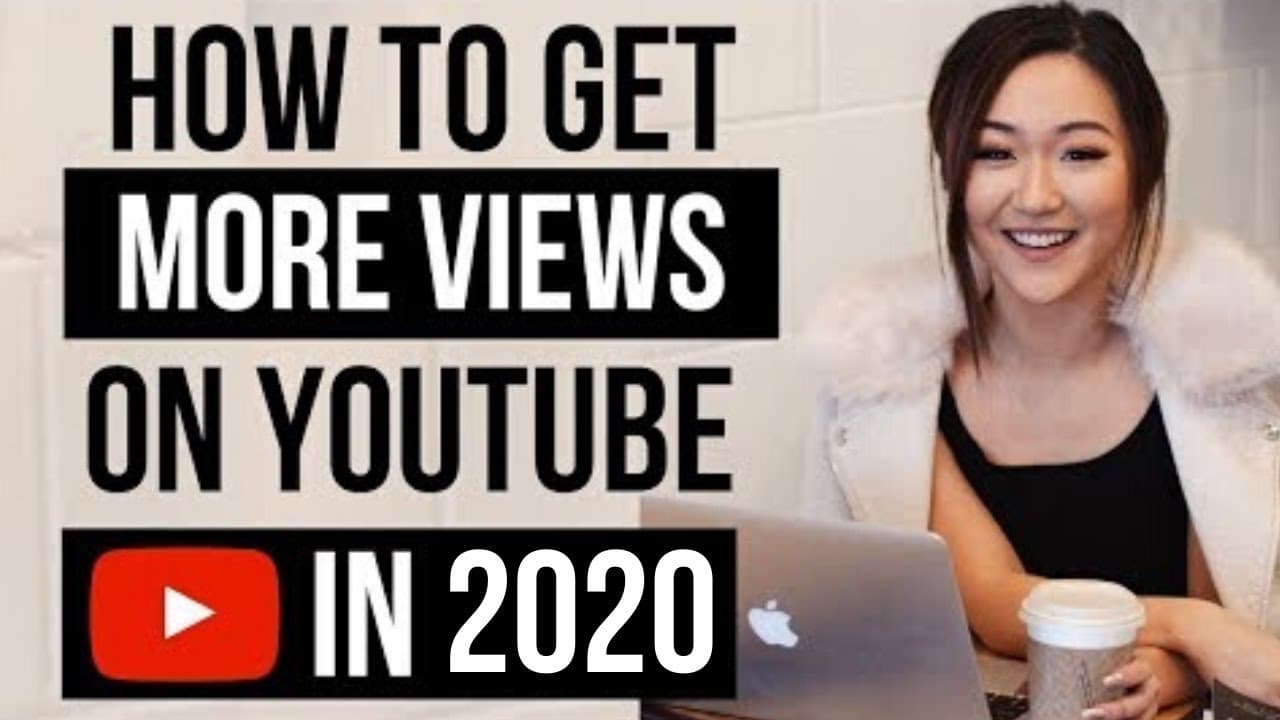
To increase YouTube views, focus on improving watch time, utilizing analytics, creating playlists, and using info cards and end screens. Analyze audience retention to understand viewer drop-off points. Leverage playlists to encourage video binge-watching, and ensure your videos are fully optimized with end screens and info cards to maintain viewer engagement.
Transcript
What is up, everyone? Welcome back to my channel. In today's video, I'm going to teach you YouTube optimization strategies so that you can get more views on your videos and you can grow your channel faster. In my last video here, I talked all about how to go viral on YouTube and how a small YouTuber like me blew up kind of overnight. Well, in this ... Read More
Key Insights
- Watch time is crucial for YouTube success as it influences the algorithm to recommend your videos.
- Analyzing audience retention helps identify where viewers drop off, allowing for targeted improvements.
- Playlists can increase the likelihood of YouTube recommending your own videos after one finishes.
- End screens and info cards signal to YouTube that your video is optimized and encourage further viewer engagement.
- Absolute audience retention shows where viewers lose interest in a specific video, helping refine content.
- Relative audience retention compares your video's performance to others of similar length, offering competitive insights.
- Playlist visibility on your channel's homepage can enhance viewer navigation and content consumption.
- Optimizing videos with end screens and info cards can improve viewer retention and increase overall watch time.
Install to Summarize YouTube Videos and Get Transcripts
Explore YouTube Video Summarizer or Get YouTube Transcript Extractor
Questions & Answers
Q: How to increase YouTube watch time?
Increasing YouTube watch time involves several strategies: analyzing audience retention to identify drop-off points, improving video content based on these insights, and using playlists to encourage viewers to watch more of your content. Additionally, implementing end screens and info cards can help guide viewers to other relevant videos, keeping them engaged longer.
Q: What is absolute audience retention?
Absolute audience retention measures the specific points in a video where viewers tend to drop off. This metric helps content creators understand which parts of their video are less engaging and need improvement. By analyzing absolute audience retention, creators can refine their content to maintain viewer interest and enhance overall watch time.
Q: Why are playlists important on YouTube?
Playlists are important on YouTube because they increase the likelihood that YouTube will recommend your own videos after one finishes. By organizing content into playlists, you create a structured viewing experience that encourages binge-watching, which can boost watch time and improve your video's performance in the algorithm.
Q: How do end screens and info cards benefit YouTube videos?
End screens and info cards benefit YouTube videos by encouraging viewers to continue watching more content, thereby increasing overall watch time. These features also signal to YouTube that the video is optimized, which can improve its chances of being recommended. They provide a seamless way for viewers to discover related videos and subscribe to the channel.
Q: What is relative audience retention?
Relative audience retention compares the performance of your video to other videos of similar length on YouTube. It provides insights into how well your video holds viewers' attention compared to others, helping you understand its competitive standing. This metric can guide content creators in making adjustments to enhance viewer engagement and retention.
Q: How can analytics improve YouTube content?
Analytics can improve YouTube content by providing detailed insights into viewer behavior, such as where they drop off or rewatch parts of a video. By understanding these patterns, creators can make informed decisions to refine their videos, enhance engagement, and increase watch time, ultimately leading to better performance in the YouTube algorithm.
Q: Why should playlists be visible on the YouTube homepage?
Playlists should be visible on the YouTube homepage because they make it easier for visitors to discover and navigate your content. By showcasing playlists prominently, you encourage viewers to explore more of your videos, which can increase watch time and improve the overall user experience, potentially leading to more subscribers and views.
Q: What are info cards on YouTube?
Info cards on YouTube are interactive elements that appear in the top right-hand corner of a video. They can link to other videos, playlists, or external websites, helping guide viewers to additional content relevant to what they're watching. Using info cards can enhance viewer engagement and encourage them to explore more of your channel's offerings.
Summary & Key Takeaways
-
Improving watch time is key to gaining more views on YouTube. This involves analyzing audience retention to understand when viewers drop off and adjusting content accordingly. Additionally, using playlists, end screens, and info cards can help maintain viewer engagement and signal to YouTube that your videos are optimized.
-
Utilizing YouTube analytics, especially audience retention reports, is essential for understanding viewer behavior and improving video content. By identifying drop-off points and peaks in viewer interest, content creators can refine their videos to better engage their audience and increase watch time.
-
Creating playlists and optimizing video features like end screens and info cards are vital strategies for boosting YouTube views. These tools encourage viewers to watch more of your content, helping to keep them on the platform longer and increasing the chances of YouTube recommending your videos.
Read in Other Languages (beta)
Share This Summary 📚
Summarize YouTube Videos and Get Video Transcripts with 1-Click
Try YouTube Summary with ChatGPT & Claude or YouTube Transcript Generator
Explore More Summaries from Vanessa Lau 📚
Summarize YouTube Videos and Get Video Transcripts with 1-Click
Try YouTube Summary with ChatGPT & Claude or YouTube Transcript Generator