Working on the Classroom App | T3 Stack, Next, Tailwind, tRPC, Prisma
TL;DR
The streamer works on enhancing a classroom app, focusing on file uploads and markdown support.
Transcript
foreign y'all welcome babe welcome in lulin Apostle hello welcome to the Stream all right um today I'm going to be trying to work more on this app like I do every stream so far and I did do a lot of stuff recently to this app I kind of like made sure dark mode and light mode looks decently well there's some things we got to fix about it um there's ... Read More
Key Insights
- 👤 It is essential to provide flexible user options, such as light and dark modes, to enhance user experience.
- 🔠 A structured and organized approach to error handling in API routes can streamline development and debugging processes.
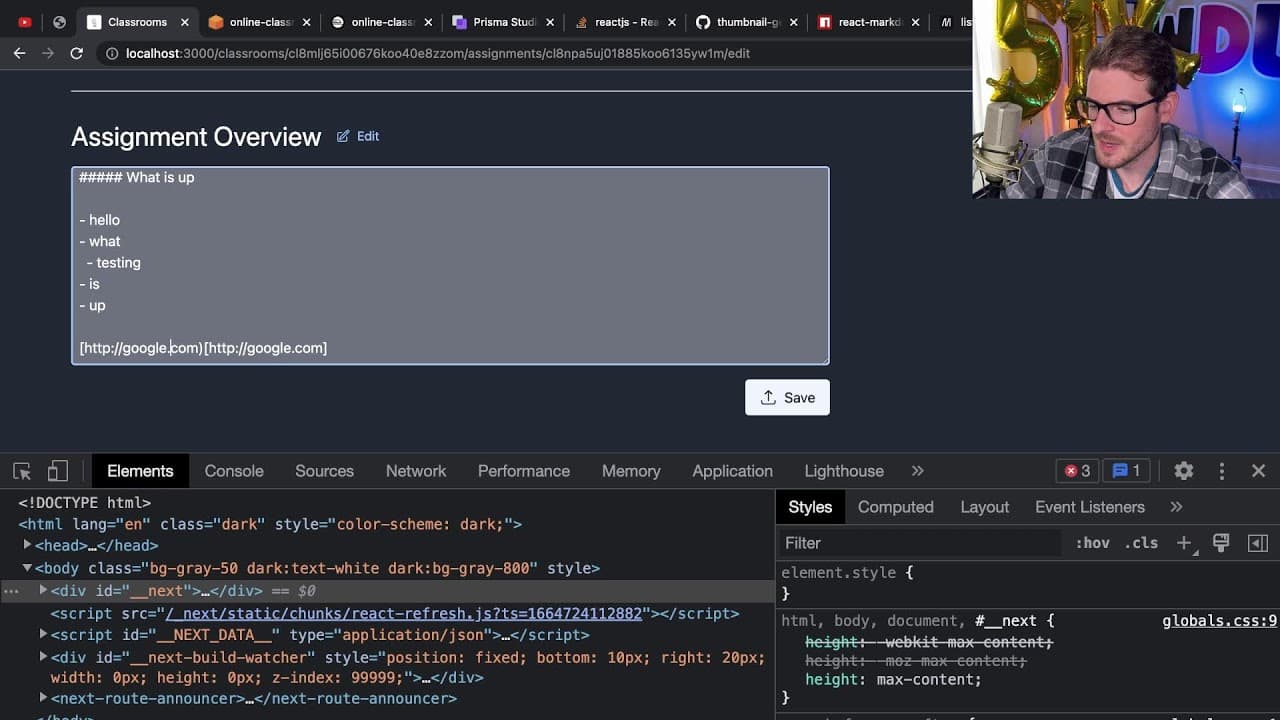
- 👻 Implementing a markdown editor allows for more dynamic and engaging content presentation in assignment descriptions.
- 📁 Utilizing AWS S3 for file uploads and downloads enables secure and scalable file management within the app.
- 👤 Clear indicators for downloadable content improve user interaction and reduce frustration.
- 👤 Efficient session management is crucial for maintaining user engagement and personalization in web applications.
- 🆘 Continuous testing and iteration on UI components, such as buttons and modals, help create a more user-friendly experience.
Install to Summarize YouTube Videos and Get Transcripts
Explore YouTube Video Summarizer or Get YouTube Transcript Extractor
Questions & Answers
Q: Why did you decide to implement both light and dark modes in the app?
Light and dark modes cater to users' preferences and improve usability in different lighting conditions. Users appreciate having options that align with their personal comfort and style, enhancing their overall experience with the app.
Q: How do you handle user session management in your application?
The app uses NextAuth for session management that verifies user login states. When a user logs in, their role is assessed, and they are redirected to the appropriate dashboard for either students or teachers. This keeps user interactions personalized and relevant to their needs.
Q: What challenges do you face with error handling while working with Next.js API routes?
Error handling can get tedious, particularly with repetitive try-catch blocks. To address this, I am developing utility functions that can abstract error handling logic, ensuring that each API route can manage its errors effectively without cluttering code.
Q: What benefits do you see in utilizing a markdown editor for assignment descriptions?
Using a markdown editor enhances the flexibility and interactivity of assignment descriptions. It allows teachers to present content in a structured format that can contain headers, lists, and links, thus providing more engaging and organized information to the students.
Q: Can you explain the use of AWS S3 in your application?
AWS S3 is used for storing uploaded files securely. By generating pre-signed URLs for file uploads and downloads, the application can share access to these files while managing permissions effectively. This ensures that files remain secure while still being accessible to users.
Q: What improvements do you plan to make regarding the UX of the attachment download feature?
Currently, the download experience could be enhanced by directly linking downloadable attachments and showing a clear visual indicator of the downloadable items. I may also consider creating a dialog that appears upon clicking the download button, allowing users to confirm their actions.
Summary & Key Takeaways
-
The streamer is improving a classroom application by implementing a toggle feature for the user roles (student, teacher).
-
They focus on allowing teachers to upload files to assignments and ensure a smoother user experience with markdown rendering for assignment descriptions.
-
Additional features include error handling for the file upload process and plans to improve the user interface to enhance accessibility.
Read in Other Languages (beta)
Share This Summary 📚
Summarize YouTube Videos and Get Video Transcripts with 1-Click
Try YouTube Summary with ChatGPT & Claude or YouTube Transcript Generator
Explore More Summaries from Web Dev Cody 📚





Summarize YouTube Videos and Get Video Transcripts with 1-Click
Try YouTube Summary with ChatGPT & Claude or YouTube Transcript Generator