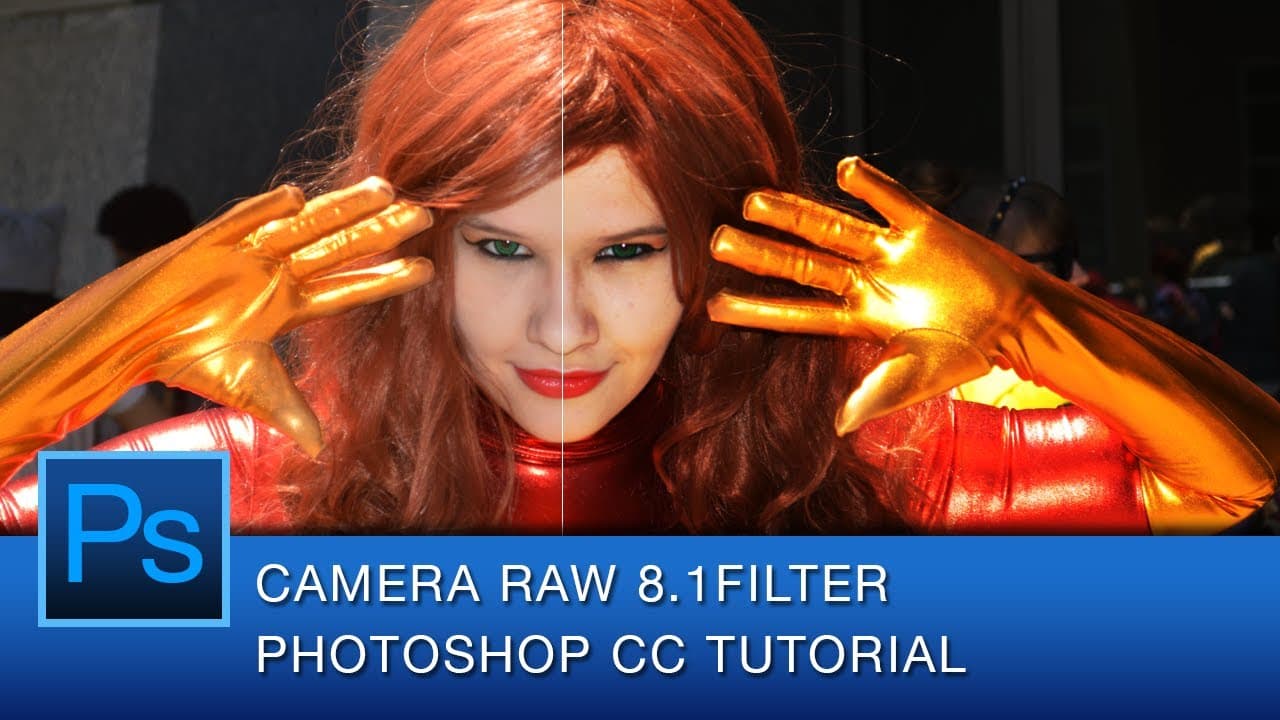
Photoshop CC Camera Raw 8.1 Filter Tutorial
TL;DR
This tutorial introduces the new Camera Raw filter in Photoshop CC, highlighting its powerful editing capabilities for photographers.
Transcript
hey youtube this is graphic designer roberto blake and today i'm happy to share with you my first photoshop cc tutorial video now in the past some of my videos the audio quality as i've been experimenting with some different things hasn't been great and some of you have been very vocal about it no pun intended in the comments so i went through some... Read More
Key Insights
- 🔨 The Camera Raw filter in Photoshop CC is a powerful tool for editing and color correcting photography.
- 📱 Converting the image to a smart object enables non-destructive editing and flexible masking techniques.
- 💨 The Camera Raw filter offers a precise and faster workflow compared to traditional Photoshop editing.
- 🪡 Professional photographers often prefer using Camera Raw or Lightroom for their photo editing needs.
- 📱 The tutorial highlights the advantages of using Camera Raw as a smart filter for both photographers and graphic designers.
- 🤍 Camera Raw provides greater control over white balance, clarity, highlights, shadows, contrast, and other adjustment settings.
- 👻 Non-destructive editing allows for easy adjustments and the ability to experiment with different settings.
Install to Summarize YouTube Videos and Get Transcripts
Explore YouTube Video Summarizer or Get YouTube Transcript Extractor
Questions & Answers
Q: What is the purpose of the tutorial?
The tutorial aims to introduce and demonstrate the capabilities of the Camera Raw filter in Photoshop CC for editing and color correcting photography.
Q: Why is the Camera Raw filter preferred by professional photographers?
The Camera Raw filter is preferred because it offers a more precise and faster way to edit and color correct photos compared to traditional native Photoshop or Lightroom.
Q: What are the advantages of converting the image to a smart object?
Converting the image to a smart object allows for non-destructive editing and the use of masks to selectively apply changes to different areas of the photograph.
Q: How can the Camera Raw filter be used creatively?
The Camera Raw filter offers a wide range of adjustment settings, allowing photographers to enhance and stylize their images creatively while maintaining non-destructive editing capabilities.
Summary & Key Takeaways
-
The video is a tutorial by graphic designer Roberto Blake on using the Camera Raw filter in Photoshop CC to edit and color correct photography.
-
Camera Raw is considered the best tool for editing and color correcting photos due to its precision and speed.
-
Converting the image to a smart object allows for non-destructive editing and flexible masking techniques.
Read in Other Languages (beta)
Share This Summary 📚
Summarize YouTube Videos and Get Video Transcripts with 1-Click
Try YouTube Summary with ChatGPT & Claude or YouTube Transcript Generator
Explore More Summaries from Roberto Blake 📚






Summarize YouTube Videos and Get Video Transcripts with 1-Click
Try YouTube Summary with ChatGPT & Claude or YouTube Transcript Generator