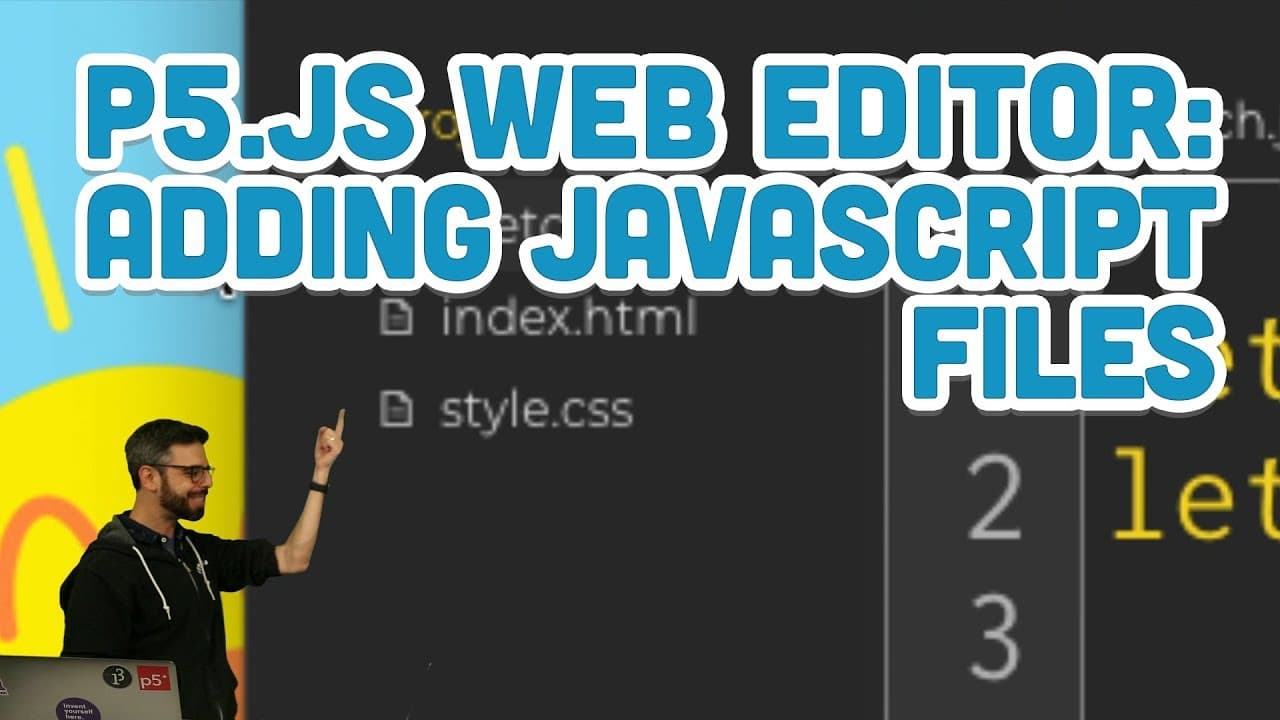
6.4: p5.js Web Editor: Adding JavaScript Files
TL;DR
Learn how to organize your code by creating separate JavaScript files for classes in the p5.js web editor.
Transcript
[BELL] Oh, hello there. It is me, from the future, entering into your playlist of Intro to Programming with p5.js. In the previous video that you were watching about object-oriented programming, I was using a text editor known as the Adam text editor. The p5 web editor didn't exist yet. Now, if you started this whole playlist from the very beginnin... Read More
Key Insights
- 👻 The p5.js web editor allows for the creation of separate JavaScript files for classes, improving code organization.
- 👨💻 Creating separate files for each class makes it easier to manage and modify code for complex sketches.
- 👨💻 Modularity in coding is essential for scalability and maintainability of projects.
- 📁 The index.html file in the p5.js web editor needs to be edited to add references to new JavaScript files.
- 📁 Adding multiple JavaScript files can enhance the functionality and structure of a p5.js sketch.
- 👁️🗨️ The Bubble class serves as an example to demonstrate the process of creating a separate JavaScript file.
- 🏛️ Changes made to specific JavaScript files only affect the associated class.
Install to Summarize YouTube Videos and Get Transcripts
Explore YouTube Video Summarizer or Get YouTube Transcript Extractor
Questions & Answers
Q: What are the benefits of creating separate JavaScript files for classes in the p5.js web editor?
Creating separate JavaScript files for classes allows for better code organization and management. It makes it easier to make changes to specific classes without affecting the entire codebase. It is especially useful for larger projects with multiple classes.
Q: How can I create a separate JavaScript file in the p5.js web editor?
To create a separate JavaScript file, you need to edit the index.html file and add a reference to the new file. Then, you can add the new file in the project folder and write the code for your class in it.
Q: Can I have multiple JavaScript files for one sketch in the p5.js web editor?
Yes, you can have multiple JavaScript files for one sketch in the p5.js web editor. This allows for better organization and modularity of code. Each file can contain the code for a specific class or functionality.
Q: How can I make changes to a specific class in the p5.js web editor?
To make changes to a specific class, you can simply edit the corresponding JavaScript file. This way, you can modify the class's code without affecting other parts of the sketch. It allows for more granular control over different aspects of the program.
Summary & Key Takeaways
-
The narrator explains the benefits of creating separate JavaScript files for classes in the p5.js web editor when working with more complex sketches.
-
By creating separate files for each class, it is easier to make changes to specific elements of the code without affecting the entire sketch.
-
The narrator demonstrates how to create a separate JavaScript file for a Bubble class and explains how to reference it in the main sketch file.
Read in Other Languages (beta)
Share This Summary 📚
Summarize YouTube Videos and Get Video Transcripts with 1-Click
Try YouTube Summary with ChatGPT & Claude or YouTube Transcript Generator
Explore More Summaries from The Coding Train 📚






Summarize YouTube Videos and Get Video Transcripts with 1-Click
Try YouTube Summary with ChatGPT & Claude or YouTube Transcript Generator