How to Create a Brick Breaker Game with p5.js
TL;DR
To create a brick breaker game using p5.js, define the paddle, ball, and brick objects, implement movement and collision detection, and manage game states like win or game over. Players control the paddle to bounce the ball and break bricks, with larger bricks becoming smaller when hit. Customizations such as colors and difficulty levels can enhance the game.
Transcript
hello I am pleased to present another guest tutorial here on the Cody crane and today's guest tutorial is from yuning she and yuning she is an artist and researcher she's an alum of the program ITP where I teach she was also a resident researcher for a year here at ITP and she's done a lot she made a lot of contributions to p5.js org notably this p... Read More
Key Insights
- 📚 p5.js is a powerful JavaScript library for creating interactive graphics and animations in the browser.
- 🧱 The process of creating a brick breaker game involves creating and manipulating objects such as the paddle, ball, and bricks.
- 💥 Collision detection is crucial for handling interactions between the ball, paddle, and bricks.
- 😉 Game logic, including win and loss conditions, can be implemented using if statements and appropriate variable checks.
- 👾 Further enhancements and customizations, such as adding colors, animations, and difficulty levels, can be made to create a unique and engaging game experience.
Install to Summarize YouTube Videos and Get Transcripts
Explore YouTube Video Summarizer or Get YouTube Transcript Extractor
Questions & Answers
Q: What is p5.js?
p5.js is a JavaScript library for creating animations and graphics in the browser. It provides a simple and intuitive way to create interactive visuals.
Q: How do you create the paddle in the game?
The paddle is created using the p5.js library's createVector function, which allows you to define the position of the paddle. You can control the movement of the paddle using keyboard inputs and handle edge cases to prevent it from moving out of the canvas.
Q: How do you handle the ball bouncing off the paddle and bricks?
By checking for collisions between the ball and the paddle or bricks, you can determine how the ball should bounce off. When the ball hits the paddle, you can reverse its y-direction to make it bounce back. Similarly, when the ball hits a brick, you can either make the brick smaller or destroy it.
Q: How do you determine if the player has won or lost the game?
If the ball goes below the canvas, the game is considered over and the player loses. If all the bricks are destroyed, the player wins. These conditions are checked in the draw function, and an appropriate message is shown on the screen.
Summary & Key Takeaways
-
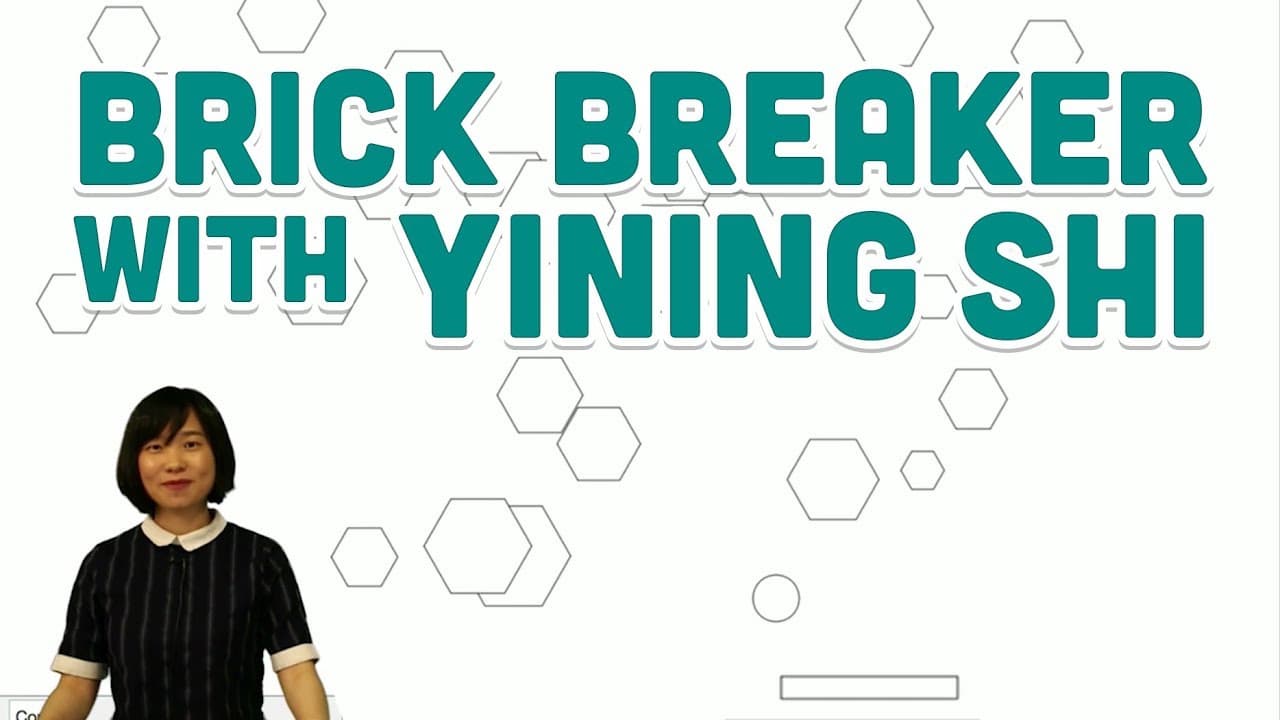
The tutorial is presented by Yuning She, an artist and researcher, who demonstrates how to create a brick breaker game using p5.js.
-
In the game, players use the paddle to bounce a ball and break bricks on the screen.
-
The tutorial covers how to create the paddle, ball, and bricks, as well as how to handle interactions between them.
Read in Other Languages (beta)
Share This Summary 📚
Summarize YouTube Videos and Get Video Transcripts with 1-Click
Try YouTube Summary with ChatGPT & Claude or YouTube Transcript Generator
Explore More Summaries from The Coding Train 📚






Summarize YouTube Videos and Get Video Transcripts with 1-Click
Try YouTube Summary with ChatGPT & Claude or YouTube Transcript Generator