BEGINNER Javascript Practice - Loops & Iteration - Histogram Character Count
TL;DR
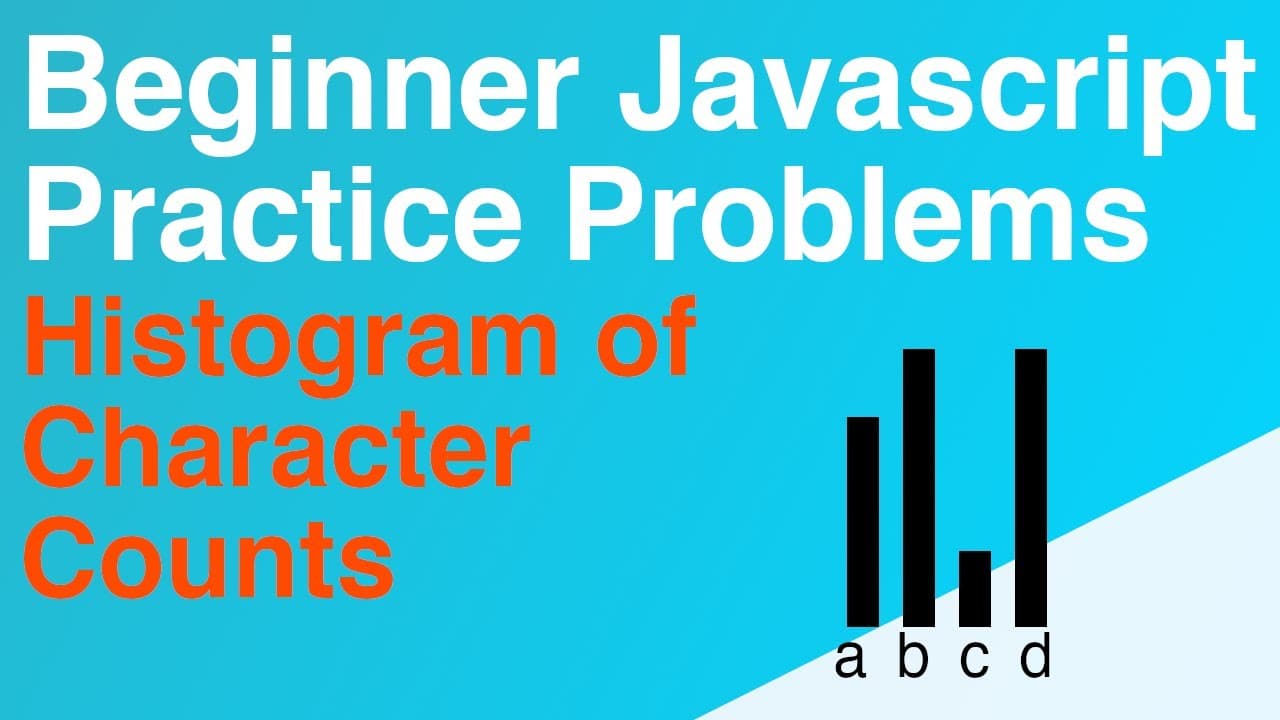
The video demonstrates a step-by-step approach to count characters in a string using JavaScript.
Transcript
hey everyone welcome back to another beginner javascript practice video if you're not already familiar with this series basically I find a beginner level problem that we tried to implement together and I will step through that code using the vs code debugger so I think this is really good if you're just starting off because these are the small buil... Read More
Key Insights
- 🔰 Understanding string manipulation in JavaScript is crucial for beginner developers and foundational for more advanced programming concepts.
- 🔄 Using objects as data structures is beneficial for counting occurrences and managing related data in JavaScript.
- 🔁 Looping constructs, particularly the for loop, are integral for iterating through strings and other collections in programming.
- 👻 Using debugging tools enhances the learning experience by allowing developers to visualize variable changes and control flow during code execution.
- 🏃 Practical exercises like character counting provide essential building blocks necessary for future development tasks.
- 👨💻 Engaging with the code on platforms like GitHub enables learners to explore related resources and further their understanding of JavaScript.
- 👨💻 Active participation in coding exercises fosters better retention of programming concepts and skills.
Install to Summarize YouTube Videos and Get Transcripts
Explore YouTube Video Summarizer or Get YouTube Transcript Extractor
Questions & Answers
Q: What is the main goal of the JavaScript exercise in the video?
The main objective of the exercise is to count the occurrences of each character in a provided string, specifically the example phrase "a dog jumped over the lazy moon." This foundational programming task helps beginners understand string manipulation and the use of data structures in JavaScript.
Q: How does the video suggest initializing the character counts?
In the video, the instructor suggests creating an empty JavaScript object called "characterCounts." This object will serve as a map where each key corresponds to a character and its associated value tracks how many times that character appears in the string being analyzed.
Q: What looping method is recommended for iterating over the string?
The video recommends using a for loop to iterate through the string character by character. As the loop processes each character, it checks for its presence in the counts object and updates accordingly, allowing for precise tracking of character frequencies.
Q: How does the debugging function assist in the understanding of the code?
The debugging function in Visual Studio Code helps users track variable values and application flow as the code executes. By using breakpoints and the watch panel, viewers can monitor changes to the "characterCounts" object in real-time, gaining insights into the loop iterations and data manipulation.
Q: What does the instructor encourage viewers to do before watching the solution?
The instructor encourages viewers to attempt solving the problem independently before watching the walkthrough. This approach promotes active learning and helps reinforce the programming concepts being taught through practice and self-discovery.
Summary & Key Takeaways
-
The tutorial focuses on counting characters in a string, showing how to loop through each character and track occurrences using a JavaScript object.
-
Key steps involve declaring a string, initializing an empty object for counts, and using a for loop to iterate through the string characters.
-
The video emphasizes the use of debugging tools in Visual Studio Code to observe variable values throughout the iteration process.
Read in Other Languages (beta)
Share This Summary 📚
Summarize YouTube Videos and Get Video Transcripts with 1-Click
Try YouTube Summary with ChatGPT & Claude or YouTube Transcript Generator
Explore More Summaries from Web Dev Cody 📚





Summarize YouTube Videos and Get Video Transcripts with 1-Click
Try YouTube Summary with ChatGPT & Claude or YouTube Transcript Generator