Here is a more challenging react interview exercise
TL;DR
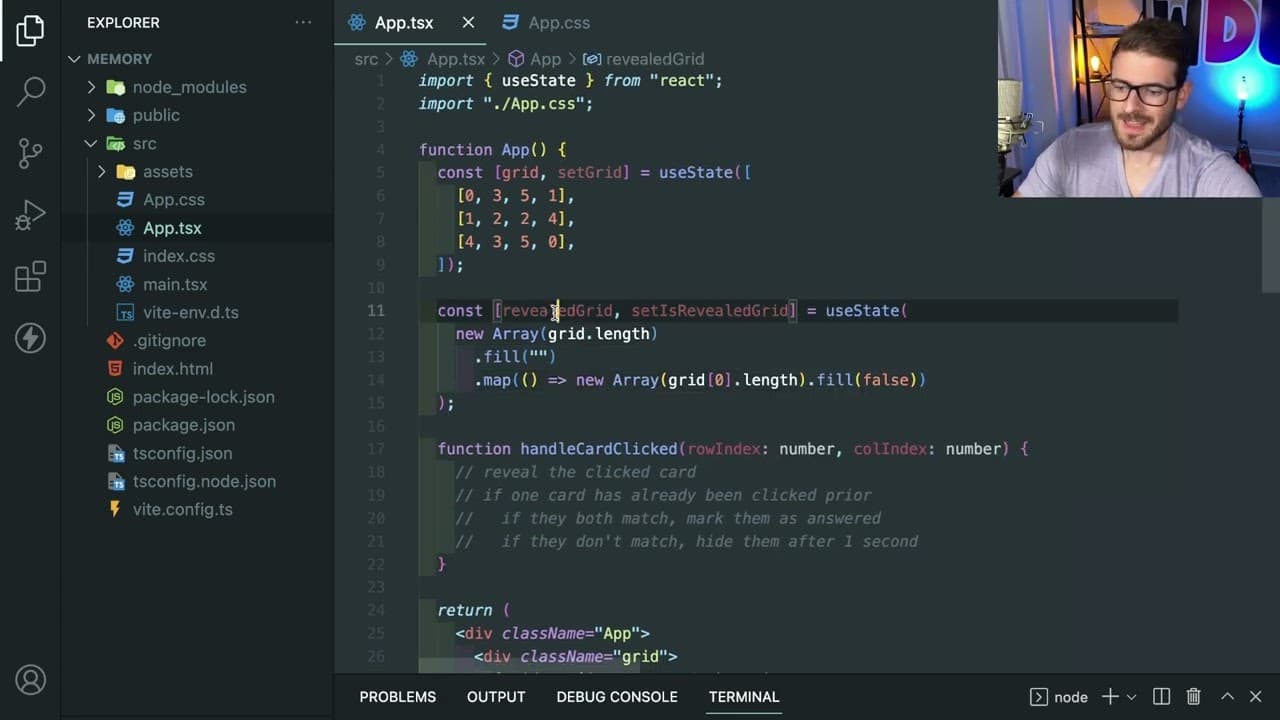
A tutorial on creating a memory game using React.
Transcript
how's it going everyone so I wanted to do another react challenge thing um I don't know if this would actually be asked for an interview but I still think it's a good like beginner slash in immediate thing to like challenge yourself with so definitely try building this yourself and I'm sure you guys all seen this game before challenge is basically ... Read More
Key Insights
- 👾 Building a memory game is an effective way to challenge and solidify knowledge in React, specifically with grid handling and state management.
- 👨💻 Hard coding initial values allows developers to focus on basic logic without getting overwhelmed, promoting gradual complexity in coding projects.
- 👤 Proper event handling and state updates are crucial for providing responsive user interactions in React applications.
- 👨💻 Debugging strategies such as restarting sections of code and using console logs are essential tools in a developer’s toolkit.
- 👤 Understanding edge cases in user interactions can lead to a more polished final product that enhances user experience and reduces frustration.
- 😒 CSS layout techniques like Grid and Flexbox are invaluable for creating visually appealing applications; their proper use assures a better interaction design.
- 🥺 The implementation of alert and pause functions leads to better feedback loops within the game, thereby enhancing user satisfaction.
Install to Summarize YouTube Videos and Get Transcripts
Explore YouTube Video Summarizer or Get YouTube Transcript Extractor
Questions & Answers
Q: What is the goal of the memory game project outlined in the content?
The goal of the memory game project is to create a simple user interface where players flip over cards in a grid, trying to match pairs. The challenge reinforces concepts such as state management, event handling, and rendering data in a React application.
Q: Why does the tutorial suggest starting with hard-coded values instead of generating a grid randomly?
Starting with hard-coded values simplifies the initial development process, allowing learners to concentrate on basic functionality without the complexity of random generation. Once solid understanding and mechanics are established, developers can work towards adding randomness for increased difficulty.
Q: How can developers track which cards have been clicked in the game?
Developers can manage this by maintaining a state array or grid that keeps track of which cards are revealed. By mapping over this grid and checking values during click events, the application can display the appropriate card states based on user interaction.
Q: What advice does the presenter give for debugging issues encountered during development?
The presenter suggests starting fresh by rewriting problematic sections of the code when issues arise, using console logs for tracking variable values, and employing browser developer tools to inspect the application’s state at various stages for easier troubleshooting.
Q: How does the implementation of click events work in the game?
Click events are handled with an onClick listener for each card. When a card is clicked, the corresponding grid entry is modified to true, revealing the card’s value. The logic checks if a second card is clicked to determine if both values match or if they should be hidden after a brief delay.
Q: What edge cases should developers consider when building the memory game?
Developers should account for scenarios such as clicking the same card multiple times, ensuring that only unrevealed cards can be clicked, and implementing a win state logic where a success message appears if all pairs are matched.
Q: What styling techniques are recommended for the grid layout in React?
The presenter discusses using CSS Grid or Flexbox to structure the memory game layout, advocating for simplicity in design. Key styles suggested include gaps between cards and centering content to enhance visual appeal and user experience.
Q: How does the tutorial suggest extending the functionality of the memory game after the basic version is completed?
Upon completing the basic functionality, the tutorial hints at possible extensions, such as implementing size selector options for different grid configurations, adding animations, and refining user interactions to further enhance engagement and complexity.
Summary & Key Takeaways
-
The tutorial focuses on developing a memory game in React, a beginner to intermediate coding challenge that enhances understanding of grid systems and state management.
-
The presenter emphasizes starting with a hard-coded grid before progressing to dynamic features, including click events and revealing card values.
-
Throughout the development process, coding challenges are introduced alongside troubleshooting strategies, emphasizing the importance of problem-solving and understanding business logic in coding.
Read in Other Languages (beta)
Share This Summary 📚
Summarize YouTube Videos and Get Video Transcripts with 1-Click
Try YouTube Summary with ChatGPT & Claude or YouTube Transcript Generator
Explore More Summaries from Web Dev Cody 📚





Summarize YouTube Videos and Get Video Transcripts with 1-Click
Try YouTube Summary with ChatGPT & Claude or YouTube Transcript Generator