How to Convert Images to ASCII Art with JavaScript
TL;DR
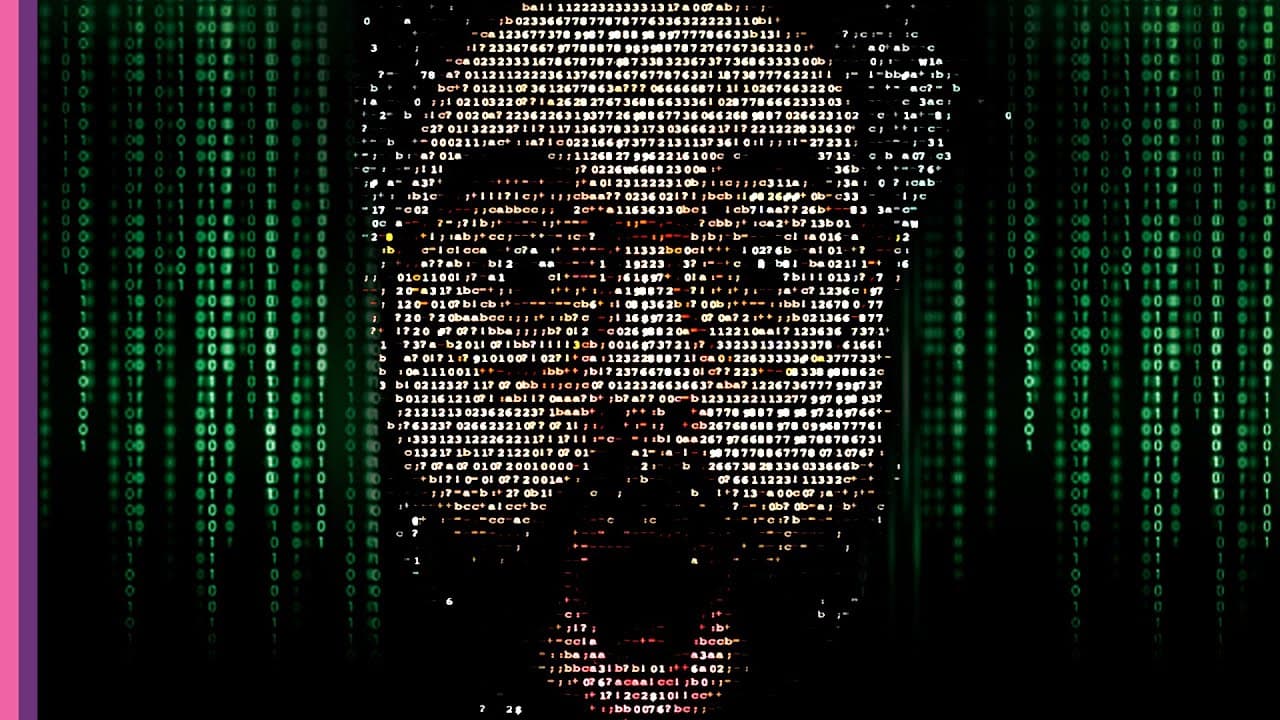
Transforming images into ASCII art is achieved by mapping pixel brightness to ASCII characters using JavaScript. The process involves averaging the RGB values to determine brightness, which is then used to render characters in a p5.js sketch, allowing for creative exploration and collaboration.
Transcript
hello choo-choo welcome to another coding challenge video i am i want to let you know something before i get started thinking about changing the name of the coding challenges to me the idea of a challenge is something you have to beat or like defeat i want something more exploratory and collaborative and train themed like a maybe a journey but i do... Read More
Key Insights
- 🚆 The name of the coding challenges is being considered for a change to something more exploratory and collaborative, potentially train-themed, to engage more with the audience.
- 🖼️ The challenge involves translating an image's pixels into ASCII characters, creating abstract generative art.
- 🔬 The brightness value of each pixel can be determined by averaging its RGB values, which can then be used to map the pixel to a character in the ASCII art.
- 💡 The density of ASCII characters can be adjusted to create different effects, such as using more spaces for darker characters.
- 🎨 The color values of the pixels can be utilized to create more complex ASCII art by filtering out specific colors like green.
- 🔢 The algorithm for iterating through the pixels of an image can be refined to ensure the correct mapping of characters based on their brightness values.
- 💻 The implementation of the ASCII art can be done using canvas or by rendering the text as DOM elements, allowing for greater control and easier sharing of the art.
- 🎥 The challenge can be extended to include videos by incorporating the draw loop and applying the ASCII art algorithm to each frame.
Install to Summarize YouTube Videos and Get Transcripts
Explore YouTube Video Summarizer or Get YouTube Transcript Extractor
Questions & Answers
Q: How does the host convert an image's pixels into ASCII characters?
The host converts the RGB values of each pixel into a grayscale value by averaging the RGB values. The grayscale value is used to map to a character from an array of characters representing different brightness levels.
Q: How does the host render ASCII art from an image in a p5.js sketch?
The host uses the p5.js library to load the image and access its pixel array. Then, by mapping the grayscale values of the pixels to characters from an array, the host creates an ASCII art representation of the image.
Q: What does the host do to improve the visibility of the ASCII art?
The host experiments with adjusting the spacing between characters, modifying the character string used for mapping, changing the resolution of the image, and adjusting the line height to improve the visibility and appearance of the ASCII art.
Q: How does the host convert the static ASCII art into a live video stream?
The host incorporates a video element and uses the draw loop in p5.js to continuously update the ASCII art representation of the video frames, resulting in a live video stream of ASCII art.
Summary & Key Takeaways
-
The host explains the concept of translating an image's pixels to ASCII characters using an array of characters that represent different brightness levels.
-
The host demonstrates the algorithm for converting the RGB values of each pixel into a grayscale value.
-
The host shows how to render ASCII art from an image in a p5.js sketch and then converts it to a live video stream.
Read in Other Languages (beta)
Share This Summary 📚
Summarize YouTube Videos and Get Video Transcripts with 1-Click
Try YouTube Summary with ChatGPT & Claude or YouTube Transcript Generator
Explore More Summaries from The Coding Train 📚






Summarize YouTube Videos and Get Video Transcripts with 1-Click
Try YouTube Summary with ChatGPT & Claude or YouTube Transcript Generator