How to Graph CSV Data Using Chart.js in JavaScript
TL;DR
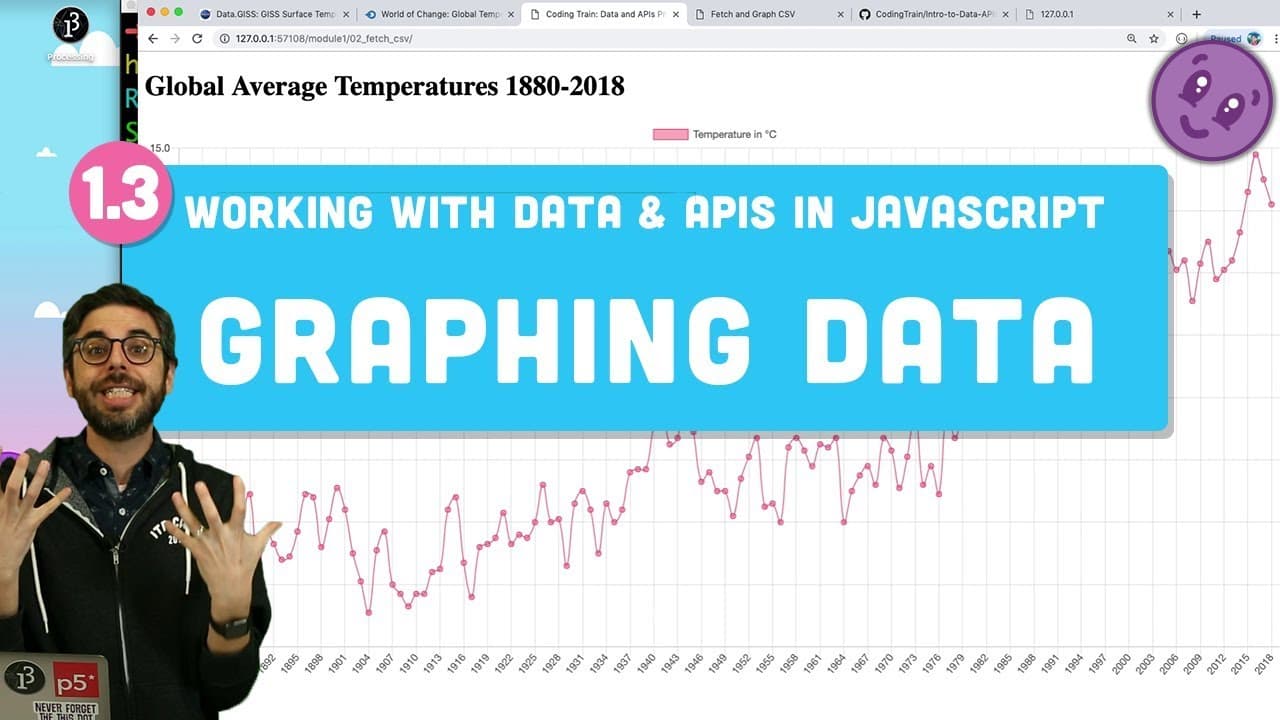
To graph CSV data using Chart.js in JavaScript, start by importing the Chart.js library into your HTML file, then create a canvas element for the chart. Parse your CSV data and structure it into arrays for the x and y axes, and configure your chart object with this data. Finally, call the chart function to render the graph on your web page.
Transcript
Let's review what we did in the previous video. So this video is entirely dependent. This is part two of graphing a CSV data file. So in the previous video, we went and got global world temperatures, average world temperature, from 1880 to present. We got that as a CSV comma-separated values file from NASA. We parsed it using some simple string pas... Read More
Key Insights
- 🕸️ Importing and parsing CSV data is an essential step in graphing data on a web page.
- 🕸️ Chart.js is a popular JavaScript library for creating interactive charts in web applications.
- 👻 Customization options in Chart.js allow for fine-tuning the appearance and behavior of the charts.
- 💦 Asynchronous events and order of function calls should be considered when working with Chart.js and loading data.
- 👨💻 Refactoring code to avoid global variables can improve code organization and maintainability.
Install to Summarize YouTube Videos and Get Transcripts
Explore YouTube Video Summarizer or Get YouTube Transcript Extractor
Questions & Answers
Q: What is the purpose of the Chart.js library?
Chart.js is a JavaScript library used for creating interactive and visually appealing charts on web pages. It provides a simple and quick way to display data in various chart types.
Q: How can you import the Chart.js library into a web page?
You can import Chart.js by including its script tag in the HTML file and specifying the URL to the library hosted on a content delivery network (CDN).
Q: How does the tutorial handle parsing the CSV data?
The tutorial uses a combination of string parsing techniques and the JavaScript split function to extract the required data from the CSV file. The parsed data is then used to configure the chart.
Q: What customization options are available for the chart?
Chart.js provides various configuration options, such as chart type (line or bar), colors, labels, and scale settings for the x and y axes. These options can be adjusted to customize the appearance and behavior of the chart.
Summary & Key Takeaways
-
The video tutorial explains how to import CSV data, parse it, and graph it on a web page using the Chart.js library.
-
The presenter demonstrates step-by-step instructions to import the library, add a canvas element for the chart, and configure the chart object with data and visual properties.
-
The tutorial also covers how to customize the chart, handle asynchronous events, and refine the data display.
Read in Other Languages (beta)
Share This Summary 📚
Summarize YouTube Videos and Get Video Transcripts with 1-Click
Try YouTube Summary with ChatGPT & Claude or YouTube Transcript Generator
Explore More Summaries from The Coding Train 📚






Summarize YouTube Videos and Get Video Transcripts with 1-Click
Try YouTube Summary with ChatGPT & Claude or YouTube Transcript Generator