How to code a HANGMAN GAME with PYTHON
TL;DR
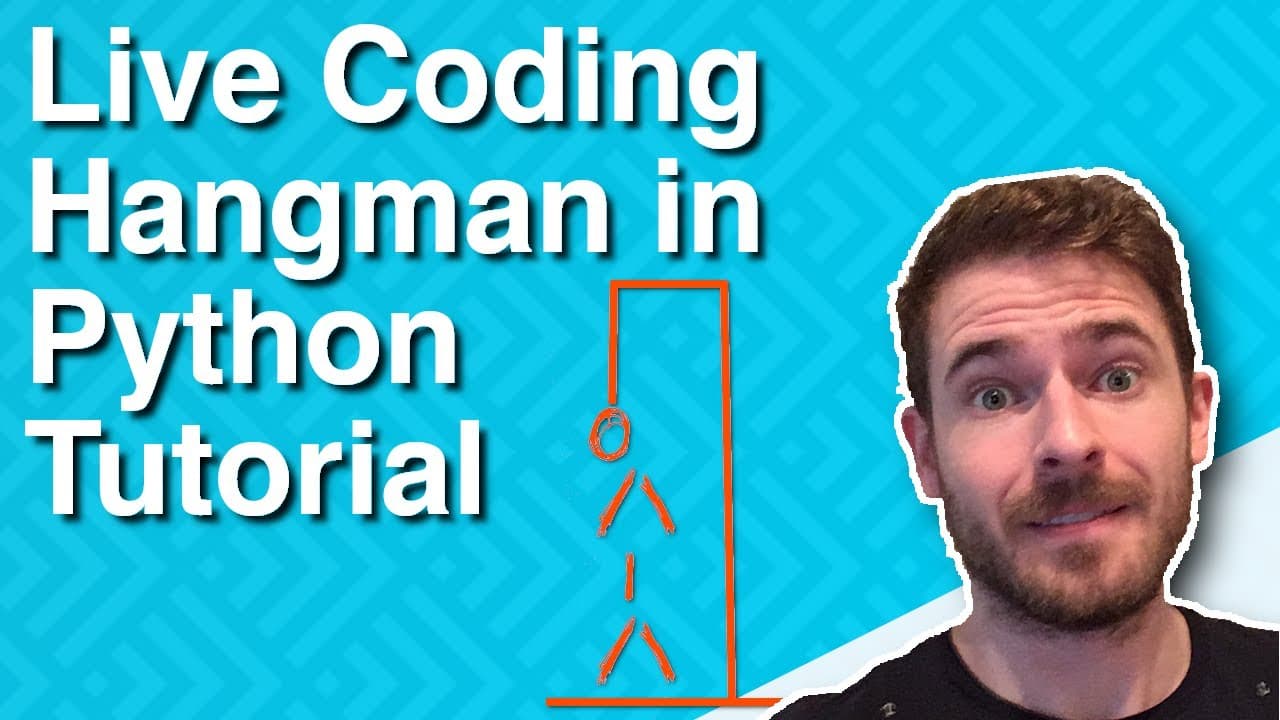
Learn to build a Hangman game using Python code and logic.
Transcript
hey everyone welcome back in this video I'm gonna be showing you how to build hangman in Python you can see here I have in my terminal I have a little hangman game going where I can guess a couple of letters so I'll do like a D and if you guess the letter incorrectly it prints out D not found tells you how many attempts you have left it tells you t... Read More
Key Insights
- 👨💻 The video emphasizes the importance of breaking down complex tasks into manageable steps when coding.
- 👾 Maintaining clear and updated tracking of player guesses can enhance the user experience in games.
- 👾 Utilizing lists in Python for game state rendering provides an effective way to manage dynamic content.
- 👨💻 String interpolation features in Python can sometimes behave differently than in other languages, requiring careful coding practices.
- 🫵 Feedback from viewers can help refine coding techniques and encourage collaboration in learning.
- ❓ The creator’s transition from JavaScript to Python illustrates the adaptability required in programming.
- 🎮 Game design encourages the implementation of user feedback mechanisms to keep the gameplay engaging.
Install to Summarize YouTube Videos and Get Transcripts
Explore YouTube Video Summarizer or Get YouTube Transcript Extractor
Questions & Answers
Q: What inspired the creator to build a Hangman game in Python?
The creator wanted to dive into a new programming language, Python, as an experiment and learning opportunity. Since his professional experience primarily lies with JavaScript, he sought to challenge himself by creating a game that combines logic and user input mechanics, familiarizing himself with Python's syntax and features.
Q: How is the game structured to handle player input?
Player input is managed through the Python input() function, which prompts users to guess letters. The program checks whether the guessed letter exists in the secret word. Depending on the guess's accuracy, it updates the game state, revealing correct letters or counting down incorrect attempts, thus engaging players throughout the loop.
Q: What challenges did the creator face while coding in Python?
The creator encountered various coding challenges, such as managing string interpolation and ensuring the correct implementation of game logic. He often referred to documentation for clarity on loops and indexing, highlighting the learning curve associated with switching from JavaScript to Python and discussing areas where he might further improve his initial approach.
Q: How does the game determine if the player wins or loses?
The game checks victory by confirming that all letters in the word have been guessed, prompting a win message if successful. Conversely, it monitors attempts, triggering a loss message if the player exceeds the maximum allowed attempts, maintaining a classic approach to the Hangman game's structure.
Summary & Key Takeaways
-
The video guides viewers through building a Hangman game in Python, emphasizing a step-by-step approach for beginners.
-
Key features include tracking guessed letters, displaying attempts, and revealing correctly guessed letters, enhancing user engagement.
-
The creator, who usually uses JavaScript, shares insights on his learning experience with Python, encouraging feedback for improvement.
Read in Other Languages (beta)
Share This Summary 📚
Summarize YouTube Videos and Get Video Transcripts with 1-Click
Try YouTube Summary with ChatGPT & Claude or YouTube Transcript Generator
Explore More Summaries from Web Dev Cody 📚





Summarize YouTube Videos and Get Video Transcripts with 1-Click
Try YouTube Summary with ChatGPT & Claude or YouTube Transcript Generator