How to Create a Mastodon Bot Using the Streaming API
TL;DR
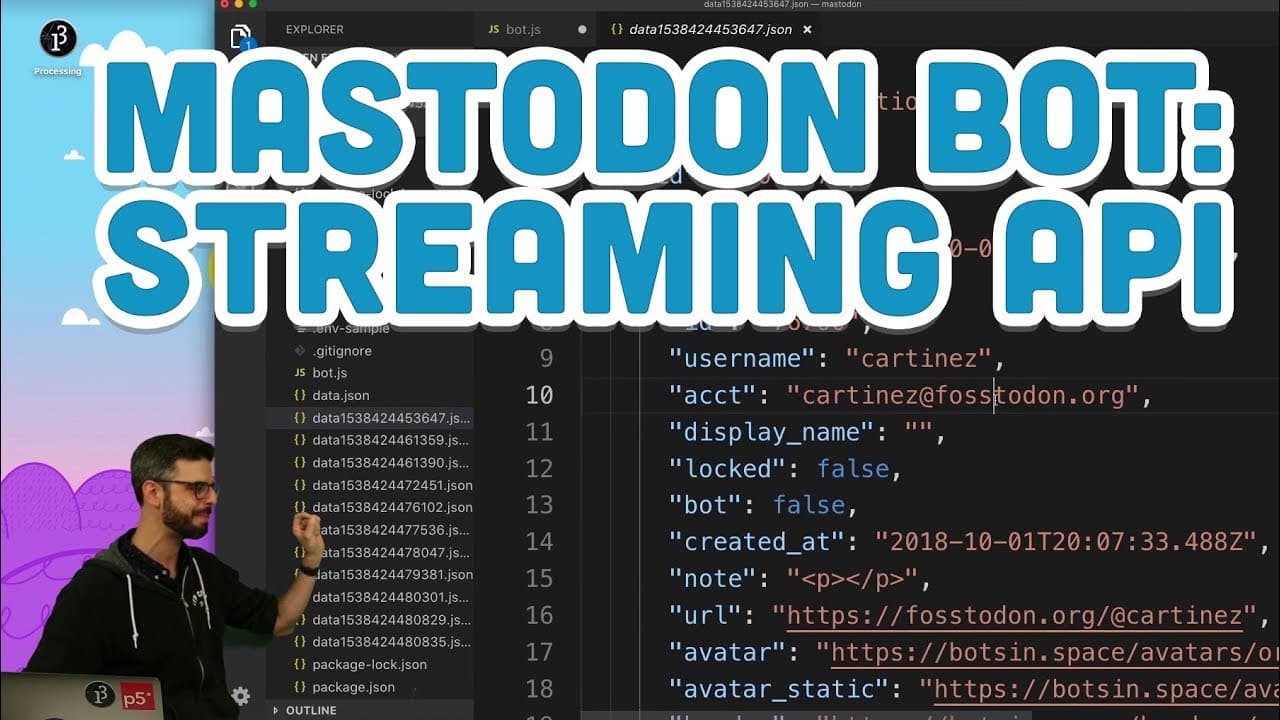
To create a Mastodon bot that responds to user events in real-time, utilize the streaming API to listen for user interactions such as follows. Ensure that your bot only engages with users who have opted in, following ethical guidelines and terms of service. An example provided shows how to send a welcome message to new followers.
Transcript
(bell dinging) - Hello, all right. (scoffs) I'm still working with Mastadon and what I'm going to do in this video now is I'm going to take the sample bot that I made and instead of just on a timer, every 24 hours, every 60 minutes, I happen to post something. I toot. What I'm going to do is I'm going to use the streaming API. The streaming API is ... Read More
Key Insights
- 👻 The streaming API allows for real-time listening to user events, making it possible to create responsive bots on Mastodon.
- 👤 Engaging with users who have opted in is crucial for maintaining a positive user experience and avoiding spamming.
- 🤖 Following the code of conduct and terms of service is essential when creating and operating a Mastodon bot.
- 🔠 The "mastadon-api" node package provides convenient functionalities for working with the streaming API.
- 🤖 Handling follow events in a bot can involve sending a welcome message to new followers or performing other actions.
- 🤖 The streaming API enables the creation of interactive and engaging bots that can respond to user activity in real-time.
- 👻 Using the streaming API allows bot creators to create more targeted and meaningful interactions with users.
Install to Summarize YouTube Videos and Get Transcripts
Explore YouTube Video Summarizer or Get YouTube Transcript Extractor
Questions & Answers
Q: Why is it important for a bot to only engage with users who have opted in?
Engaging with users who have opted in ensures that the bot respects their preferences and avoids spamming or causing nuisance to others. It also helps to maintain a positive user experience.
Q: How can I find the code of conduct and terms of service for bots on Mastodon?
You can find the code of conduct and terms of service for bots on Mastodon by visiting the information page on botsin.space. It is important to familiarize yourself with these rules and guidelines before creating a bot.
Q: How can I start using the streaming API to listen for user events?
To start using the streaming API, you can use the "mastadon-api" node package. By creating a listener and specifying the type of events you want to listen for, you can receive real-time user events and perform actions based on them.
Q: Can you provide an example of handling follow events in a Mastodon bot?
Yes, in the video, the speaker demonstrates how to handle follow events. By checking if the event type is a follow notification, the bot can extract the username and account details of the user who followed and send a welcome message to them.
Summary & Key Takeaways
-
The video demonstrates using the streaming API to listen for user events and create a responsive Mastodon bot.
-
The speaker emphasizes the importance of ensuring that the bot only engages with users who have opted in and follows the code of conduct and terms of service.
-
The code example in the video shows how to handle follow events and send a welcome message to new followers.
Read in Other Languages (beta)
Share This Summary 📚
Summarize YouTube Videos and Get Video Transcripts with 1-Click
Try YouTube Summary with ChatGPT & Claude or YouTube Transcript Generator
Explore More Summaries from The Coding Train 📚






Summarize YouTube Videos and Get Video Transcripts with 1-Click
Try YouTube Summary with ChatGPT & Claude or YouTube Transcript Generator