What's new in Processing 3 Session #2
TL;DR
A comprehensive overview of the new features and improvements in Processing 3, including error checking, code completion, tweak mode, and the debugger.
Transcript
hello I think I am streaming live I am here in New York City at the facilities of ITP in a small room with a camera and a laptop and a screen and a green screen uh to talk about what's new in processing 3 I did this about a week ago and found some bugs in uh processing 3 and I'm going to attempt to do this again so the if you happen to be watching ... Read More
Key Insights
- 🤩 Processing 3 offers several key improvements and new features, such as error checking, code completion, tweak mode, and a debugger.
- 🫥 The editor has been redesigned and includes line numbers and improved error messages.
- 👻 Full screen functionality has been enhanced, allowing for easy display on multiple monitors or spanning across displays.
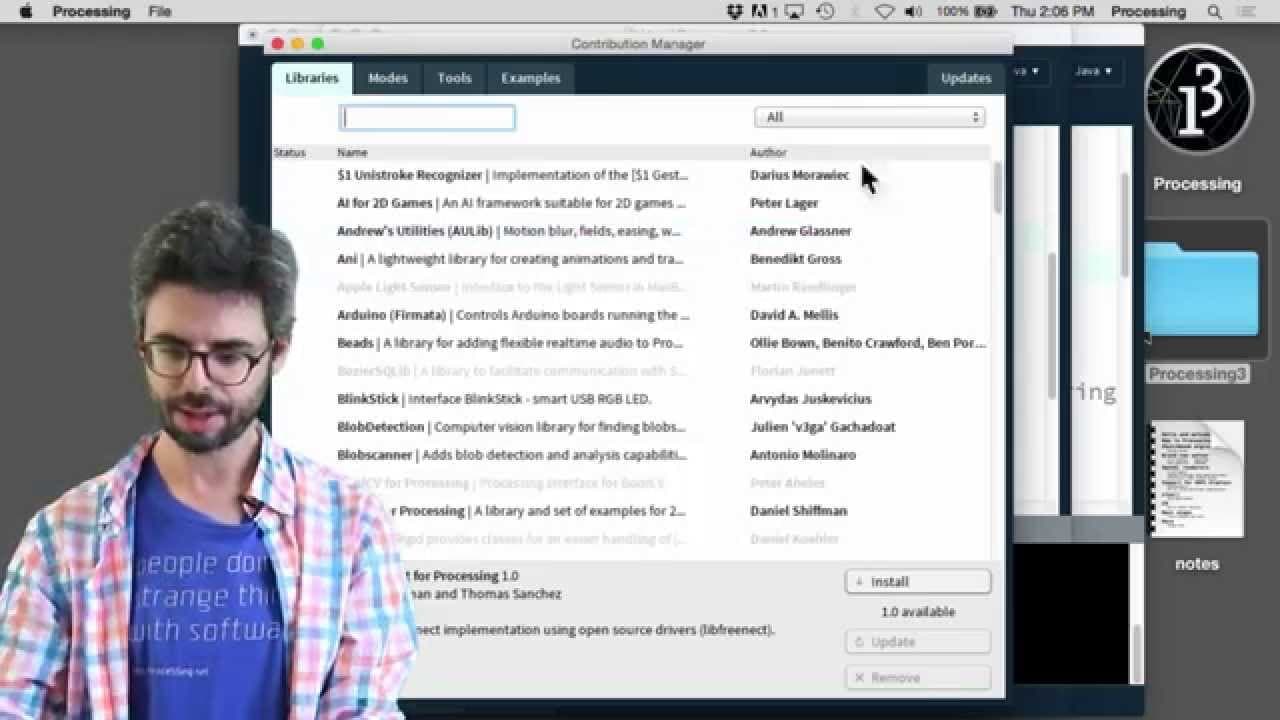
- 💄 The contributions manager makes it easier to install, update, and manage external libraries.
- ✋ High-density displays are now better supported in Processing 3.
- 👨💻 The debugger provides a powerful tool for finding and fixing errors in your code.
- 👥 The processing development team and volunteers have put in significant time and effort to make Processing 3 a more powerful and user-friendly environment for creative coding.
Install to Summarize YouTube Videos and Get Transcripts
Explore YouTube Video Summarizer or Get YouTube Transcript Extractor
Questions & Answers
Q: What are some of the key features of Processing 3?
Processing 3 includes real-time error checking, code completion, tweak mode for in-progress editing, and a debugger for debugging sketches.
Q: How does the code completion feature work in Processing 3?
Code completion suggests possible code options as you type, making it easier to find and use the correct syntax and functions.
Q: What is tweak mode in Processing 3?
Tweak mode allows you to change code values while the sketch is running, making it easier to experiment with different variables and settings.
Q: How does the debugger in Processing 3 work?
The debugger allows you to pause and step through your sketch line by line, making it easier to find and fix errors in your code.
Summary & Key Takeaways
-
Processing 3 is the newest version of the popular programming language and development environment.
-
The welcome screen in Processing 3 allows for the creation of a new Sketchbook folder or the use of an existing one from Processing 2.
-
The editor in Processing 3 includes new features such as real-time error checking, code completion, and the ability to tweak code values while the sketch is running.
Read in Other Languages (beta)
Share This Summary 📚
Summarize YouTube Videos and Get Video Transcripts with 1-Click
Try YouTube Summary with ChatGPT & Claude or YouTube Transcript Generator
Explore More Summaries from The Coding Train 📚






Summarize YouTube Videos and Get Video Transcripts with 1-Click
Try YouTube Summary with ChatGPT & Claude or YouTube Transcript Generator