Do THIS if you want your form to FAIL.
TL;DR
Users interpret icons differently, so it's important to test and use labels alongside icons in digital product design.
Transcript
hey so what does a heart icon do a like right wrong rule number one don't assume everybody interprets icons the same way because people are actually viewing them very differently and i'm gonna give you an example in which 67 percent of the users actually thought the heart icon meant something else welcome to another set of design tips and as usual ... Read More
Key Insights
- 👤 Users interpret icons differently based on their cultural backgrounds and demographics.
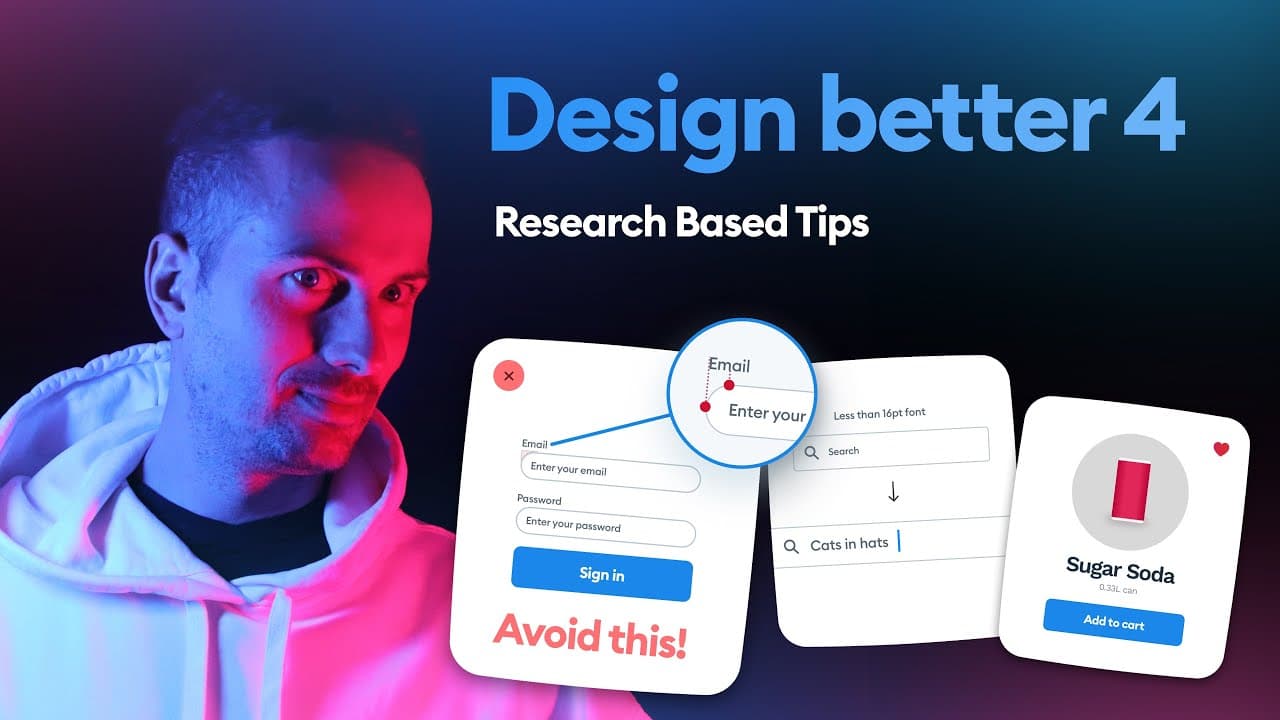
- 💁 Alignment issues can occur in longer forms when fully rounded or pill-shaped text fields are used.
- 💁 Using the same font size for form placeholders and labels promotes easier scanning.
- 😒 In iOS, it's recommended to use at least a 16-point font size for placeholders or input text.
- 👤 Rectangles are the most recognizable shape for buttons in user interfaces.
- 🎨 Practice and continuous design challenges are essential for becoming a better designer.
- 💁 Quick tips can provide guidance, but they are not enough to make someone a great designer.
Install to Summarize YouTube Videos and Get Transcripts
Explore YouTube Video Summarizer or Get YouTube Transcript Extractor
Questions & Answers
Q: Why is it important to consider how users interpret icons?
Understanding how users interpret icons is crucial because different cultural backgrounds and demographics can influence their perception. Testing and using labels alongside icons can help clarify their meanings.
Q: How can rounded text fields cause alignment issues in longer forms?
The optical illusion created by fully rounded or pill-shaped text fields can make it difficult for users to scan the inputs along the left edge. Using slightly rounded or sharp corners in text fields can make the scanning process smoother.
Q: Why should form placeholders be the same size as labels?
Using the same font size for form placeholders and labels promotes easy scanning and reduces cognitive load. Having two font sizes for the form is sufficient, as using more different sizes can make the form harder to comprehend.
Q: Why is it recommended to use at least a 16-point font size for placeholders or input text in iOS?
If the placeholder or input text size is smaller than 16 points in iOS, the operating system will zoom in the entire screen when the field is focused. This distorts the viewport and affects the overall perception of the design.
Summary & Key Takeaways
-
Users often interpret icons differently, as seen in an example where 67% of users thought a heart icon represented a healthy product.
-
Fully rounded or pill-shaped text fields can cause alignment issues, making it harder to follow longer forms.
-
Form placeholders should be the same size as labels for optimal scanning, and iOS placeholder or input text should be 16 points or larger.
Read in Other Languages (beta)
Share This Summary 📚
Summarize YouTube Videos and Get Video Transcripts with 1-Click
Try YouTube Summary with ChatGPT & Claude or YouTube Transcript Generator
Explore More Summaries from Malewicz 📚






Summarize YouTube Videos and Get Video Transcripts with 1-Click
Try YouTube Summary with ChatGPT & Claude or YouTube Transcript Generator