How to Edit YouTube Videos in Premiere Pro [YouTube Video Editing Tutorial]
TL;DR
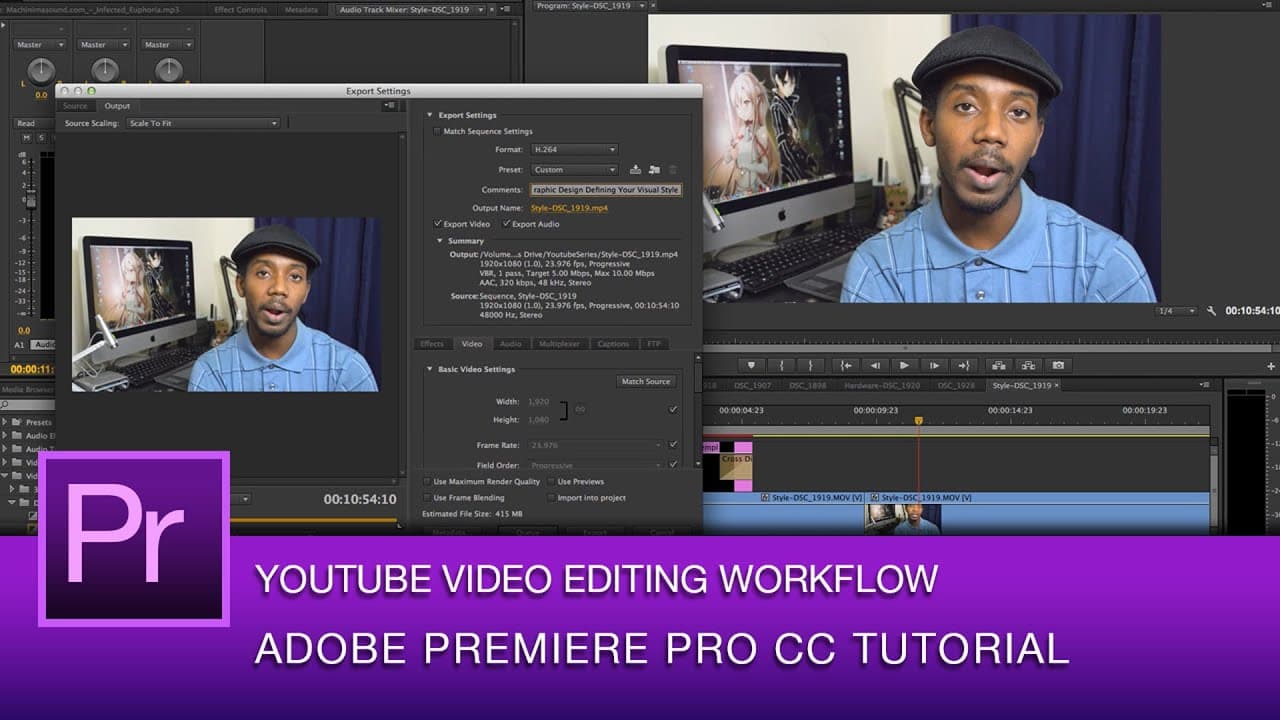
This video provides a detailed walkthrough of the video editing process in Adobe Premiere Pro, including organizing files, editing on the timeline, optimizing sound quality, adding effects and music tracks, and exporting the final video.
Transcript
hey everybody it's Roto so in this video I'm going to walk you through a little bit of how I actually do my video editing for this YouTube channel so um I'm going to show you how I edit one of my videos in Adobe Premiere Pro so one of the things I do is um I actually keep my files kind of organized uh in the bin here I have different folders that I... Read More
Key Insights
- 🗄️ Organizing video files in bins helps in easily locating and accessing desired footage during the editing process.
- 🧘 Editing directly on the timeline simplifies the workflow and eliminates the need for resizing or reformatting individual clips.
- 🔇 Using Adobe Audition for audio editing allows for cleaning up background noise and adjusting volume levels for better sound quality.
- 👀 Adding visual overlays and motion graphics can enhance the overall video presentation and create a professional look.
- 😵 Cross dissolves and other transition effects help in creating smooth and visually pleasing transitions between clips.
- 👣 The content creator emphasizes the importance of choosing appropriate background music tracks and adjusting their volume to maintain a balanced audio mix.
- 👻 The Adobe Media Encoder can be used for efficient rendering and exporting of the final video, allowing for continued editing without interruption.
Install to Summarize YouTube Videos and Get Transcripts
Explore YouTube Video Summarizer or Get YouTube Transcript Extractor
Questions & Answers
Q: How does the content creator organize video files in Adobe Premiere Pro?
The content creator organizes video files in bins, using different folders to arrange the footage. This helps in easily locating the desired clips for editing.
Q: How does the content creator ensure good sound quality in their videos?
The content creator uses Adobe Audition to edit the audio files. They adjust the volume levels and apply adaptive noise reduction to clean up any background noise, resulting in clearer sound quality.
Q: How does the content creator create visual overlays and motion graphics in their videos?
The content creator uses Photoshop to create visual overlays, such as lower thirds. In Adobe Premiere Pro, they can add these overlays to a separate video track and apply cross dissolves for smooth transitions.
Q: How does the content creator add and adjust background music tracks in their videos?
The content creator adds background music tracks to the timeline, but lowers their volume to ensure they don't overpower the voiceover. They achieve a balanced mix by adjusting the audio levels in the audio track mixer.
Summary & Key Takeaways
-
The video demonstrates how the content creator organizes files in bins and edits directly on the timeline for convenience and simplicity.
-
The creator emphasizes the importance of ensuring good sound quality by using Adobe Audition to clean up background noise and adjust volume levels.
-
The video also covers adding visual overlays, creating motion graphics, and using cross dissolves, as well as adding and adjusting background music tracks.
Read in Other Languages (beta)
Share This Summary 📚
Summarize YouTube Videos and Get Video Transcripts with 1-Click
Try YouTube Summary with ChatGPT & Claude or YouTube Transcript Generator
Explore More Summaries from Roberto Blake 📚






Summarize YouTube Videos and Get Video Transcripts with 1-Click
Try YouTube Summary with ChatGPT & Claude or YouTube Transcript Generator