How to Use FreeCAD for Designing 3D Printer Parts
TL;DR
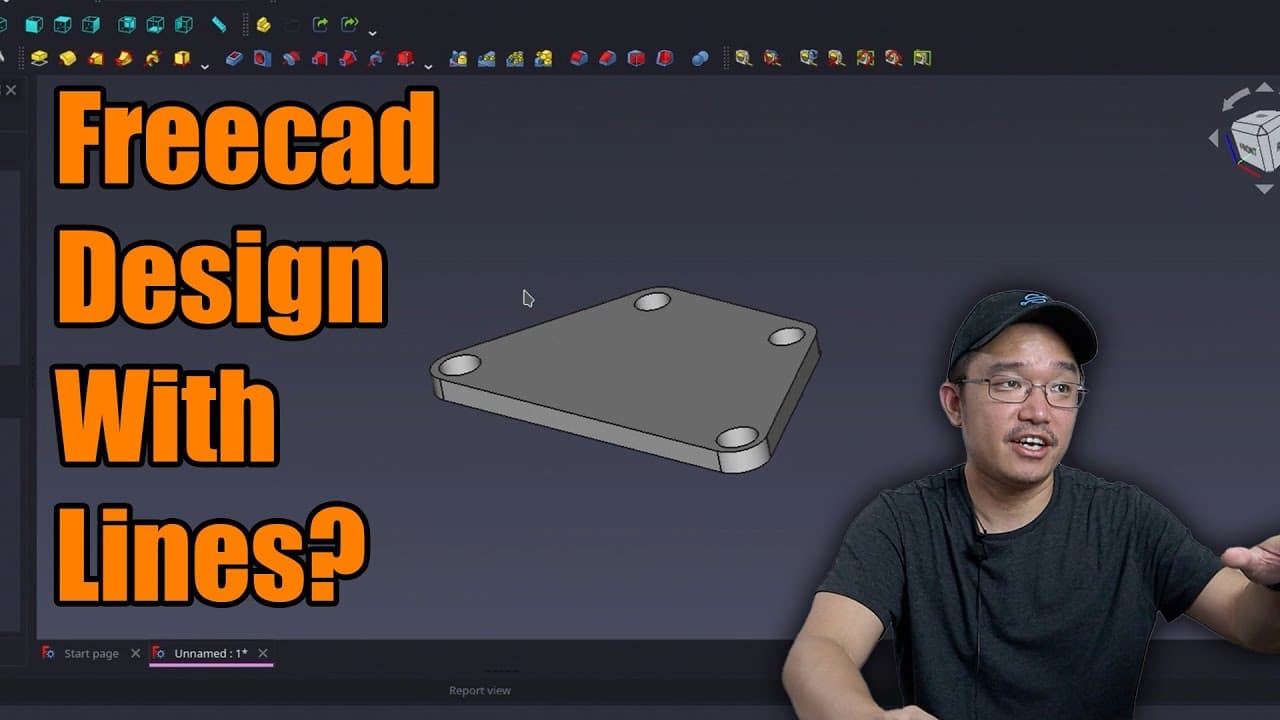
To design parts for a 3D printer using FreeCAD, start by sketching out your model with precise constraints based on required measurements. Use tools like lines, trimming, and the tangent constraint to refine your design. Customizing the interface can improve your experience, and community engagement can provide additional tips and support.
Transcript
hey guys what's going on it's Don here from Nova Spirit Tech and welcome back to our Channel and today we're going to be using lines and trimming in free cat to design our 3D model so let's get started first I want to thank everyone who commented on the last video a lot of it was inspirational informative very helpful I really enjoyed the comments ... Read More
Key Insights
- 🤗 FreeCAD is a powerful open-source tool that allows users to create precise 3D models through sketching and constraint techniques.
- 🖐️ Community feedback plays a crucial role in enhancing the learning experience and offers invaluable support for users navigating FreeCAD.
- 🎨 The setup process for integrating an accelerometer involves careful design to accommodate measurement specifications and physical limitations of the 3D printer.
- 👤 Customizing the FreeCAD interface can enhance user experience, making design tasks less visually taxing and more enjoyable.
- 🫥 Using the trim tool efficiently helps streamline the model design process by eliminating unnecessary lines and creating a clean sketch.
- 🎨 Precise constraints and measurements help ensure that the designed components will align perfectly during assembly.
- 👤 Sharing design projects and techniques fosters a collaborative learning environment, encouraging users to experiment and share innovative ideas.
Install to Summarize YouTube Videos and Get Transcripts
Explore YouTube Video Summarizer or Get YouTube Transcript Extractor
Questions & Answers
Q: What are the key features of FreeCAD discussed in the video?
The video emphasizes basic features of FreeCAD such as constraints, sketch creation, and the use of tools for trimming and measuring. It also introduces viewers to customizing the interface with themes like Dracula, which enhance visibility and comfort during design work.
Q: Why is an accelerometer being designed for the 3D printer?
An accelerometer is essential for setting up the input shaper in the 3D printer after upgrading to Clipper firmware. It helps improve printing accuracy by providing more precise feedback on the printer's movement, allowing for better tuning of its parameters.
Q: How does the presenter recommend ensuring accurate measurements in the design?
The presenter stresses the importance of referring to the specifications and bolt patterns of both the Nema 17 stepper motor and the accelerometer while designing. He uses specific dimensions to guide the creation of holes and ensures all components fit together correctly for optimal performance.
Q: What advice does the presenter give for beginners using FreeCAD?
The presenter encourages beginners to focus on mastering the basics first, such as understanding constraints and sketching techniques. He highlights the value of user comments for inspiration and learning, emphasizing that familiarity with commands and regular practice can significantly reduce intimidation.
Summary & Key Takeaways
-
The video provides an introductory tutorial on using FreeCAD to create 3D models, with a focus on basic functions like constraints and sketching.
-
It follows a project where an accelerometer is designed for a 3D printer, showcasing the need for precise measurements and specifications.
-
The host encourages viewer interaction by highlighting the importance of community feedback and sharing practical tips for navigating FreeCAD's interface.
Read in Other Languages (beta)
Share This Summary 📚
Summarize YouTube Videos and Get Video Transcripts with 1-Click
Try YouTube Summary with ChatGPT & Claude or YouTube Transcript Generator
Explore More Summaries from Novaspirit Tech 📚






Summarize YouTube Videos and Get Video Transcripts with 1-Click
Try YouTube Summary with ChatGPT & Claude or YouTube Transcript Generator