How to Create a Book of Pi with Python
TL;DR
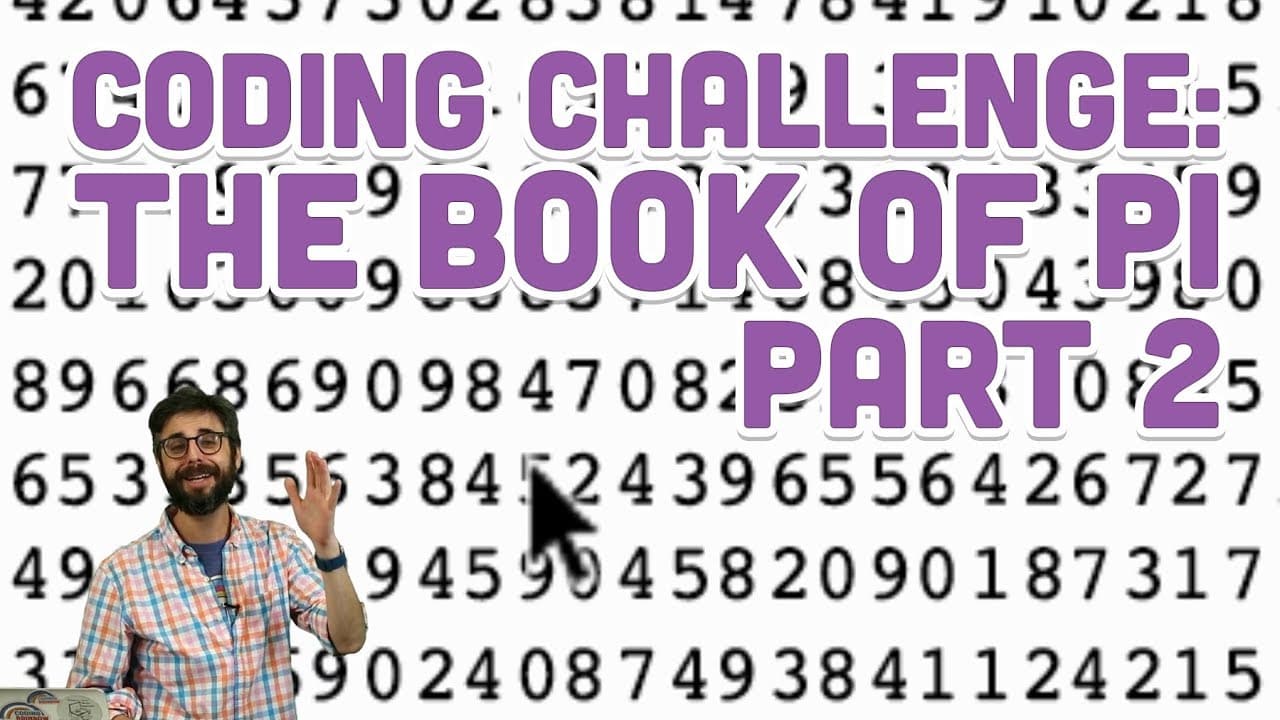
To create a book of Pi using Python, render each digit individually while ensuring proper spacing and margins. The final product can consist of millions of digits compiled into a PDF. This approach enables customization by allowing the inclusion of various designs, making it a unique programming project.
Transcript
I can't resist I'm gonna do one more coding challenge video first of all I forgot I had this idea of trying to do the different like polygons for each one of these cells I'll leave that as an exercise to the viewer anyway I talked about different things you could do but I just want to see I want to kind of see the numbers so I'm gonna try to do thi... Read More
Key Insights
- ✊ The author demonstrates the power and flexibility of programming by creating a book of Pi using Python and Processing.
- 👻 Rendering each digit individually allows for customization and the inclusion of various designs or elements.
- 📟 The process involves iterating through the digits of Pi, determining the spacing, and rendering each digit at a specific location on the page.
Install to Summarize YouTube Videos and Get Transcripts
Explore YouTube Video Summarizer or Get YouTube Transcript Extractor
Questions & Answers
Q: Can you explain the process of rendering each digit of Pi individually?
To render each digit of Pi individually, the author uses a for loop to iterate through the digits and utilizes the text() function in Processing to draw each digit at a specific location on the page.
Q: What challenges did the author encounter while creating the book of Pi?
The author faced challenges with determining the spacing between the digits and ensuring they weren't cut off at the edge of the page. They also experimented with different fonts to achieve proper spacing and alignment.
Q: Is it possible to customize the book of Pi to include different designs or elements?
Yes, using the same process, one can customize the book of Pi by adding different shapes or colors instead of rendering each digit individually. The possibilities for customization are endless.
Q: How many pages does the final book of Pi contain?
The final book of Pi contains 1761 pages, with each page displaying a specific number of digits. The book includes 10 million digits of Pi plus the number 3.1.
Summary & Key Takeaways
-
The content shows the process of rendering each digit of Pi individually to create a book of Pi.
-
The author discusses the challenges faced during the process, such as determining the spacing between digits and adding margins.
-
The resulting book contains millions of digits of Pi and can be customized to include different elements or designs.
Read in Other Languages (beta)
Share This Summary 📚
Summarize YouTube Videos and Get Video Transcripts with 1-Click
Try YouTube Summary with ChatGPT & Claude or YouTube Transcript Generator
Explore More Summaries from The Coding Train 📚






Summarize YouTube Videos and Get Video Transcripts with 1-Click
Try YouTube Summary with ChatGPT & Claude or YouTube Transcript Generator