Products
Features
YouTube Video Summarizer
Summarize YouTube videos
Web & PDF Highlighter
Highlight web pages & PDFs
Chat with PDF
Ask any PDF questions with AI
Ask AI Clone
Chat with your highlights & memories
Audio Transcriber
Transcribe audio files to text
Glasp Reader
Read and highlight articles
Kindle Highlight Export
Export your Kindle highlights
Idea Hatch
Hatch ideas from your highlights
Integrations
Obsidian Plugin
Notion Integration
Pocket Integration
Instapaper Integration
Medium Integration
Readwise Integration
Snipd Integration
Hypothesis Integration
Apps & Extensions
Chrome Extension
Safari Extension
Edge Add-ons
Firefox Add-ons
iOS App
Android App
Discover
Discover
Ideas
Discover new ideas and insights
Articles
Curated articles and insights
Books
Book recommendations by great minds
Posts
Essays and notes from readers
Quotes
Inspiring quotes collection
Videos
Curated videos and summaries
Explore Glasp
Glasp Newsletter
Weekly insights and updates
Glasp Talk
Interview series with great minds
Glasp Blog
Latest news and articles
Glasp Use Cases
Learn how others use Glasp
Build & Support
Glasp API
Access Glasp's API for developers
MCP Connector
Connect Glasp to Claude & ChatGPT
Community
Glasp Reddit Community
Students
Student discount and benefits
FAQs
Frequently Asked Questions
AboutPricing
DashboardLog inSign up

Example: Calculator to evaluate inverse trig function | Trigonometry | Khan Academy
July 13, 2015
by
Khan Academy
YouTube video player
Example: Calculator to evaluate inverse trig function | Trigonometry | Khan Academy

TL;DR

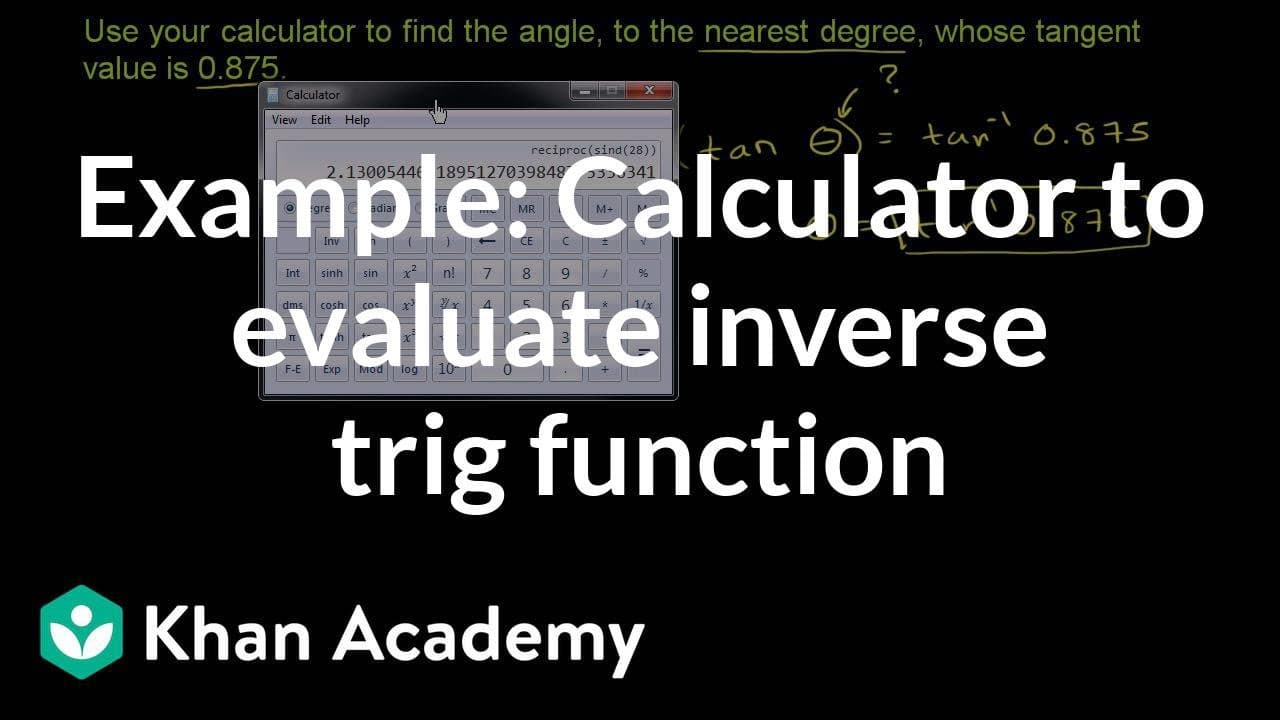
Use the inverse tangent function on a calculator to find the angle, which is approximately 41 degrees.

Transcript

Use your calculator to find the angle to the nearest degree, whose tangent value is 0.875. So what do you think that's going to be? The angle to the nearest degree, whose tangent value is 0.875. Well, the first thing is to be careful. They are not asking for the tangent of 0.875. They're not saying that 0.875 is an angle and we want to find the tan... Read More

Key Insights

  • 🔺 The problem involves finding the angle with a given tangent value, not finding the tangent of a specific angle.
  • ❓ The inverse tangent function is necessary to solve the problem.
  • 🔺 The angle can be found using either a traditional calculator or a graphing calculator.
  • ↩️ The inverse tangent function returns the angle in degrees when in degree mode on the calculator.
  • 🏪 The angle can be rounded to the nearest degree for convenience.

Install to Summarize YouTube Videos and Get Transcripts

Explore YouTube Video Summarizer or Get YouTube Transcript Extractor

Questions & Answers

Q: How do you find the angle when given the tangent value?

To find the angle with a given tangent value, you can use the inverse tangent function. By taking the inverse tangent of the value, you can determine the angle.

Q: What is the difference between the tangent and inverse tangent functions?

The tangent function gives the ratio of the opposite side to the adjacent side in a right triangle. The inverse tangent function, on the other hand, gives the angle when provided with the tangent value.

Q: Can you find the angle in radians instead of degrees?

Yes, if your calculator is in radians mode, the inverse tangent function will return the angle in radians instead of degrees.

Q: How do you find the inverse tangent function on a calculator?

On most calculators, you can access the inverse tangent function by pressing the "inverse" or "2nd" button, followed by the tangent function. It is usually denoted as tan^(-1) or arctan.

Summary & Key Takeaways

  • The content explains how to find the angle to the nearest degree, given the tangent value of 0.875.

  • The inverse tangent function, also known as the arc tangent function, is used to solve the problem.

  • By taking the inverse tangent of 0.875, the angle is determined to be approximately 41 degrees.


Read in Other Languages (beta)

English

Share This Summary 📚

Summarize YouTube Videos and Get Video Transcripts with 1-Click

Download browser extensions on:

Try YouTube Summary with ChatGPT & Claude or YouTube Transcript Generator

Explore More Summaries from Khan Academy 📚

Interview with Karina Murtagh thumbnail
Interview with Karina Murtagh
Khan Academy
Breakthrough Junior Challenge Winner Reveal! Homeroom with Sal - Thursday, December 3 thumbnail
Breakthrough Junior Challenge Winner Reveal! Homeroom with Sal - Thursday, December 3
Khan Academy
Classical Japan during the Heian Period | World History | Khan Academy thumbnail
Classical Japan during the Heian Period | World History | Khan Academy
Khan Academy

Summarize YouTube Videos and Get Video Transcripts with 1-Click

Download browser extensions on:

Try YouTube Summary with ChatGPT & Claude or YouTube Transcript Generator

Apps & Extensions

  • Chrome Extension
  • Safari Extension
  • Edge Add-ons
  • Firefox Add-ons
  • iOS App
  • Android App

Key Features

  • YouTube Video Summarizer
  • Web & PDF Summarizer
  • Web & PDF Highlighter
  • Chat with PDF
  • Ask AI Clone
  • Audio Transcriber
  • Glasp Reader
  • Kindle Highlight Export
  • Idea Hatch

Integrations

  • Obsidian Plugin
  • Notion Integration
  • Pocket Integration
  • Instapaper Integration
  • Medium Integration
  • Readwise Integration
  • Snipd Integration
  • Hypothesis Integration

More Features

  • APIs
  • MCP Connector
  • Blog & Post
  • Embed Links
  • Image Highlight
  • Personality Test
  • Quote Shots

Company

  • About us
  • Blog
  • Community
  • FAQs
  • Job Board
  • Newsletter
  • Pricing
Terms

•

Privacy

•

Guidelines

© 2026 Glasp Inc. All rights reserved.