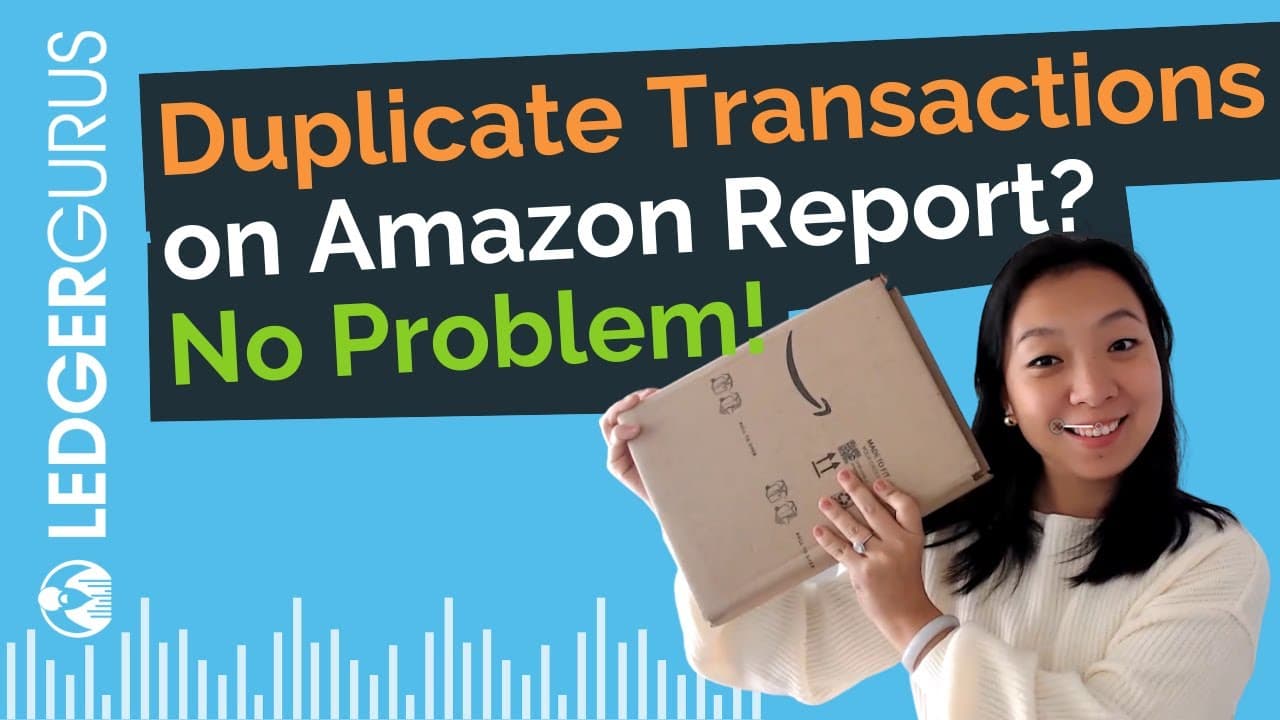
How to Eliminate Duplicate Transactions on Amazon Reports
TL;DR
To eliminate duplicate transactions from your Amazon sales tax report, use a jurisdiction level filter in a pivot table to consolidate values accurately. Alternatively, filter out blank cells, copy the remaining data, and create a new pivot table to ensure correct tax reporting.
Transcript
lots of you are asking me how to filter out all the duplicated transactions on Amazon report when you are trying to file your zero dollar returns and I am so sorry that I didn't demonstrate that in the video that I'll link right here if you still need help filing a zero dollar return to California or any other state if you are an Amazon only seller... Read More
Key Insights
- 🎚️ Duplicated transactions in the Amazon orders report occur due to calculations on different jurisdiction levels.
- 🎚️ Adding a jurisdiction level filter in a pivot table can remove duplicated transactions, ensuring accurate reporting.
- 👶 Filtering out blank values and creating a new pivot table is an alternative method to eliminate duplication.
- 🚕 The important columns in the Amazon orders report for filtering are the order identifier, tax amount, ship to state, and tax-exclusive selling price.
- 🚕 The combined sales tax report can be downloaded from Amazon Seller Central by selecting the appropriate options.
- 🚕 The duplicated transactions can result in inflated tax amounts, affecting accurate reporting.
- 🎮 Clear instructions are provided in the video for implementing both filtering methods.
Install to Summarize YouTube Videos and Get Transcripts
Explore YouTube Video Summarizer or Get YouTube Transcript Extractor
Questions & Answers
Q: Why are there duplicated transactions on the Amazon sales tax report?
Duplicated transactions occur because tax calculations are performed on different jurisdiction levels, resulting in multiple entries for the same transaction.
Q: How can I download the combined sales tax report from Amazon Seller Central?
To download the combined sales tax report, navigate to Seller Central, click on "Generate a report," select "Combined Sales Tax Report," choose the desired month, and click "Generate."
Q: What columns are important in the Amazon orders report for filtering duplicated transactions?
The important columns for filtering are the unique order identifier, the tax amount, the ship to state, and the tax-exclusive selling price.
Q: Can the jurisdiction level filter be used to eliminate duplicated transactions for a specific state only?
Yes, by selecting the state in the jurisdiction level filter, only transactions related to that state will be included, eliminating duplication.
Summary & Key Takeaways
-
The video demonstrates two methods to filter out duplicated transactions on the Amazon orders report downloaded from Seller Central.
-
Duplicated transactions occur due to calculations on different jurisdiction levels, resulting in incorrect tax amounts.
-
The first method involves adding a jurisdiction level filter in a pivot table, while the second method filters out blank values and creates a new pivot table.
Read in Other Languages (beta)
Share This Summary 📚
Summarize YouTube Videos and Get Video Transcripts with 1-Click
Try YouTube Summary with ChatGPT & Claude or YouTube Transcript Generator
Explore More Summaries from LedgerGurus 📚



Summarize YouTube Videos and Get Video Transcripts with 1-Click
Try YouTube Summary with ChatGPT & Claude or YouTube Transcript Generator