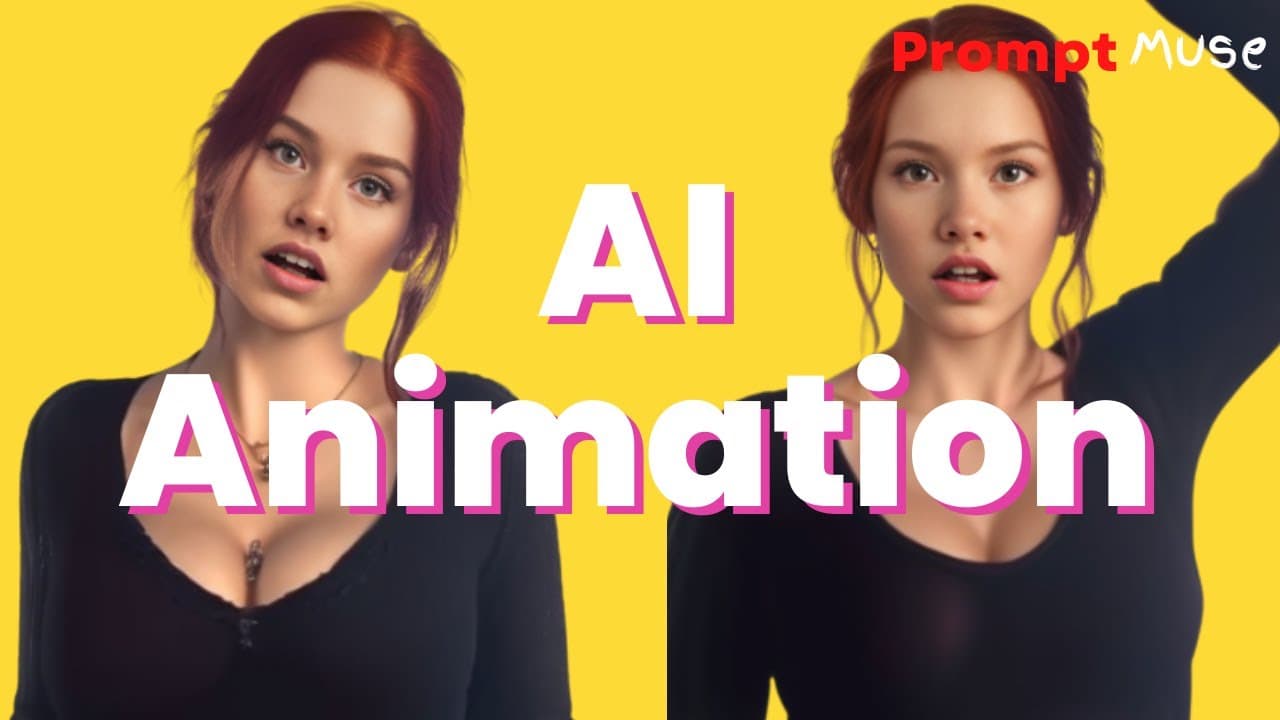
AI Animation: Tutorial Animate your AI images with a consistent character
TL;DR
Learn how to animate AI images by utilizing trained models and prompts, allowing you to create customized characters and animations.
Transcript
today we are not happy with the static AI images we are going to animate them what's more we're going to animate them on a trained model this means you can create your own a actor or actress and make your own music videos or create your own Tick Tock influencer let's not get ahead of ourselves this technology is very new and is evolving s... Read More
Key Insights
- 🚂 Animated AI characters created using trained models offer great creative potential.
- ❓ The tutorial emphasizes that this technology is still evolving, and perfection may not be achieved yet.
- 🥶 Various resources, including the Google collab notebook and trained model, are provided for free access.
- 🎮 The image to image method demonstrated in the video is just one option for animating AI images.
- 👤 By adjusting prompt, parameters, and using facial restoration options, users can achieve desired animation results.
- ❓ The tutorial suggests using EB synth to remove artifacts in the animation.
- ❓ After Effects can be used to compile the animation and enhance the final outcome.
Install to Summarize YouTube Videos and Get Transcripts
Explore YouTube Video Summarizer or Get YouTube Transcript Extractor
Questions & Answers
Q: What is the purpose of animating AI images using trained models?
Animating AI images with trained models opens up new possibilities for creating unique characters and animations. It allows users to have more control and dynamism in their creations.
Q: How can I access the necessary resources to follow this tutorial?
The tutorial provides a Google collab notebook and a trained model that can be downloaded for free from the prompt Muse website. Additionally, resources such as written formats and files are available for free.
Q: Are there alternatives to the image to image method shown in the tutorial?
Yes, the video mentions that there is an alternative method of animation, which will be covered in the next video. This suggests that users have options and can explore different techniques.
Q: Can this animation technique be used remotely and on different devices?
Yes, the tutorial explains that Google collab Pro allows users to connect to a remote GPU, making it possible to create animations from anywhere, even using an iPad.
Summary & Key Takeaways
-
The content introduces a method for animating AI images using trained models, enabling users to create personalized characters and animations.
-
The tutorial demonstrates how to connect Google Drive, install necessary repositories, and load the trained model for animation.
-
The video showcases the step-by-step process of using the automatic 111 web UI to generate and customize animated frames.
Read in Other Languages (beta)
Share This Summary 📚
Summarize YouTube Videos and Get Video Transcripts with 1-Click
Try YouTube Summary with ChatGPT & Claude or YouTube Transcript Generator
Explore More Summaries from Prompt Muse 📚
Summarize YouTube Videos and Get Video Transcripts with 1-Click
Try YouTube Summary with ChatGPT & Claude or YouTube Transcript Generator