How to Get Started on YouTube | Top 5 Tips for YouTube Beginners
TL;DR
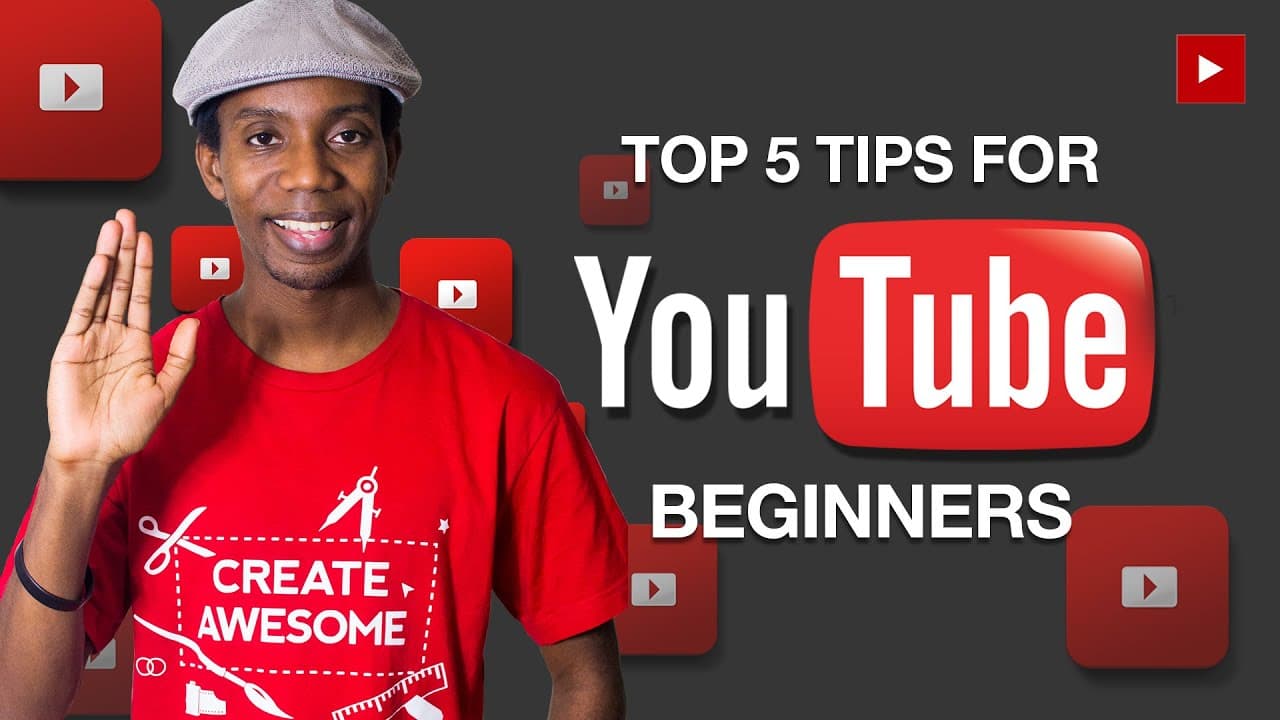
Roberto Blake provides tips for YouTube beginners, including using YouTube browse mode, associating a website with your channel, utilizing YouTube channel artwork, focusing on thumbnails, titles, and descriptions, and not worrying about subscriber count.
Transcript
hey everybody this is Roberto Blake of robertoblake.com helping you create something awesome today so today I'm going to give you my top five tips for YouTube beginners tip number one stop using the YouTube feed mode that shows your activity feed instead use the YouTube browse mode that allows you to use featured playlist and display all the conten... Read More
Key Insights
- 👀 Using YouTube browse mode enhances the professional look and discoverability of your channel.
- 👻 Associating a website with your channel allows you to access custom URLs and utilize features like promoting your email list.
- ⚾ YouTube channel artwork, whether custom or template-based, improves the visual appeal of your channel.
- ☠️ Thumbnails, titles, and descriptions are essential for attracting viewers and increasing click-through rates.
- 🎮 Focusing on the quantity of quality videos in your first year is more important than subscriber count.
Install to Summarize YouTube Videos and Get Transcripts
Explore YouTube Video Summarizer or Get YouTube Transcript Extractor
Questions & Answers
Q: How can using YouTube browse mode benefit my channel?
By using YouTube browse mode, you can display featured playlists and make your channel more professional, ultimately making it easier for people to find your content.
Q: Do I need a certain number of subscribers to associate a website with my YouTube channel?
No, you can associate a website with your YouTube channel regardless of your subscriber count. This allows you to obtain a custom URL and access various features like promoting your email list through info cards.
Q: How can I create YouTube channel artwork if I don't have Photoshop?
If you don't have Photoshop, you can use online tools like Pikmy or Canva to create your own custom YouTube channel artwork. Alternatively, you can find free templates online or commission someone to create artwork for you.
Q: Why are thumbnails important for YouTube videos?
Thumbnails are crucial as they are often the deciding factor for viewers to click on your video. They also play a significant role in attracting viewers when your video is embedded on social media or websites.
Summary & Key Takeaways
-
Use the YouTube browse mode instead of the activity feed mode to make your channel look more professional and increase discoverability.
-
Associate a website with your YouTube channel to access custom URLs and additional features like promoting your email list.
-
Utilize YouTube channel artwork, either by creating your own or using free templates, to enhance your channel's visual appeal.
-
Pay attention to thumbnails, titles, and descriptions, as they are crucial for attracting viewers and generating clicks.
-
Focus on creating a significant number of quality videos within your first year of YouTube instead of getting caught up in subscriber count.
Read in Other Languages (beta)
Share This Summary 📚
Summarize YouTube Videos and Get Video Transcripts with 1-Click
Try YouTube Summary with ChatGPT & Claude or YouTube Transcript Generator
Explore More Summaries from Roberto Blake 📚






Summarize YouTube Videos and Get Video Transcripts with 1-Click
Try YouTube Summary with ChatGPT & Claude or YouTube Transcript Generator