iPhone 11 Camera Features!!! - You MUST Try!!
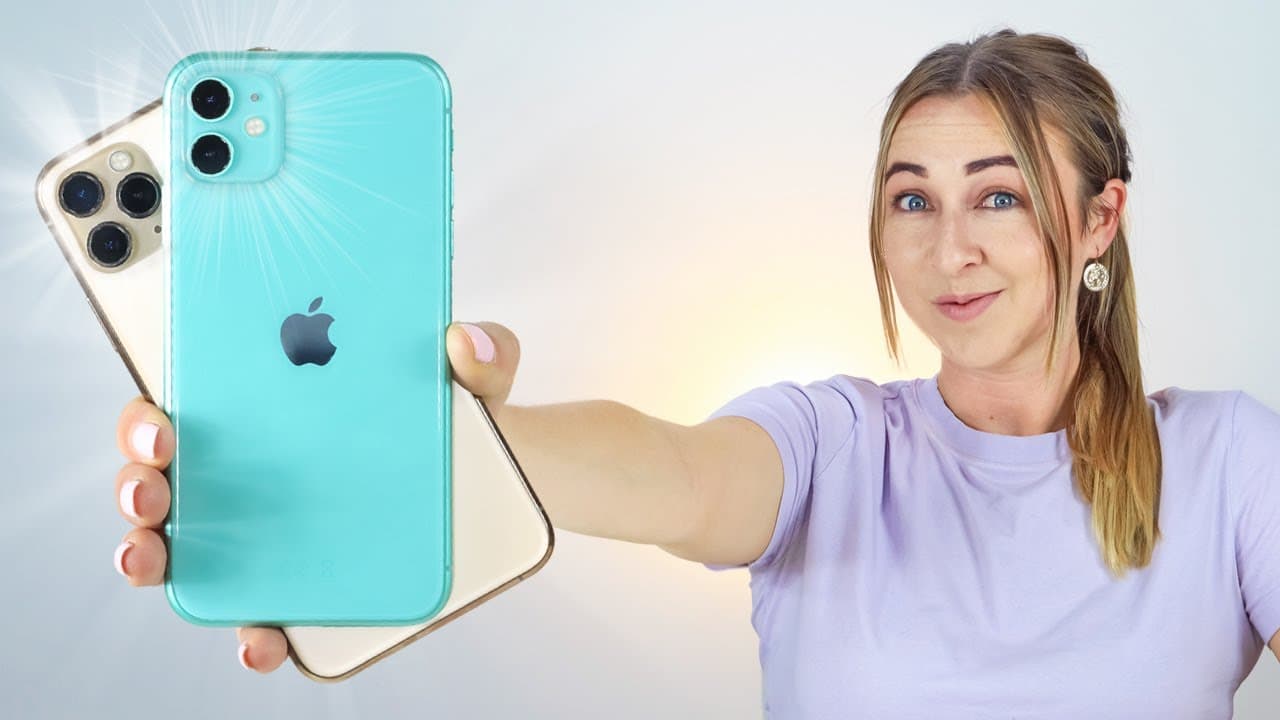
TL;DR
The iPhone 11 Pro and 11 Pro Max have amazing camera features including wide-angle lens, slow motion, and high dynamic range.
Transcript
the cameras on the iPhone 1111 Pro and 11 Pro max really are freaking amazing I've been taking a ton of pictures with both these phones and in this video I'm going to go through the ultimate camera features so now we have an epic wide-angle lens slow-motion with the front camera and super high dynamic range for some crazy quality shots guys I'm exc... Read More
Key Insights
- 🤫 The iPhone 11 has multiple lenses, including an ultra-wide lens, which allows for more versatile photography.
- 🐢 Slow-motion mode on the iPhone 11 provides high-quality slow-motion videos.
- 👻 Portrait mode now allows for taking portrait pictures of objects and adjusting the amount of background blur.
- 📳 Panoramic mode on the iPhone 11 captures wide-angle shots with impressive detail.
- 🎮 Video mode on the iPhone 11 offers digital zoom, seamless switching between lenses, and excellent stabilization.
- ⌛ Time-lapse mode captures memorable moments in a short amount of time.
- ⏳ Night mode on the iPhone 11 produces impressive low-light photos by adjusting the exposure time.
Install to Summarize YouTube Videos and Get Transcripts
Explore YouTube Video Summarizer or Get YouTube Transcript Extractor
Questions & Answers
Q: How many lenses can you toggle between in photo mode on the iPhone 11?
In photo mode, you can toggle between the ultra-wide, wide-angle, and telephoto lenses.
Q: What additional features are available in photo mode on the iPhone 11?
In photo mode, you can access features such as filters, timers, and aspect ratios.
Q: Can you use slow-motion mode with the front-facing camera on the iPhone 11?
Yes, you can use slow-motion mode with the front-facing camera, also known as "slofies."
Q: What editing features are available for slow-motion videos on the iPhone 11?
With slow-motion videos, you can edit where the slow motion begins or ends and trim the video down.
Q: Can you take portrait pictures of objects in portrait mode on the iPhone 11?
Yes, in portrait mode, you can take portrait pictures of objects and achieve the blurred background effect.
Q: How can you edit portrait images on the iPhone 11?
After taking a portrait image, you can edit it by toggling through different lighting options and adjusting the amount of blur in the background.
Q: What mode should you use for panoramic pictures on the iPhone 11?
You can use the panoramic mode on the iPhone 11 to capture wide-angle shots by swinging from left to right.
Q: Can you edit videos directly on the iPhone 11?
Yes, you can edit videos on the iPhone 11 by trimming them down and adjusting the video recording quality.
Summary & Key Takeaways
-
The iPhone 11 has various lenses to toggle between, including ultra-wide, wide-angle, and telephoto lenses.
-
In photo mode, there are additional features such as filters, timers, and aspect ratios.
-
The iPhone 11 also has slow-motion mode, portrait mode, panoramic mode, video mode, time-lapse mode, and night mode.
Read in Other Languages (beta)
Share This Summary 📚
Summarize YouTube Videos and Get Video Transcripts with 1-Click
Try YouTube Summary with ChatGPT & Claude or YouTube Transcript Generator
Explore More Summaries from Hayls World 📚






Summarize YouTube Videos and Get Video Transcripts with 1-Click
Try YouTube Summary with ChatGPT & Claude or YouTube Transcript Generator