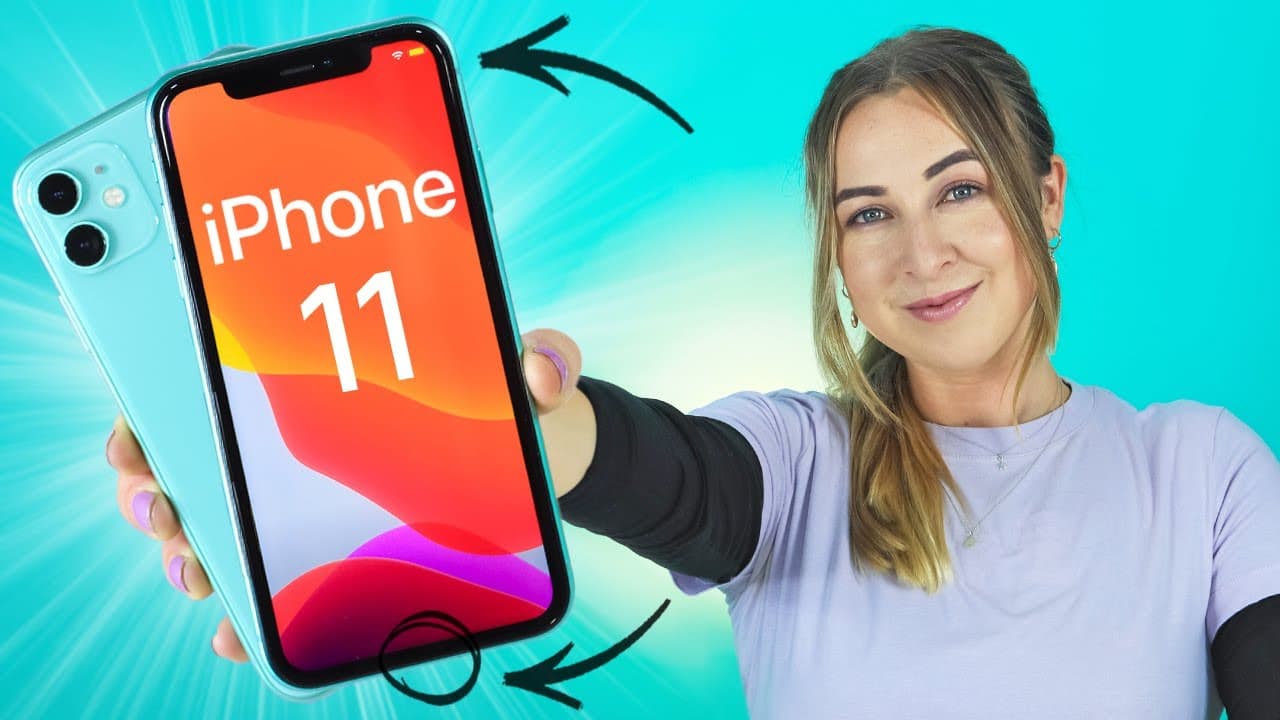
iPhone 11 Tips, Tricks & Hidden Features + IOS 13 | THAT YOU MUST TRY!!! PART 2
TL;DR
Learn about 10 tips, tricks, and hidden features for iOS 13, including connecting multiple pairs of earpods, using voice control, and accessing external drives.
Transcript
you guys loved it smash that like button on my previous iPhone 11 tips tricks and hidden peaches video the link down below so here we are with another 10 tips tricks and features for iOS 13 and I've only live in some of these you might know some of them you may not but either way you have to try them also stains on the end because I'm going to be g... Read More
Key Insights
- 👻 iOS 13 allows users to connect multiple pairs of earpods or Beats earphones to their iPhone, offering separate volume control for each pair.
- 🎮 Voice control allows users to control their iPhones hands-free for various tasks and functions.
- 🎥 The photo app in iOS 13 offers features such as zooming out to view tiny thumbnails, automatic categorization of images, and creating movies with photos and videos.
- 💁 Quick tips for selecting specific words, sentences, or swiping text are available on iOS 13.
- 🪛 External drive support is now available on iOS 13, allowing users to transfer files between their iPhone and a USB drive.
- 👨💻 QR code scanning can be done through the control center or camera application on iOS 13.
- 💁 Attachments can be added to calendar events, providing additional information and easy access to the files.
- 🛬 Estimated time of arrival can be shared with contacts, ensuring better communication and coordination.
- 😀 Map collections in the Maps app allow users to create and organize their favorite places in one convenient location.
Install to Summarize YouTube Videos and Get Transcripts
Explore YouTube Video Summarizer or Get YouTube Transcript Extractor
Questions & Answers
Q: How can I connect multiple pairs of earpods to my iPhone?
To connect multiple pairs of earpods, swipe down on the control center, tap on the earpods icon, select both pairs, and enjoy separate volume control for each pair.
Q: How can I control my iPhone hands-free?
Turn on voice control in your iPhone's settings, and you can control various functions by speaking commands, such as showing names, sharing media, and turning off voice control.
Q: Can I create movies with my photos and videos using the photo app?
Yes, the photo app in iOS 13 allows you to create movies by selecting specific moments within a month, customizing the length and the song, and then sharing the video with others.
Q: How do I easily select specific words or sentences on my iPhone?
You can double-tap to select a specific word, triple-tap to select an entire sentence, and tap and swipe to select a swiped text.
Q: How can I connect an external drive to my iPhone?
Use the Lightning to USB camera adapter and plug in a USB drive. The drive will appear in the Files app, allowing you to transfer files between your iPhone and the drive.
Q: Can I easily scan QR codes on my iPhone?
Yes, you can use the control center QR code scanner or the camera application to scan QR codes and open the linked content. You can even activate the flashlight while scanning QR codes.
Q: How can I attach files to calendar events?
When creating a calendar event, scroll to the bottom and select the attachment option. Choose a file from your files app, attach it, and easily access it within the calendar event.
Q: How can I share my estimated time of arrival with others?
Swipe up from the bottom menu and select the contact you want to share your estimated time of arrival with. They will receive a message or notification with your ETA.
Summary & Key Takeaways
-
Connect multiple pairs of Airpods or Beats earphones to your iPhone by swiping down on control center and selecting the desired pairs.
-
Use voice control to control your iPhone hands-free, allowing you to perform various tasks.
-
The photo app in iOS 13 now offers features such as zooming out to see all images in tiny thumbnails, automatic categorization of images by days, months, and years, and creating movies with your photos and videos.
-
Quickly select specific words, sentences, or swiped texts by double-tapping, triple-tapping, or tapping and swiping on the screen.
-
Connect external drives to your iPhone using the Lightning to USB camera adapter and transfer files between your iPhone and the drive.
-
Easily scan QR codes by using the control center scanner or the camera application.
-
Attach files to calendar events, such as invitations, to easily access additional information.
-
Share your estimated time of arrival with contacts by swiping up and selecting the desired contacts.
-
Create map collections of your favorite places in the Maps app and easily access and share these collections.
-
Customize reminders by adding specific times, locations, and images for each reminder.
Read in Other Languages (beta)
Share This Summary 📚
Summarize YouTube Videos and Get Video Transcripts with 1-Click
Try YouTube Summary with ChatGPT & Claude or YouTube Transcript Generator
Explore More Summaries from Hayls World 📚





Summarize YouTube Videos and Get Video Transcripts with 1-Click
Try YouTube Summary with ChatGPT & Claude or YouTube Transcript Generator