How to Build a Fullstack Responsive Portfolio Website
TL;DR
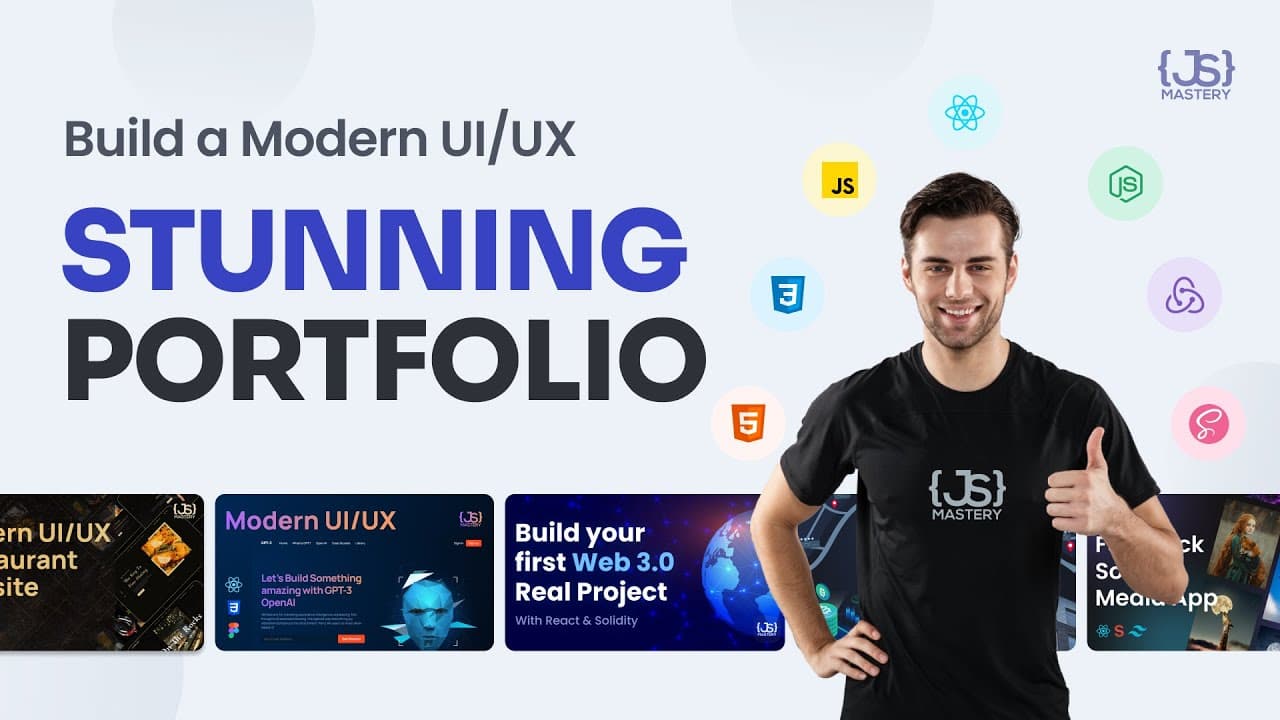
Create a standout digital portfolio to showcase your skills to potential employers or clients. This tutorial guides you through building and deploying a responsive web development portfolio using React, SCSS, and Sanity CMS, enabling you to manage content dynamically. Suitable for developers of all skill levels, the project emphasizes best practices and modern technologies.
Transcript
do you know the best way to Showcase your skills to employers or potential clients is the CV going to cut it in today's world most clients are looking for digital presence and if you don't already have one now is the time to start presenting a welld digitalized flexible portfolio will definitely make you stand out from the crowd hello there and wel... Read More
Key Insights
- A digital portfolio is essential for showcasing skills to employers and clients.
- React and SCSS are used for building responsive and modern web applications.
- Sanity CMS allows dynamic content management through a structured content platform.
- Higher-order components in React can help reuse code efficiently.
- Framer Motion is a popular library for adding animations to web applications.
- The tutorial covers setting up a backend with Sanity and a frontend with React.
- Customizing and deploying a portfolio can significantly enhance job prospects.
- The project is beginner-friendly, requiring only basic JavaScript and React knowledge.
Install to Summarize YouTube Videos and Get Transcripts
Explore YouTube Video Summarizer or Get YouTube Transcript Extractor
Questions & Answers
Q: How to build a responsive portfolio website?
To build a responsive portfolio website, use React for the frontend and SCSS for styling. Implement Sanity CMS for dynamic content management, allowing easy updates without code changes. Organize your project with a clear file and folder structure and use higher-order components to reuse code efficiently. Add animations with Framer Motion to enhance the user experience.
Q: What is Sanity CMS used for?
Sanity CMS is a structured content platform that allows you to manage text, images, and other data using APIs. It enables dynamic content updates on your website, making it suitable for non-developers to modify site content without altering the codebase. This flexibility is ideal for businesses or individuals who need to frequently update their website.
Q: Why is a digital portfolio important?
A digital portfolio is important because it showcases your skills and projects to potential employers or clients, demonstrating your capabilities and expertise. It serves as a professional online presence, making you stand out in the job market. A well-crafted portfolio can significantly enhance your job prospects and help secure new opportunities.
Q: What are higher-order components in React?
Higher-order components (HOCs) in React are functions that take a component and return a new component, allowing you to reuse code across different parts of your application. They enable you to add common functionality to multiple components, such as handling authentication or fetching data, without duplicating code.
Q: How does Framer Motion enhance web applications?
Framer Motion enhances web applications by providing a simple and flexible API for creating animations. It allows developers to add smooth transitions and animations to components, improving the overall user experience. With Framer Motion, you can easily animate elements based on user interactions or page load, making your application more engaging.
Q: What technologies are used in this portfolio project?
The portfolio project uses React for building the frontend, SCSS for styling, and Sanity CMS for content management. It also incorporates Framer Motion for animations and leverages higher-order components for efficient code reuse. These technologies together create a modern, responsive, and dynamic portfolio website.
Q: How to manage content dynamically in a React application?
To manage content dynamically in a React application, integrate a CMS like Sanity. Sanity allows you to define schemas for your content and provides APIs to fetch and update data. By connecting Sanity with your React app, you can dynamically render content based on the data stored in the CMS, enabling easy updates without code changes.
Q: What is the role of SCSS in this project?
SCSS is used in this project for styling the portfolio website. It provides advanced features like variables, nesting, and mixins, allowing for more efficient and organized CSS. SCSS helps maintain a clean and scalable stylesheet, making it easier to manage styles across different components and ensuring a consistent design throughout the application.
Summary & Key Takeaways
-
A digital portfolio is crucial for standing out in today's job market, allowing you to showcase your skills effectively. This tutorial walks you through building a responsive portfolio using React, SCSS, and Sanity CMS, ensuring your content is easily modifiable. By following best practices and leveraging modern technologies, you can create a professional portfolio that grows with your skills.
-
Sanity CMS offers a structured content platform, enabling non-developers to manage website content seamlessly. The tutorial demonstrates how to integrate Sanity with React, allowing dynamic content updates without code changes. This feature is particularly beneficial for businesses or individuals who frequently update their site content.
-
The tutorial emphasizes the importance of a well-organized file and folder structure, utilizing higher-order components in React to streamline code reuse. Additionally, it introduces Framer Motion for smooth animations, enhancing the user experience. By the end of the tutorial, you'll have a fully deployed portfolio ready to impress potential employers.
Read in Other Languages (beta)
Share This Summary 📚
Summarize YouTube Videos and Get Video Transcripts with 1-Click
Try YouTube Summary with ChatGPT & Claude or YouTube Transcript Generator
Explore More Summaries from JavaScript Mastery 📚
Summarize YouTube Videos and Get Video Transcripts with 1-Click
Try YouTube Summary with ChatGPT & Claude or YouTube Transcript Generator