Photoshop CC 2014 Focus Area Masking Tutorial
TL;DR
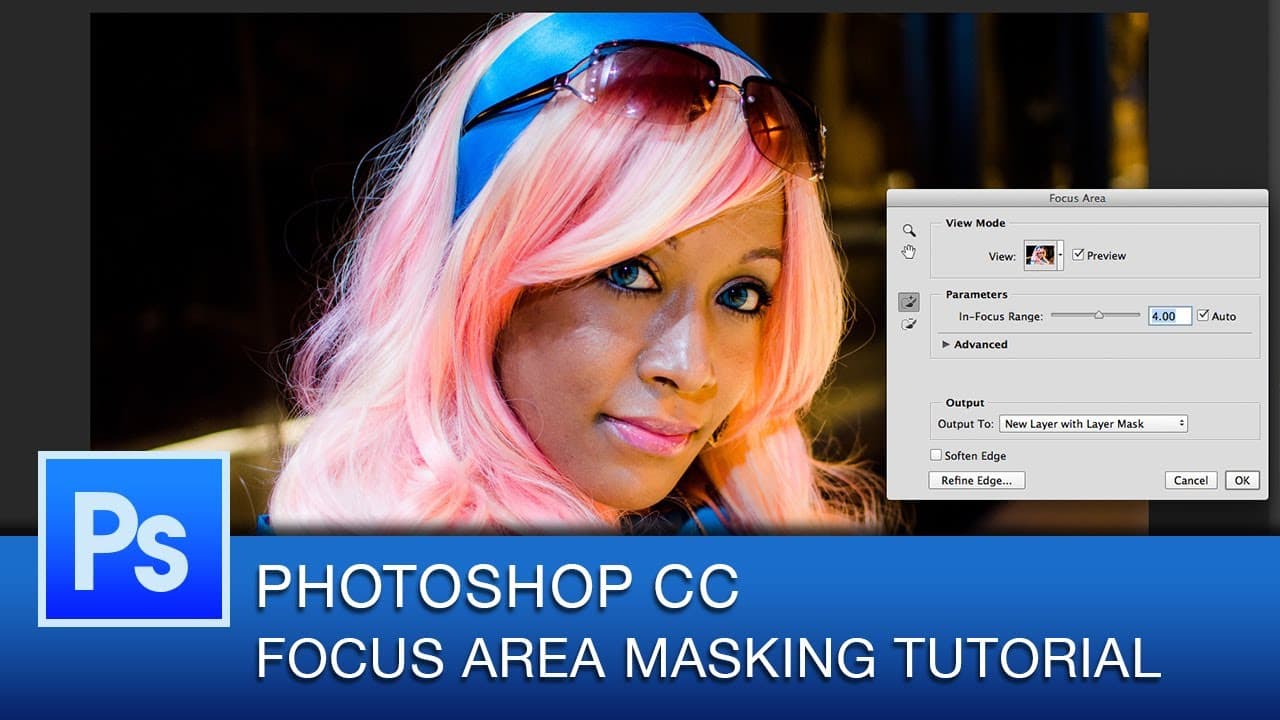
This tutorial previews the new Focus area selection feature in Photoshop CC 2014, making masking images easier and more efficient.
Transcript
hey everyone this is Roberto Blake and welcome to another Photoshop CC tutorial in today's tutorial I've got a special treat for you today we're going to be previewing one of the new features in Adobe Photoshop CC 2014 this will be a Photoshop CC 2014 exclusive tutorial so if you don't have the latest version of Photoshop CC go ahead and get that s... Read More
Key Insights
- 😷 The tutorial focuses on the new Focus area selection feature in Photoshop CC 2014, demonstrating its effectiveness in creating masks.
- 👤 The feature automatically selects the in-focus area of an image, simplifying the masking process for users.
- 🔨 The tutorial shows how additional tools like the pen tool and the refine edge tool can be used to further refine the selection if necessary.
- 🥶 The tutorial promises to cover more new features in Photoshop CC 2014 and provide bonus videos for those using older versions.
- 🫵 The tutorial creator, Roberto Blake, regularly posts Photoshop CC tutorial videos on Thursdays, catering to viewers interested in learning more about the software.
- 😷 The Focus area selection feature is praised for its ability to generate high-quality masks quickly and easily.
- 💝 Users are encouraged to update to the latest version of Photoshop CC to take advantage of the new features and tutorials.
Install to Summarize YouTube Videos and Get Transcripts
Explore YouTube Video Summarizer or Get YouTube Transcript Extractor
Questions & Answers
Q: What is the purpose of the new Focus area selection feature in Photoshop CC 2014?
The Focus area selection feature in Photoshop CC 2014 simplifies the process of selecting the in-focus area of an image, making masking images quicker and easier.
Q: How does the Focus area selection feature differ from traditional masking techniques?
The Focus area selection feature automates most of the selection process, saving time and effort compared to using tools like the quick selection tools and refine edge manually.
Q: Can you refine the selected area after using the Focus area selection feature?
Yes, after using the Focus area selection feature, you can further refine the selection by using tools like the pen tool and the refine edge tool to add or remove areas as needed.
Q: Are there any limitations to the Focus area selection feature?
The Focus area selection feature works best with images shot with depth of field. It may not be as effective with images that do not have a clear distinction between the focused and out-of-focus areas.
Summary & Key Takeaways
-
The tutorial demonstrates the use of the Focus area selection feature in Photoshop CC 2014 to easily mask images.
-
The new feature simplifies the process of selecting the in-focus area of an image, especially when using depth of field.
-
The tutorial also covers additional steps, such as refining the edge and adjusting the selection.
Read in Other Languages (beta)
Share This Summary 📚
Summarize YouTube Videos and Get Video Transcripts with 1-Click
Try YouTube Summary with ChatGPT & Claude or YouTube Transcript Generator
Explore More Summaries from Roberto Blake 📚






Summarize YouTube Videos and Get Video Transcripts with 1-Click
Try YouTube Summary with ChatGPT & Claude or YouTube Transcript Generator