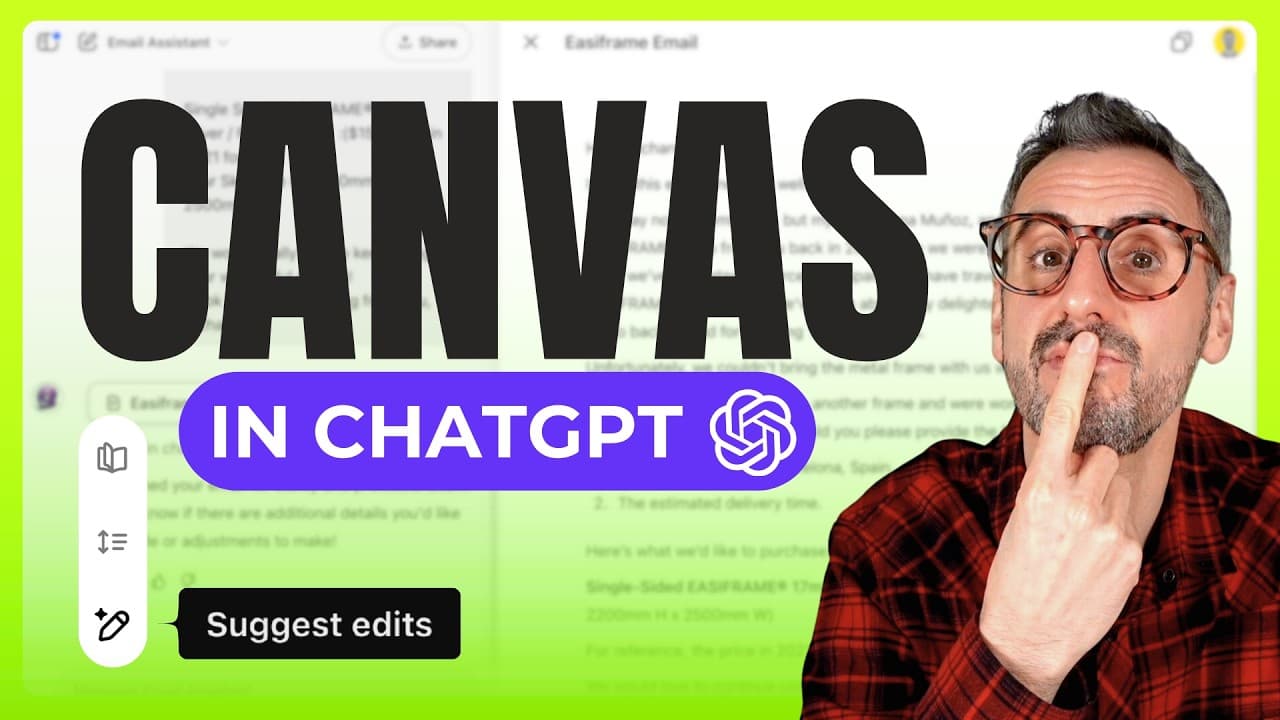
ChatGPT Canvas Mode is Now FREE for Everyone!
TL;DR
Canvas Mode is now free for all ChatGPT users.
Transcript
Read and summarize the transcript of this video on Glasp Reader (beta).
Key Insights
- Canvas Mode is now available for all ChatGPT users, making it accessible beyond just paid subscribers.
- The feature is only available on the web version of ChatGPT, not on mobile or desktop apps.
- Canvas Mode enhances collaboration for writing and coding tasks, similar to using a Google Doc.
- The mode allows real-time editing and formatting of text, providing a more interactive experience.
- Users can utilize Canvas Mode to edit text, adjust reading levels, and add emojis, improving content creation.
- Canvas Mode integrates with custom GPTs, allowing users to perform specific tasks with tailored instructions.
- Custom GPTs can be shared publicly or privately, though creation requires a paid subscription.
- The tutorial demonstrates three ways to activate Canvas Mode, including using a prompt or a button.
Install to Summarize YouTube Videos and Get Transcripts
Explore YouTube Video Summarizer or Get YouTube Transcript Extractor
Questions & Answers
Q: What is the significance of Canvas Mode being free?
Canvas Mode being free means that all ChatGPT users, regardless of subscription level, can now access this powerful feature. It opens up opportunities for more users to engage in collaborative writing and coding tasks, enhancing their productivity and creativity without additional cost.
Q: How does Canvas Mode compare to traditional ChatGPT interactions?
Canvas Mode offers a more interactive experience compared to traditional ChatGPT interactions. It allows users to edit text in real-time, similar to collaborative tools like Google Docs, providing functionalities such as text formatting, reading level adjustments, and emoji integration, which are not available in the standard chat interface.
Q: Can Canvas Mode be used on mobile or desktop apps?
No, Canvas Mode is currently only available on the web version of ChatGPT. Users cannot access this feature through mobile or desktop applications, limiting its use to web-based interactions for now.
Q: What are custom GPTs, and how do they relate to Canvas Mode?
Custom GPTs are tailored versions of ChatGPT designed to perform specific tasks with given instructions. Canvas Mode integrates with these custom GPTs, allowing users to leverage its collaborative features for specialized tasks, although creating custom GPTs requires a paid subscription.
Q: What functionalities does Canvas Mode offer for text editing?
Canvas Mode offers various text editing functionalities, including real-time editing, text formatting, adjusting reading levels, and adding emojis. These features allow users to refine their content interactively, enhancing the quality and readability of their written work.
Q: Is it possible to share custom GPTs with others?
Yes, custom GPTs can be shared with others. Users can share their custom GPTs publicly or privately, allowing others to use them even if they cannot create their own. This sharing capability enhances collaboration and accessibility across the ChatGPT community.
Q: What are the methods to activate Canvas Mode?
There are three methods to activate Canvas Mode: using a new tools button, pasting text and selecting 'open in canvas', or directly prompting ChatGPT to open text in Canvas Mode. These methods provide flexibility in accessing the feature based on user preference.
Q: Are there any limitations to using custom GPTs?
The primary limitation of using custom GPTs is that creating them requires a paid ChatGPT subscription. However, once created, they can be shared freely with others, allowing broader access to their functionalities without requiring recipients to have a paid subscription.
Summary & Key Takeaways
-
ChatGPT's Canvas Mode is now free for all users, previously a paid feature, enhancing accessibility for collaborative tasks. It is available only on the web version, offering real-time text editing and formatting capabilities.
-
Canvas Mode supports writing and coding tasks, similar to Google Docs, allowing users to edit, adjust reading levels, and add emojis. It integrates with custom GPTs, expanding its utility for specific tasks.
-
Custom GPTs require a paid subscription to create but can be shared freely. The tutorial covers three methods to trigger Canvas Mode, demonstrating its seamless integration with custom GPTs and versatile functionality.
Read in Other Languages (beta)
Share This Summary 📚
Summarize YouTube Videos and Get Video Transcripts with 1-Click
Try YouTube Summary with ChatGPT & Claude or YouTube Transcript Generator
Explore More Summaries from Design with Canva 📚






Summarize YouTube Videos and Get Video Transcripts with 1-Click
Try YouTube Summary with ChatGPT & Claude or YouTube Transcript Generator